
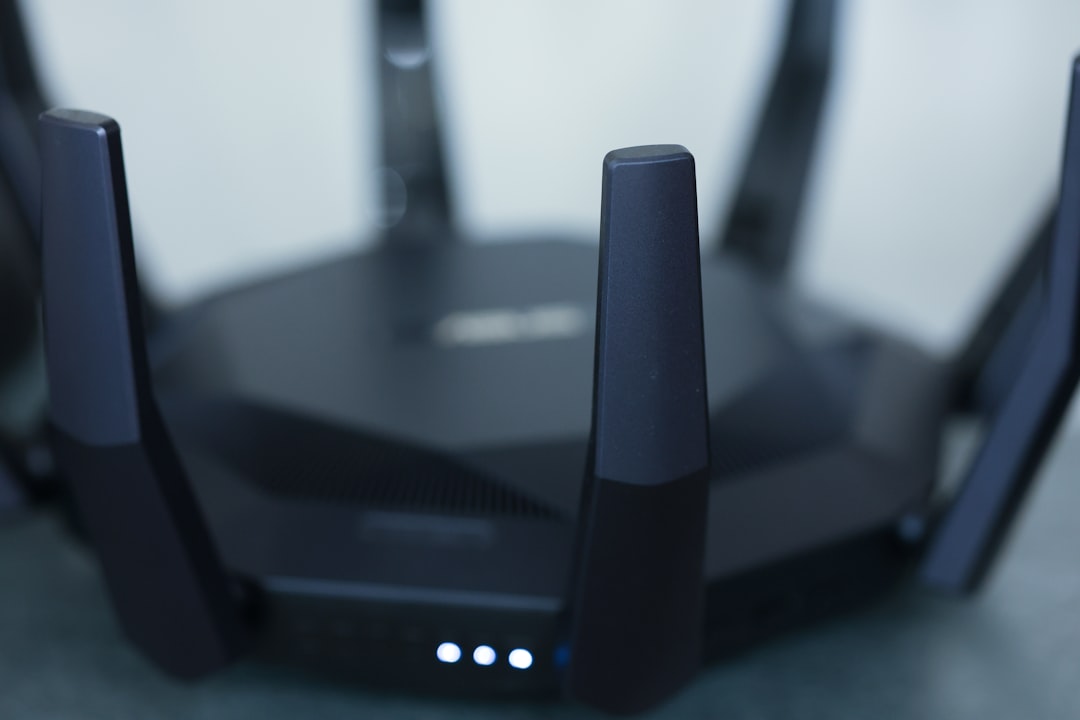
Picture this: you’re sitting on your sofa, binge-watching your favorite show, when suddenly the Wi-Fi cuts out. You check the router, and it seems fine. Then, reality hits—you might not be the only one connected to your network. Whether it’s a neighbor borrowing your connection or a more malicious intruder, it’s essential to ensure your home network security.
If you’ve ever wondered how to secure your home Wi-Fi network, you’re not alone. With more devices than ever connected—smart TVs, phones, tablets, and those fancy smart fridges, it’s crucial to protect your digital space. In this post, we’ll explore practical methods and tips to keep your Wi-Fi safe from prying eyes, so you can enjoy your online activities without a worry in the world.
Understanding Home Network Security
First things first, let’s break down the concept of home network security. At its core, it’s about protecting your internet connection from unauthorized access and ensuring your personal data remains private. Many people overlook this, thinking their devices are safe because they have password protection. However, weak passwords or outdated technology can leave your network vulnerable.
Secure Wi-Fi Tips: Start with Strong Passwords
One of the simplest yet most effective ways to secure your home Wi-Fi network is by setting a strong password. Here’s what most people get wrong—using their pet’s name, birth dates, or simple words. Passwords should be a mix of uppercase and lowercase letters, numbers, and special characters.
Something like “MyDogIs@Home247” is much better than “Fido123.” The longer and more complex, the better. Additionally, don’t use default passwords that come with your router. These are often easily guessable and can make your network an easy target.
Change Your Network Name (SSID)
Your router comes with a default name for its network, known as the SSID (Service Set Identifier). By changing it, you can throw a curveball at potential intruders looking for vulnerabilities. Avoid using personal information in your network name to prevent giving clues about your identity.
For example, instead of using “John’s Wi-Fi,” opt for something more generic like “HomeNetwork2023.” This adds an extra layer of anonymity that can deter hackers.
Enable WPA3 Encryption
Encryption is like a security blanket for your Wi-Fi network. It scrambles the data sent to and from your devices, making it hard for anyone to intercept it. Most routers support either WPA2 or WPA3 encryption. If your router supports WPA3, make the switch immediately—it’s stronger and far more secure.
To enable WPA3, log into your router settings (usually accessed through your web browser) and look for the wireless security settings. Ensure you select WPA3 or, if that’s not available, WPA2 as a minimum.
Keep Your Router Firmware Updated
Alright, confession time: I used to ignore those firmware update notifications like they were an annoying text. But in my experience, it’s crucial to keep your router’s firmware updated. These updates often contain important security patches that fix vulnerabilities.
Check your router brand’s website or login to its admin settings to look for firmware updates regularly. It might seem tedious, but it’s a vital step in ensuring your Wi-Fi protection methods are as effective as they can be.
Inviting Guests? Use a Guest Network
If you frequently have visitors who want to connect to your Wi-Fi, consider setting up a separate guest network. This keeps your main network safe from potential intrusions that might come with guests’ devices.
Most modern routers allow you to set up a guest network easily. This guest SSID can have its password, and you can even limit its bandwidth and access to your shared files or devices. It’s a simple yet effective way to enhance your home network security.
Limit Device Access
When you’re thinking about how to secure your home Wi-Fi network, it’s also important to manage the devices connected. Each connected device can be a potential entry point for hackers. If you haven’t done so already, regularly check which devices are connected to your network.
- Log into your router settings and look for the list of connected devices.
- If you see unfamiliar devices, it might be time to act. Disconnect them and change your Wi-Fi password.
Furthermore, many routers have a feature called “Device Management,” where you can set rules and controls for selected devices, allowing only trusted gadgets to connect.
Monitor Your Network Regularly
Thinking about your home network security shouldn’t be a one-time deal. Make it a habit to monitor your network regularly. There are plenty of network monitoring tools available. Some routers come with their own built-in monitoring features, which can alert you to unusual activity.
In terms of personal experience, I’ve found tools like Fing or GlassWire helpful when it comes to tracking which devices are lurking on my network. They allow you to see data usage and connected devices in real time, making it easier to spot any odd behavior.
Conclusion: Stay Vigilant with Your Wi-Fi Protection Methods
Securing your home Wi-Fi network isn’t just a one-off task; it’s an ongoing commitment to your online safety. By implementing these secure Wi-Fi tips and regularly monitoring your network, you can significantly reduce the risk of unauthorized access to your internet connection.
Don’t forget—your home network is just as important as locking your doors and windows. Keep it secure, stay vigilant, and you can enjoy your online activities with peace of mind.
If you follow these guidelines and make security a priority, you’ll be well on your way to mastering your home network security. So grab that complex password and make your Wi-Fi an uninviting place for intruders!







