
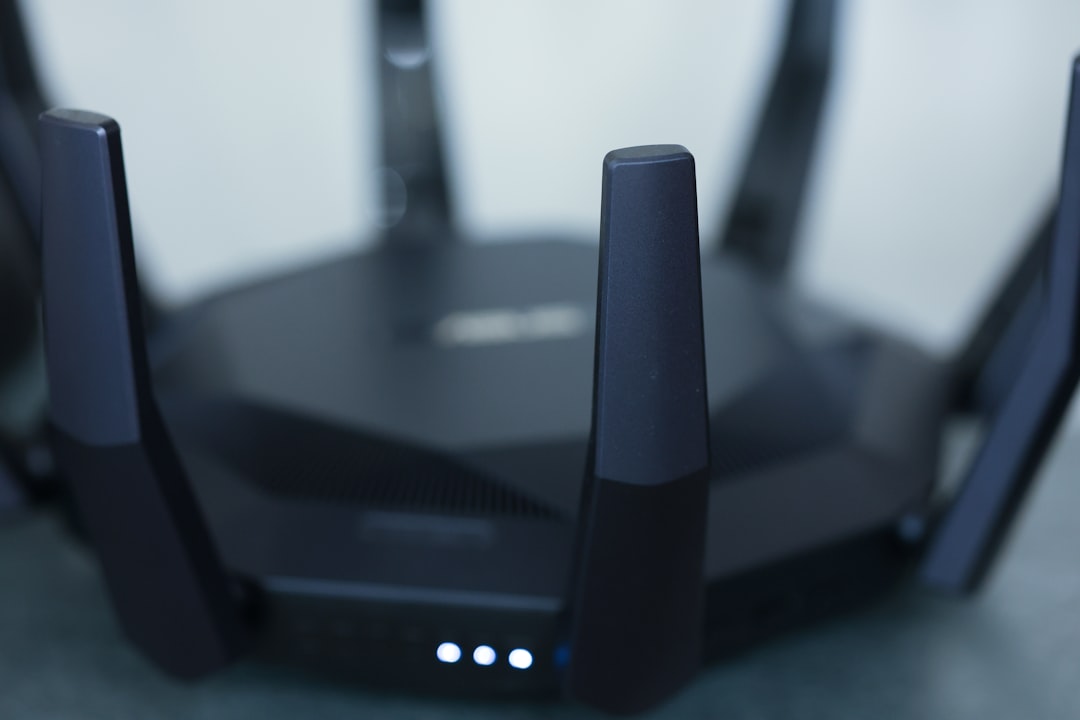
Have you ever thought about what would happen if someone was secretly using your Wi-Fi to stream movies, play games, or download large files? It’s not just a hassle; it can compromise your home network protection and leave you vulnerable to cyber threats. You might think your Wi-Fi network is secure, but many people overlook simple yet effective ways to secure your Wi-Fi network at home. Let’s explore practical steps you can take to ensure your wireless connection is safe and secure.
Understanding the Risks
Before we dive into the solutions, it’s important to understand what you’re up against. Unsecured Wi-Fi can become a gateway for hackers to access your personal information, including passwords, financial data, and private files. In a world where everything seems to be connected, from our smartphones to smart fridges, ensuring your home network is protected is vital.
Change the Default Credentials
One of the most common mistakes people make is using the default username and password provided by their router. These can be easily found on the Internet. Change these as soon as you set up your network. Use a strong password that’s difficult to guess. In my experience, combining letters, numbers, and special characters works best.
Enable WPA3 Encryption
When it comes to securing your Wi-Fi network at home, encryption is key. Most modern routers offer a couple of encryption standards, with WPA3 being the latest and most secure. If you’re still using WEP or WPA2, it’s time to upgrade. If your router supports WPA3, enable it immediately. If it doesn’t, consider investing in a new router that does, as older standards can be more easily compromised.
Keep Your Router’s Firmware Updated
Just like your smartphone or computer, your router needs updates too. Manufacturers frequently release updates to fix vulnerabilities and improve performance. Check your router’s settings to make sure you have the latest firmware installed. Setting it to automatically update can keep you covered without requiring constant attention.
Modify Your SSID Settings
The SSID is the name of your Wi-Fi network. Most people don’t change it, but doing so can improve your network security. Avoid using personal information in your SSID, such as your name or address. Consider using a generic name. Additionally, disabling SSID broadcasting can add an extra layer of security by making it less visible to casual users.
Limit the Number of Devices
Every device connected to your network is another potential point of failure. Make sure to limit the number of devices that can connect to your Wi-Fi. Most routers allow you to set a cap on the number of devices connected at one time. This can help you keep control over who’s using your Wi-Fi, reducing the risk of unauthorized access.
Implement a Guest Network
If you often have visitors who need to access your Wi-Fi, consider setting up a guest network. This keeps your primary network private. A guest network provides Internet access but isolates guests from accessing your devices, making it a smart choice for home network protection. In many cases, routers come with a built-in option for creating a guest network that you can easily configure.
Use a Strong Firewall
A firewall acts as a barrier between your home network and potential external threats. Check whether your router has a built-in firewall and make sure it’s turned on. For even more protection, consider using a secondary firewall installed on your devices. Not only will this provide an added layer of security, but it can also help you monitor traffic and gain insights into potential vulnerabilities.
Regularly Monitor Connected Devices
It’s essential to keep an eye on the devices connected to your network. Most routers have an option to view connected devices within their settings. Regularly checking this list can help you identify any unfamiliar devices, which could indicate unauthorized access. If you spot something suspicious, don’t hesitate to change your password and kick those unfamiliar devices off your network.
Be Aware of Phishing Attacks
Wi-Fi protection isn’t just about securing your network from external threats. It also involves being vigilant about phishing attacks that could compromise your personal information. Don’t click on suspicious links or download unknown attachments, especially when using public Wi-Fi. In my experience, the rule of thumb is if you didn’t expect it, don’t open it.
Utilize Strong Passwords for All Devices
Don’t just secure your Wi-Fi with a strong password; make sure all devices connected to your network have secure passwords as well. This includes everything from your smart TV to your connected thermostat. A weak password on any device can compromise your entire network. Try using a password manager to help generate and store complex passwords securely.
Conclusion: Staying Vigilant
Securing your Wi-Fi network at home doesn’t have to be complicated, but it does require some effort and vigilance. The tips outlined can go a long way in keeping your network safe from intruders. Regularly reviewing these measures and staying informed about new security features can help safeguard your digital life. Remember, protecting your home network is an ongoing responsibility, not a one-time task. With these strategies, you’ll be better equipped to maintain a secure wireless connection and enjoy peace of mind in our increasingly connected world.







