
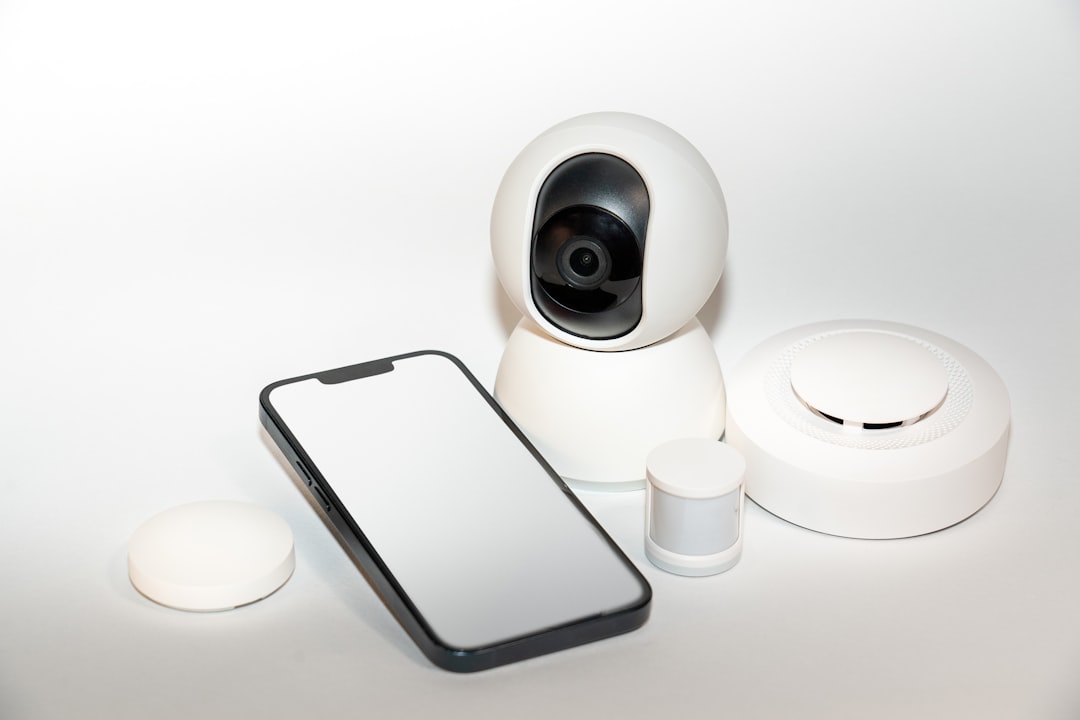
Picture this: you come home after a long day, ready to relax and unwind. Your smart lights turn on as you walk through the door, the thermostat adjusts to your preferred temperature, and your favorite playlist starts playing. It feels like magic, right? But then a nagging thought creeps in: how secure are these smart gadgets? If you’re like most people, the convenience of a connected home often overshadows concerns about how to secure smart home devices.
This blog post aims to change that. We’ll explore essential smart home security tips, helping you protect your smart home gadgets from cyber threats and ensuring your home automation safety remains intact. Let’s get started!
Understanding the Risks of Smart Home Devices
Smart home devices undoubtedly bring unparalleled convenience, but this convenience comes with risks. Each piece of technology you add to your home—be it a smart lock, thermostat, or security camera—can potentially be a target for cybercriminals. Most people overlook the vulnerabilities of these devices when basking in their benefits.
One major risk stems from weak or default passwords. Many manufacturers set easily guessable passwords for their devices, and countless users neglect to change them. In my experience, this is where most breaches occur. You wouldn’t leave your front door wide open; why leave your digital doors ajar?
Tip 1: Change Default Passwords Immediately
As soon as you set up a new smart home device, one of the first things you should do is change its default password. This simple act can thwart many common cyberattacks. Create a strong password that contains a mix of letters, numbers, and symbols. Here’s what most people get wrong: they think a simple variation of their own name will suffice. Cybercriminals are savvier than that!
Consider using a password manager to keep track of your passwords. This way, you can create unique, complex passwords for each device without worrying about memorizing them all.
Tip 2: Keep Software and Firmware Updated
Just like how you update your smartphone or computer, it’s vital to keep your smart home gadgets updated too. Manufacturers regularly release software updates to fix security vulnerabilities. Skipping these updates can leave your devices exposed to known exploits.
Set a reminder to check for updates weekly or use automatic updates if your devices support it. Remember, a single outdated device can compromise the security of your entire smart home system.
Tip 3: Segment Your Home Network
Most devices these days connect to your Wi-Fi network, making them susceptible to attacks. To combat this risk, consider segmenting your network. This involves creating a separate network for your smart home devices, essentially giving them their own “zone.”
- Guest Network: Most routers offer a guest network feature. Use this for your smart devices so they don’t directly interact with your primary network.
- Switching Networks: Some routers let you create multiple SSIDs. If you’re tech-savvy, you can set one SSID specifically for smart devices.
In my experience, separating your smart devices from your primary network can significantly reduce risks. Even if one device gets compromised, the hacker won’t have easy access to your personal data stored on your primary network.
Tip 4: Enable Two-Factor Authentication
If your device or the app associated with it supports two-factor authentication (2FA), turn it on immediately. 2FA adds an extra layer of security by requiring a second form of verification—like a code sent to your phone—before granting access.
Many users insist that two layers of protection can be cumbersome, but I see them as a small trade-off for peace of mind. Cyber attackers often look for easy targets, and enabling 2FA makes it much harder for them to succeed.
Tip 5: Monitor Device Activity Regularly
Just like you would keep an eye on your home while away, monitoring the activity of your smart devices is wise. Some devices and apps offer logs of device activity. Check these logs regularly for any unfamiliar actions or login attempts.
If your smart doorbell started receiving alerts in the middle of the night or your thermostat went haywire, these could signify unauthorized access. Addressing these issues immediately can save you from potential security breaches.
Tip 6: Secure Your Wi-Fi Network
Your Wi-Fi network is the backbone of your smart home system. If it’s not secure, your devices can easily be compromised. Start by using a strong Wi-Fi password. You should also switch from WEP to WPA3 encryption, which is far more secure.
Additionally, consider hiding your SSID. By making your network name invisible, you decrease the chances of unintended access. Although this isn’t foolproof, it adds an extra layer of security.
Tip 7: Be Cautious with Third-Party Apps
If you’re using third-party apps to manage your smart devices, be careful. These apps might not adhere to the same security standards as the original manufacturers. Research and read reviews before downloading any app that purports to make your smart home life easier.
Ensure the app you’re using has good ratings and is often updated. There’s no rush here; taking your time to choose the right app could save you significant trouble down the line.
Final Thoughts
Securing your smart home devices might seem daunting, but it’s crucial for your peace of mind. By changing default passwords, keeping your devices updated, and segmenting your network, you can significantly improve your home automation safety. Monitoring device activity and being cautious with third-party apps further fortifies your defenses against cyber threats.
Remember, there’s no one-size-fits-all approach to how to secure smart home devices, but following these smart home security tips can go a long way in creating a safer environment. You made the choice to embrace technology for convenience; now make the choice to protect your home properly. Are you ready to take these steps today?







