
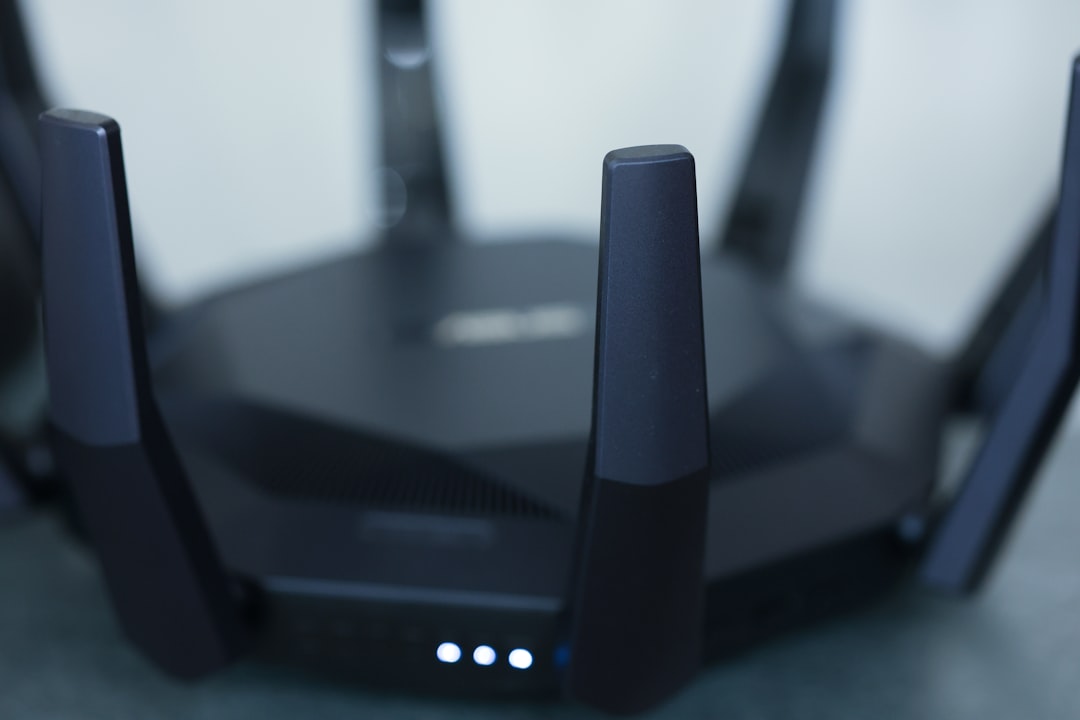
Imagine coming home after a long day, settling into your cozy chair, and scrolling through your favorite streaming service, only to find you’re suddenly unable to connect. First, you check your router, then your devices, and finally, you ask yourself: is my Wi-Fi network safe? It’s a question that many people overlook until something goes wrong. Knowing how to secure your home Wi-Fi network isn’t just about avoiding pesky interruptions; it’s about protecting your personal information from potential threats.
Understanding Home Wi-Fi Security
Before jumping into specific tips, let’s explore why Wi-Fi security matters. Your home Wi-Fi network connects various devices, from smartphones to smart TVs, and even home automation systems. Without proper safeguards, you could be leaving a digital front door wide open, inviting unwanted guests.
In my experience, many folks don’t realize that a compromised network can lead to stolen data, identity theft, and unauthorized charges. It’s crucial to take steps to ensure that only you and your trusted devices can access your Wi-Fi network. So, how can you secure your home Wi-Fi network effectively? Let’s break it down.
1. Change Your Default Login Credentials
Most routers come with preset usernames and passwords that are often easy to guess. One of the first steps in how to secure your home Wi-Fi network is changing these defaults. The standard username is often “admin,” and the password is something like “123456.” This is like leaving your front door unlocked; it’s an invitation for others to access your network.
- Log into your router’s web interface—usually found at a specific IP address like 192.168.1.1.
- Look for the option to change your username and password.
- Create a strong password that combines letters, numbers, and special characters.
2. Set Up a Strong Wi-Fi Password
Speaking of passwords, make sure your Wi-Fi password isn’t something easy to crack. A strong password should be at least 12 characters long and shouldn’t include easily guessable details like birthdays or names. Many people underestimate the importance of this step, but it plays a key role in your overall home Wi-Fi security.
To make your password even stronger, consider using a password manager that can generate complex passwords for you. This way, you won’t have to remember every complicated string of letters and numbers. Just make sure you keep that master password secure!
3. Enable WPA3 Encryption
WPA3 is the latest Wi-Fi security protocol. If your router supports it, make sure it’s enabled. This encryption protocol improves upon its predecessors by making it much harder for hackers to gain unauthorized access. If you’re not using WPA3, you should at least use WPA2. In fact, one of the biggest mistakes people make is not checking their protocol settings.
- Log into your router’s settings.
- Find the section for wireless security settings.
- Select WPA3 (or WPA2, if WPA3 isn’t an option) as your security type.
4. Change Your Network Name (SSID)
The SSID (Service Set Identifier) is the name of your Wi-Fi network. Many people stick to default options like “Linksys” or “NETGEAR,” which can provide suspicious characters with insights into your router’s capabilities. By changing your SSID to something less identifiable, you can make it harder for hackers to target your network.
Here’s what most people get wrong: they think a cool or funny name is all it takes. While creativity can keep things entertaining, coming up with a name that doesn’t reveal much about you or your location is way more important. Avoid using personal information!
5. Keep Your Router Firmware Updated
Router manufacturers often release updates that fix security vulnerabilities. Ignoring these updates is one of the most significant risks when it comes to how to secure your home Wi-Fi network. Just like you would update your computer or smartphone, your router needs those updates too.
- Check your router’s settings.
- Look for an option to update the firmware.
- Follow the prompts to ensure you have the latest version.
6. Set Up a Guest Network
If you frequently have friends or family over, consider setting up a guest network. This keeps your main network separate from any visitors who may inadvertently share malware or unwanted software. Many routers allow you to create a separate Wi-Fi network specifically for guests.
This adds an extra layer of protection, as guests won’t have access to your devices. Most importantly, through a well-configured guest network, you can control the permissions, limiting what guests can access while still enabling them to connect.
7. Monitor Connected Devices Regularly
Once you’ve set up your network, don’t just forget about it. Give it a watchful eye by regularly checking which devices are connected. Most routers provide an option to see a list of connected devices, which can help you spot anything suspicious.
If you see a device you don’t recognize, take immediate action. You might need to change your Wi-Fi password or block that device from your network. Regular monitoring not only helps in identifying potential threats but also keeps your home Wi-Fi network safety in check.
8. Disable WPS
Wi-Fi Protected Setup (WPS) is a feature designed to make connecting devices easier. However, this convenience can also open up vulnerabilities. It allows someone to connect to your network simply by pressing a button or entering a short PIN, making it easier for unauthorized users to gain access.
Disabling this feature is a simple yet effective way to improve your home Wi-Fi security. Navigate to your router settings and turn off WPS to ensure that only those with the proper credentials can join your network.
Conclusion: Take Charge of Your Home Wi-Fi Security
Securing your home Wi-Fi network isn’t a daunting task, but it does require some intentional actions. From changing your default credentials to monitoring connected devices, each step contributes to a safer environment for your digital life. Remember, it’s about being proactive rather than reactive. By implementing these home Wi-Fi security tips, you can protect not only your network but also your personal data.
Don’t wait for a breach to happen. Take time now to secure your network, and enjoy peace of mind as you connect your devices.







