
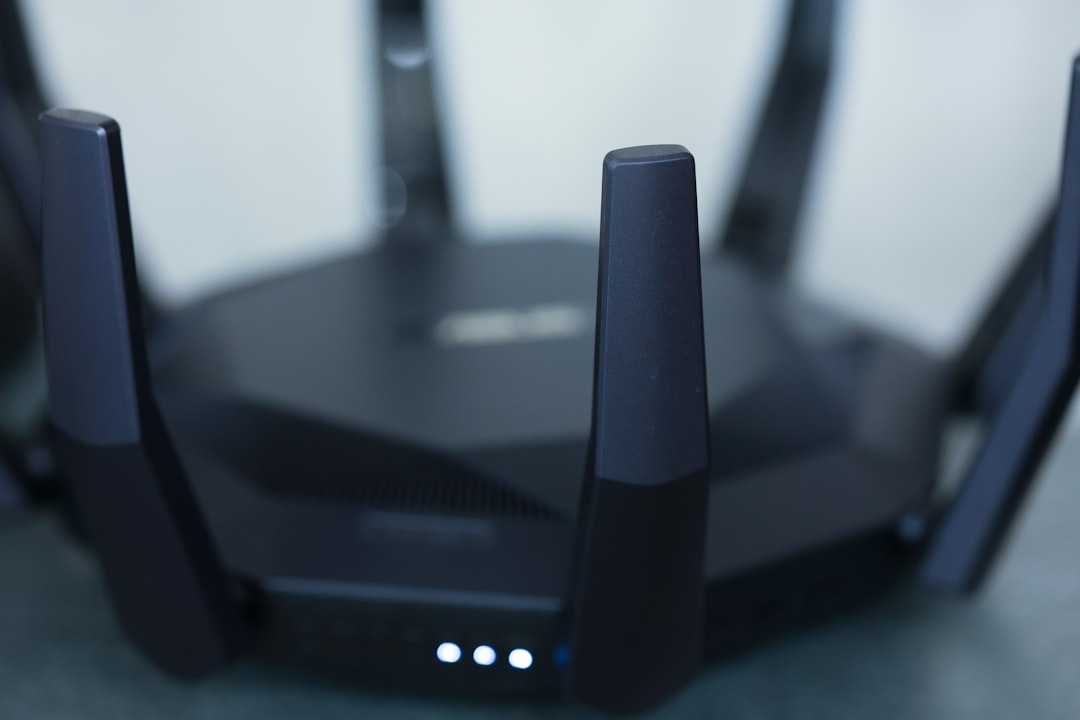
How often do you think about your home WiFi network? If you’re like most people, it probably takes a backseat to more pressing concerns. But let me tell you, ignoring your WiFi security can lead to significant problems. Picture this: you come home to find your internet running slower than usual or worse, unauthorized users streaming, gaming, or even worse—intercepting personal data. So, how do you prevent this? Let’s explore how to secure your home WiFi network effectively.
Understanding the Importance of WiFi Security
Why should you care about securing your wireless network? It’s simple. Your WiFi is a gateway to your digital life. With everything from online banking to smart home devices connected to it, giving unauthorized users access can have serious implications. In my experience, many people think that just having a password is enough. That couldn’t be further from the truth. WiFi security isn’t just about locking your front door; it’s about reinforcing your entire home.
Common Threats to Your Home Network
Before diving into how to secure your home WiFi network, it’s essential to understand the types of threats you might face:
- Unauthorized Access: Someone could easily connect to your network without your consent, using up your bandwidth and posing security risks.
- Data Interception: Without proper security measures, hackers could intercept data transmitted over your network.
- Malware Distribution: An unsecured network can be a hotspot for malware that infects your devices.
- Device Hijacking: Smart home devices, if compromised, may lead to invasions of privacy or even property theft.
Understanding these threats is crucial to appreciate why strong home network protection isn’t just an option; it’s a necessity.
Setting a Secure WiFi Password
Let’s kick things off with one of the simplest yet most effective steps: setting a secure WiFi password. A good password should contain a mix of letters, numbers, and symbols. Here’s a tip: aim for at least 12-16 characters. Most people get it wrong by choosing something simple like “password123.” Trust me, hackers have lists of common passwords they go through in seconds.
When creating your secure WiFi password, consider using a phrase or a combination of words that you can easily remember but that others wouldn’t guess. For example, “MyDogLoves3Cats!” is much harder to crack than “cats123.” And remember to change it periodically, at least every six months, to keep things fresh.
Change Default Settings on Your Router
Routers come with default settings that are often common knowledge, making them easy targets for hackers. When thinking about how to secure your home WiFi network, changing these default settings is imperative.
- Admin Username and Password: Many routers have a default admin username and password like “admin/admin.” This is the first thing hackers will try. Change it to something unique.
- Network Name (SSID): Avoid using identifiable information in your SSID. Instead of “Jane’s WiFi,” go for something neutral like “HomeNetwork123.”
These small changes can provide an extra layer of defense against unwanted visitors.
Enable Network Encryption
Encryption is your friend when it comes to securing your WiFi network. Most routers offer several encryption protocols, but you should always opt for WPA3 if available. If not, WPA2 is still more secure than its predecessors. Here’s what most people don’t realize: if you leave your network open or use WEP, you’re leaving the door wide open for trouble.
To enable encryption, log into your router’s settings and look for the wireless security section. Select WPA2 or WPA3, set your secure WiFi password, and save the changes. It’s a simple click, but it makes a world of difference.
Keep Your Router’s Firmware Updated
Software updates can be a hassle, but they often contain crucial security patches. Hackers are always looking for vulnerabilities in outdated software. In my experience, many users set their routers up and forget about them, never considering that new threats emerge all the time.
To keep your home network protection strong, follow these steps:
- Access your router’s interface, typically through a web browser.
- Check for firmware updates. You can usually find this option under a section labeled “Firmware” or “Software Update.”
- Follow the prompts to install any updates.
Make it a habit to check for updates every few months. You’ll thank yourself later.
Disable WPS and Remote Management
Wi-Fi Protected Setup (WPS) is a feature designed to make connecting devices easier, but it can also open a door for hackers. While it seems convenient, it’s often far too risky to keep enabled. If you’re wondering how to secure your home WiFi network, the best course of action is to disable WPS in your router settings.
Additionally, many routers come with a feature that allows you to manage your network remotely. If this isn’t necessary for you, disable it. Remote management is just one more entry point for potential intruders.
Limit the Number of Connected Devices
The more devices connected to your network, the larger the target you become. Consider limiting access to only those devices that need it. You can often set up a guest network for visitors, which helps shield your primary network from unauthorized access.
Most modern routers allow you to see a list of connected devices. Check this list regularly for anything suspicious. If you see a device that you don’t recognize, kick it off and change your secure WiFi password immediately.
Consider Additional Security Tools
Finally, while the steps mentioned so far offer a solid foundation, there are additional layers of security you might consider, especially if you’re particularly concerned:
- VPN (Virtual Private Network): A VPN encrypts your internet traffic, making it harder for hackers to access your data.
- Network Monitoring Software: This can alert you to unusual activity on your network, helping you act quickly if there’s a breach.
- Firewall: Many routers come with built-in firewalls. Make sure it’s enabled.
While these added tools can certainly enhance your home network protection, they’re not a substitute for the foundational measures we’ve discussed.
Final Thoughts
Taking the time to learn how to secure your home WiFi network might seem tedious, but the peace of mind you’ll gain is worth it. Remember, your WiFi is not just about internet access; it’s your gateway into a more connected world. Regularly update your passwords, keep your firmware current, and take the necessary steps to keep intruders at bay. By implementing the security tips outlined in this post, you’ll be well on your way to enjoying a safe and secure home network.
As the tech world evolves, so will the methods employed by malicious actors. Staying vigilant and proactive is the key to maintaining your security. So, don’t wait until it’s too late; act now!








