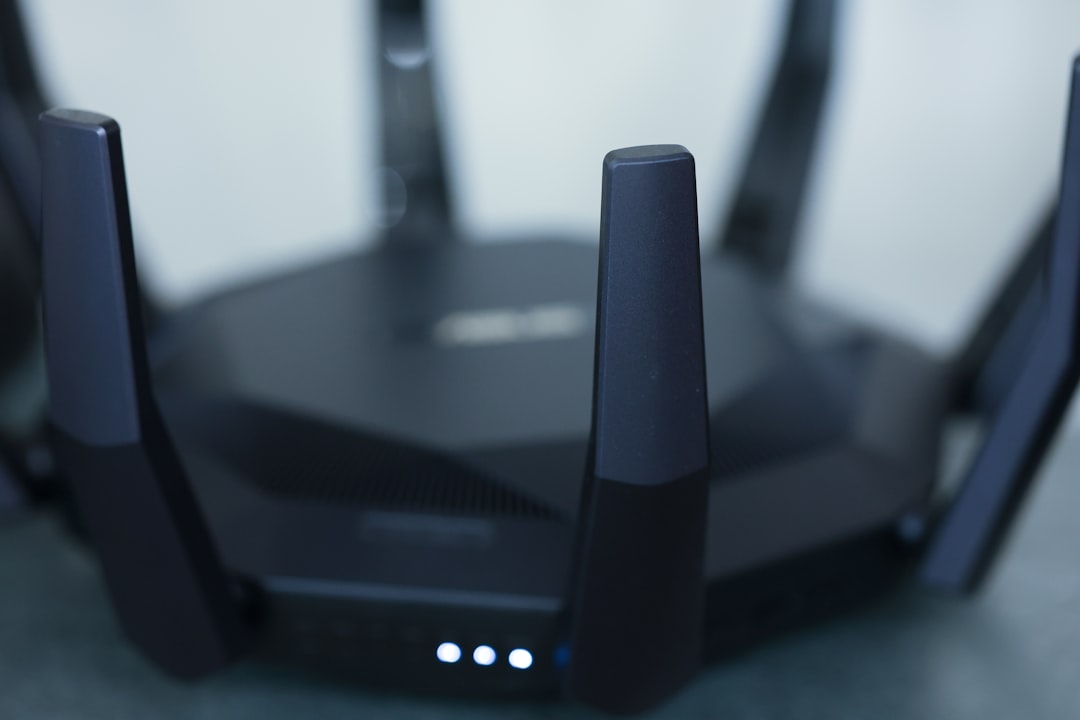
Imagine coming home after a long day, ready to relax and binge-watch your favorite shows. You toss your bag on the couch, grab a snack, and fire up the Wi-Fi. But instead of the smooth streaming you expect, you’re met with buffering screens and interruptions. That’s not just annoying—it could be a sign that your home network isn’t secure. Are you doing enough to secure your home Wi-Fi network? Let’s dive into practical steps that ensure your internet connection is safe for you and your family.
Why Wi-Fi Security Matters
Every device connected to your Wi-Fi is a potential entry point for cybercriminals. From smart fridges to security cameras, all your gadgets need protecting. Here’s what most people get wrong: they believe that just having a password is enough. Unfortunately, it’s not. Weak passwords, outdated firmware, and lack of awareness can make your network vulnerable. Keeping your home network safe is essential for protecting personal information and preventing unauthorized access.
Assessing Your Current Wi-Fi Security
Before you make any changes, take a moment to assess your current setup. Here are a few things to check:
- Change the Default Network Name: Your router likely has a default name (SSID) that reveals the make and model. Changing it to something less identifiable goes a long way.
- Evaluate Your Password: If your password is anything like “password123” or even just your last name with some numbers, it’s time for an upgrade.
- Check for Firmware Updates: Most routers receive regular updates to patch security vulnerabilities—make sure yours is up to date.
Once you have a clear picture of your current Wi-Fi security, it’s time to take steps to secure your home Wi-Fi network.
Choose the Right Encryption
One of the most critical aspects of Wi-Fi security is choosing the right encryption type. If your router offers WPA3 (Wi-Fi Protected Access 3), you should definitely use it. If not, WPA2 is the second-best option. WEP (Wired Equivalent Privacy) is outdated and easily hackable—avoid using it. Strong encryption essentially acts as a shield, making it difficult for outsiders to snoop on your internet activity.
Create a Strong Password
It’s astonishing how many people still use simple or predictable passwords. To effectively secure your home Wi-Fi network, opt for a complex password that combines upper and lowercase letters, numbers, and symbols. Here’s a quick guideline:
- Length: At least 12 to 16 characters
- Variety: Use a mix of letters, numbers, and symbols
- Avoid Common Words: Don’t use easily guessable information like birthdays or names
In my experience, using a passphrase—a combination of words that create a quirky sentence—can often be more memorable and secure than random characters.
Keep Your Router’s Firmware Updated
Your router is like a computer in some ways; it needs updates to keep secure. Manufacturers release firmware updates to patch any vulnerabilities and improve performance. Make it a habit to check for updates regularly. Many routers even have a setting that allows you to update firmware automatically. This simple step can significantly increase your home network safety.
Disable WPS to Improve Security
Wi-Fi Protected Setup (WPS) is a feature that allows users to connect devices easily using a push button or PIN. While it sounds convenient, it’s also a security risk. WPS can be exploited by hackers, allowing them to gain access to your network. If your router has WPS enabled, disable it to secure your home Wi-Fi network further.
Manage Connected Devices
Do you know everything that’s connected to your Wi-Fi network? Sometimes friends, family, or even neighbors connect without you knowing. Most routers have an administration panel where you can view connected devices. Regularly check this list to ensure there are no unknown devices. If you find any, change your Wi-Fi password immediately and check your network settings.
Set Up a Guest Network
When friends come over, they’ll likely want to connect to your Wi-Fi. Instead of giving your main password, consider setting up a guest network. This keeps your main network more secure by segregating it from guests’ devices. Plus, it’s a great way to limit the bandwidth they can use.
To set up a guest network, log into your router’s settings and look for the guest network option. You can customize the access period and even restrict access to specific features, such as your home printers and shared drives. It’s an easy way of protecting your Wi-Fi connection when entertaining guests.
Consider Using VPN for Extra Security
If you want to take an additional step towards protecting your data, consider using a Virtual Private Network (VPN). A VPN encrypts your internet traffic, making it harder for anyone to intercept your data. Many VPN services can be set up at the router level, so every device connected to your network will benefit. While it may require a bit of configuration, the peace of mind it provides can be worth it.
Monitor Your Network Regularly
Setting up security measures is just the first step. You need to be vigilant! Regularly monitor your network for any sign of unauthorized access or unusual activity. Look for unexplained slowdowns or devices you don’t recognize. Stay proactive—if anything feels off, it probably is. And don’t hesitate to take immediate action, such as changing your password.
Educate Your Family on Wi-Fi Security
Safe online habits should extend beyond just your own actions. Make sure your family members understand the importance of Wi-Fi security. Discuss the risks of connecting to unsecured networks, sharing passwords, or downloading unknown files. Getting everyone on the same page ensures that home network safety is a family effort.
Wrapping Up
Securing your home Wi-Fi network isn’t a one-time task but an ongoing responsibility. By following these Wi-Fi security tips, you’ll create a stable environment that protects not just your connection but your entire household’s data. Take the time to assess your network setup and make necessary adjustments; you won’t regret it. Remember, when it comes to online safety, an ounce of prevention is worth a pound of cure.