
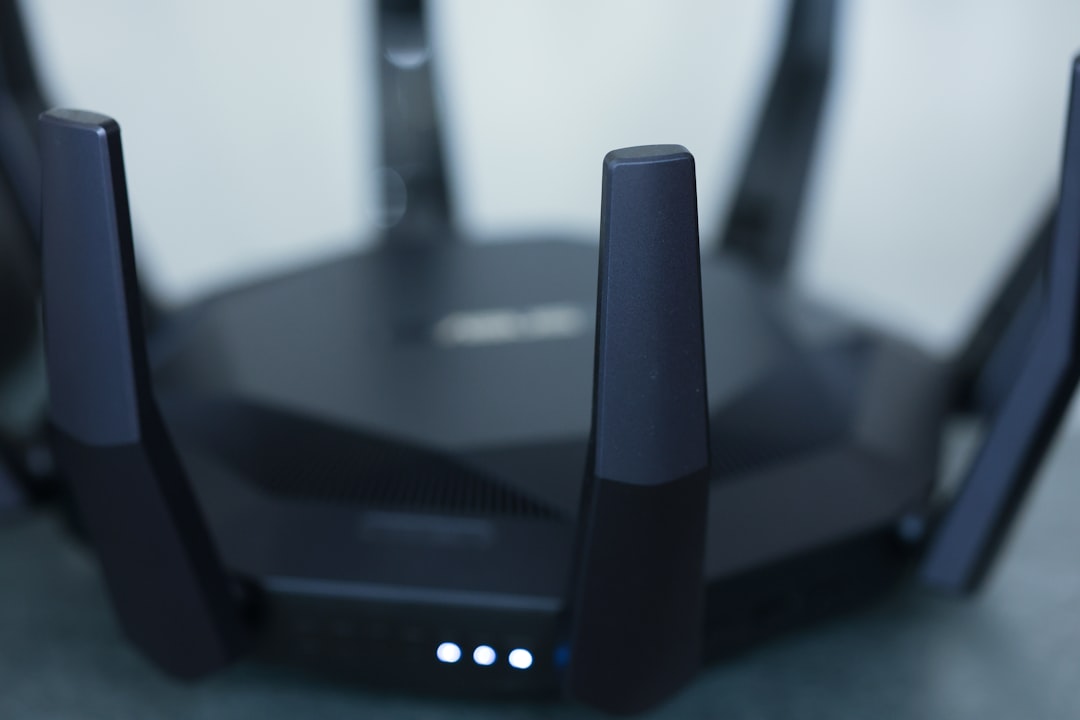
Imagine this: You’re on the couch, ready to binge-watch your favorite show, when suddenly the Wi-Fi signal drops, and the screen freezes. It’s maddening, right? Poor Wi-Fi performance can turn even the simplest of activities into a frustrating ordeal. Whether you’re working from home, gaming with friends, or just scrolling through social media, having a reliable and fast internet connection is key. If you want to improve your home Wi-Fi network performance, you’re in the right place.
Understanding the Basics of Wi-Fi
Before we jump into the tips on how to improve your home Wi-Fi network performance, it helps to understand what Wi-Fi actually is. Essentially, Wi-Fi is a technology that uses radio waves to provide network connectivity. Your router sends and receives data to and from your devices, but various factors can affect its efficiency.
Things like the type of router, its positioning, the number of connected devices, and interference from other networks can all play significant roles in your Wi-Fi performance. Getting a grip on these elements will set a solid foundation for a better internet connection throughout your home.
Positioning Your Router Wisely
One of the simplest yet most effective home Wi-Fi tips is to make sure your router’s positioned properly. It seems intuitive, but many people overlook this. Here are some things to consider:
- Central Location: Place your router in a central point of your home. This allows signals to reach every corner more effectively.
- Elevate Your Router: Avoid putting your router on the floor or hidden behind furniture. Elevating it can eliminate barriers that interfere with the signal.
- Avoid Interference: Keep the router away from walls, metal objects, and other electronics that can cause interference, like microwaves and cordless phones.
In my experience, simply re-positioning a router can make a world of difference in connection speed. You might just find that a small shift in location can vastly improve your home Wi-Fi network performance.
Upgrade Your Router if Necessary
Sometimes, the router itself can be the bottleneck. If your router is outdated, it may not support the latest Wi-Fi standards. Here’s what most people get wrong: they think as long as their Wi-Fi is working, they don’t need an upgrade. But older routers typically lack the capability to handle multiple devices and high-speed connections effectively.
When considering if you need a new router, ask yourself:
- How old is my router? If it’s over five years old, it might be time for an upgrade.
- Does it support at least Wi-Fi 5 (802.11ac) or the latest Wi-Fi 6 (802.11ax)?
- Does it have enough bandwidth to accommodate all my devices?
If you think your router isn’t cutting it, investing in a new one could dramatically improve your home Wi-Fi network performance.
Adjust Your Router Settings
When you first set up your router, you probably went with the default settings, which can cause a slower Wi-Fi experience in some cases. Accessing the router settings page is another easy way to improve your home Wi-Fi network performance. Here are some key adjustments you might want to make:
- Change Your Wi-Fi Channel: In densely populated areas, multiple routers may operate on the same channel, leading to interference. Use a Wi-Fi analyzer app to determine the best channel for your router.
- Update the Firmware: Manufacturers regularly update router firmware to fix bugs and improve performance. Check for updates to ensure your router is functioning optimally.
- Disable Unused Features: Features like Quality of Service (QoS) can sometimes limit bandwidth for certain devices. Disabling them may help improve overall performance.
Adjusting settings can feel a bit intimidating, but don’t worry. Most router interfaces are user-friendly, and you can find guides online specific to your router model.
Wi-Fi Extenders: A Worthy Investment?
If your home has dead zones where the Wi-Fi signal is weak or nonexistent, consider using a Wi-Fi extender. These devices can amplify your signal, improving coverage in every part of your home. Before you rush out to purchase one, though, ask yourself the following:
- Do I have physical barriers obstructing the Wi-Fi signal, like walls or large appliances?
- Do I need Wi-Fi in areas where it currently won’t reach, like an attic or basement?
I’ve found that many people underestimate the value of extenders. In fact, they can be life-savers, especially if your house is large or particularly shaped. Just be aware that while extenders can improve coverage, they might not boost your overall speed.
Limit Connected Devices
With the rise of smart home devices, it’s easy to rack up countless gadgets connected to your Wi-Fi. However, each connected device can eat up bandwidth, leading to slower speeds for everyone else. Here are a few things to try if you want to improve your home Wi-Fi network performance:
- Disconnect Idle Devices: Regularly check which devices are connected and disconnect any that aren’t currently in use.
- Prioritize Bandwidth: If your router has a QoS setting, consider prioritizing devices that need more bandwidth, like work computers or gaming consoles.
- Limit Streaming: Streaming services like Netflix and YouTube can consume a lot of data. If others in your home are using these services too, it could slow down your connection significantly.
In my experience, even small adjustments in connected devices can lead to noticeable gains in speed and performance.
Consider a Mesh Network for Larger Homes
For larger homes or spaces with tricky layouts, a traditional router might not cover all areas effectively. A mesh Wi-Fi system could be the best solution to improve your home Wi-Fi network performance significantly. Here’s how a mesh system works:
- Multiple Nodes: Instead of one router, a mesh system consists of multiple nodes placed throughout your home, creating a more uniform signal.
- Dynamic Reconfiguration: Mesh systems can intelligently route data based on the current load, ensuring the fastest path for your connection.
That said, these systems come at a higher price point. If your home is particularly large or multi-story, the investment can pay off in delivering a more consistent and faster connection.
Conclusion: Achieving a Better Internet Connection
Improving your home Wi-Fi network performance is often within your control, with simple steps that can lead to significant changes. Remember, it’s all about effective positioning, potential upgrades, and smart settings adjustments. Whether you’re streaming the latest series, attending online meetings, or gaming, a better internet connection makes all the difference.
Try out some of the tips we discussed, and you may find that the frustration of buffering and weak signals becomes a thing of the past. With a little effort, you can make your home Wi-Fi experience much more enjoyable.








