
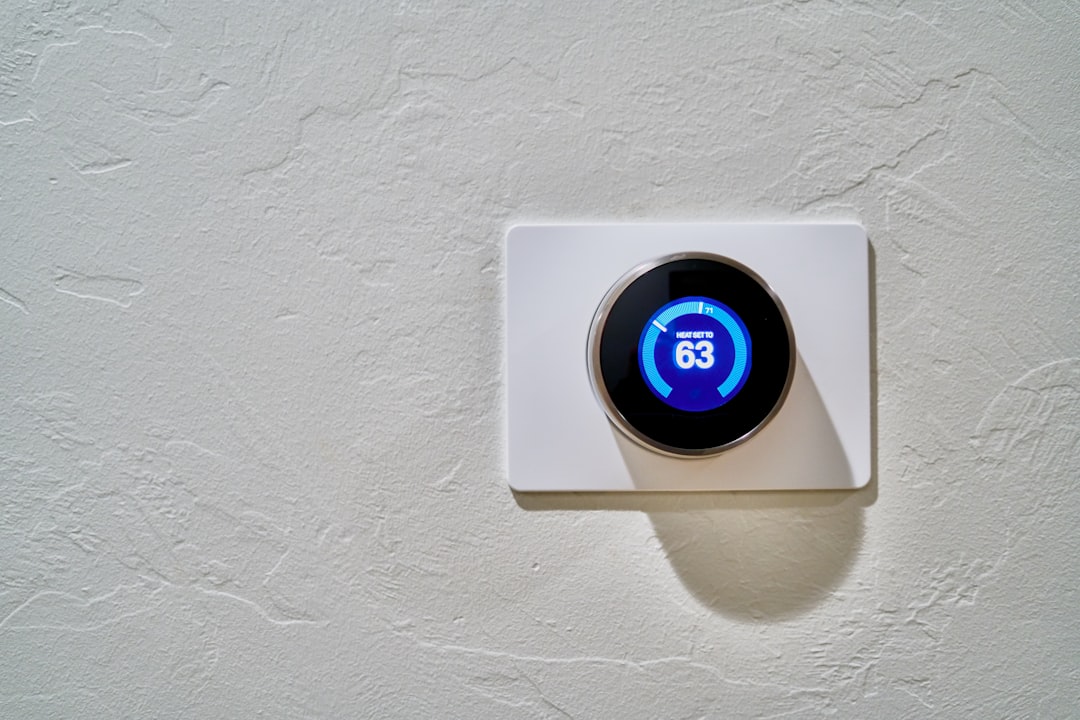
Imagine waking up in the morning and discovering that your smart home devices have been tampered with. Your security cameras show mysterious footage of someone wandering through your living room, and your smart thermostat is suddenly stuck at an unbearable temperature. It’s a nightmare that no one wants to experience. In a world where connected devices are becoming the norm, knowing how to secure your smart home devices is more critical than ever.
The Importance of Smart Home Security
With the rise of the Internet of Things (IoT), more and more people are integrating smart devices into their homes. From smart lights to security cameras and even refrigerators that tell you when you’re out of groceries, these devices provide convenience and efficiency. However, they also present potential security risks. More devices mean more vulnerabilities for hackers to exploit.
In my experience, many homeowners don’t realize just how susceptible their devices can be. Many believe that because they’re using reputable brands like Nest or Ring, they’re automatically safe. Unfortunately, that’s not always the case. Just like any other device connected to the internet, smart home devices can be compromised if not adequately secured.
Steps to Secure Your Smart Home Devices
If you want peace of mind in your technological oasis, it’s essential to take proactive measures for your smart home security. Below are some practical device protection tips to follow.
1. Change Default Settings
One of the most common mistakes people make is not changing the default settings of their smart devices. When you first set up your device, it often comes with preset usernames and passwords that are easy for hackers to find online. Changing these settings is one of the simplest yet most effective ways to secure your smart home devices. Always choose strong, unique passwords that mix letters, numbers, and symbols.
2. Enable Two-Factor Authentication
Most modern smart devices and their accompanying apps offer two-factor authentication (2FA). This additional security measure requires not only your password but also a secondary form of identification, like a text message or email verification. While it might seem like an extra step, enabling 2FA significantly increases your security. In my experience, this has been a game-changer in stopping unauthorized access.
3. Update Regularly
Just like your computer or smartphone, your smart home devices need updates too. Manufacturers frequently release updates to fix security vulnerabilities and improve performance. Be proactive and regularly check for updates in your device settings. You can also enable automatic updates if the option is available, so you won’t have to think about it too much. Just don’t forget to periodically check that it’s still on.
Protect Your Network
Your smart home devices are only as secure as your home network. If your Wi-Fi network is easy to breach, then so are your devices. Here are some ways to boost your network security:
1. Change the Default Network Name and Password
Like your devices, your router comes with a default name and password. Hackers often look for these default settings when attempting to access networks. Change them to something unique and complex to reduce the risk of unauthorized access.
2. Use a Guest Network
Most modern routers allow you to set up a guest network. This is a fantastic way to keep your smart devices isolated from your main network. If someone visits and needs to use your Wi-Fi, they can connect to the guest network which has limited access. This means that even if someone manages to breach the guest network, they won’t have access to your primary network and your devices.
Mind the Privacy Settings
While connecting your devices can improve your daily routines, it may also put your personal information at risk. Most devices collect data to offer personalized services, but that data can be a goldmine for hackers. Here’s how to manage your privacy:
1. Review Privacy Policies
Before purchasing any smart device, take a moment to read its privacy policy. Understand what data is collected and how it is used. Check if the device gives you the option to control what is shared. In my experience, many users skip this step, but it can save you a lot of headaches down the line.
2. Limit Data Sharing
Once you have your device, go to its settings and review what permissions it has. Limit data sharing to only what’s necessary. For instance, if a smart camera doesn’t need to know your location, disable that feature. Less shared data means fewer vulnerabilities for hackers to exploit.
Monitor Devices Regularly
Keeping track of your smart devices can give you an early warning system against potential threats. Regular monitoring and diagnostics can help you spot issues before they become major problems.
1. Use Device Management Apps
Many manufacturers offer apps that let you manage your smart devices. Use these apps to monitor which devices are connected to your network and remove any that shouldn’t be there. Regularly checking for unauthorized access can be your best defense.
2. Set Up Alerts
Some devices allow you to set up alerts for suspicious activities, such as unauthorized access attempts. Whether it’s your security camera or smart lock, these alerts can give you a heads-up when something’s off. It’s a great way to remain vigilant without too much effort.
Know the Signs of a Compromised Device
Even the most cautious homeowners might experience a breach at some point. Recognizing the signs of a compromised device can help you act quickly to mitigate the damage.
1. Unusual Behavior
If a device starts behaving strangely—turning on or off at odd times, sending alerts that don’t make sense, or not responding to your commands—it could be a sign of a security breach. Trust your instincts. If something feels off, it probably is.
2. Unexpected Changes
Changes you didn’t authorize, like new devices appearing on your network or settings reverting back to defaults, are a clear indicator of potential issues. Don’t ignore these things; take action immediately.
Educate Yourself on Latest Security Trends
The realm of smart home security isn’t static. Technologies and tactics change constantly. Therefore, it’s imperative to keep yourself informed about the latest in smart home security and device protection tips. Follow relevant blogs, subscribe to tech news outlets, and engage with online communities to learn from others’ experiences.
Here’s what most people get wrong: they think once they set up their devices and made a few changes, they’re done. But just like any other aspect of technology, security is an ongoing process.
Conclusion
Securing your smart home devices doesn’t have to be overwhelming. By taking proactive steps like changing default settings, enabling two-factor authentication, and regularly updating your devices, you can create a safer living environment. Remember to protect your network, manage privacy settings, monitor your devices, and stay informed about security trends.
Don’t take security for granted; your smart home should be a refuge, not a risk. Following these tips will help you secure your smart home devices effectively and keep your personal information safe. After all, peace of mind is priceless.








