
Picture this: you’re sitting in a coffee shop, sipping your favorite brew, scrolling through social media on your laptop. It’s all casual until you suddenly realize how many people around you can see what you’re doing. Your heart sinks as you think about the personal information you might be sharing without even realizing it. This scenario isn’t just about sharing too much at a café; it’s a reminder that protecting your privacy online is more crucial than ever.
So, how can you keep your data safe while still enjoying everything the internet has to offer? Here’s a digital security guide filled with practical online privacy tips that’ll help you secure your personal information and maintain a confident presence online.
Understand What Online Privacy Means
First things first, let’s break down what online privacy really is. At its core, online privacy is about controlling who has access to your personal information and how it’s used. Whether it’s your social media profiles, email address, or financial details, understanding this concept is key to knowing how to protect your privacy online.
Many people think that online privacy is just about hiding what you post on social media, but it’s so much more than that. It encompasses how your data is collected, stored, and shared across the various platforms you use every day. Unfortunately, most users don’t realize how vulnerable they are until it’s too late. That’s where these online privacy tips come into play.
Strengthen Your Passwords
If you’re still using “123456” or “password” as your go-to password, it’s time for an upgrade. Strong passwords are your first line of defense against unwanted access to your accounts. Here’s what most people get wrong: they think a password needs to be complex but easy to remember. Ideally, it should be both!
- Use a mix of letters, numbers, and symbols.
- Avoid common words or phrases.
- Consider a password manager. They can help you create and store unique passwords for each account.
In my experience, setting up two-factor authentication (2FA) offers an added layer of security. Most major platforms now provide this option, which means even if someone does get hold of your password, they won’t be able to access your accounts without that second factor — often just a text or confirmation from your phone.
Be Wary of Public Wi-Fi
We’ve all been there: working in a public space because free Wi-Fi is too tempting to resist. However, that convenience comes with risks. Public Wi-Fi networks can be hotspots for data thieves who can easily intercept your information if you’re not careful.
The best way to protect your privacy online in these situations? Avoid accessing sensitive accounts, like banking or sensitive email, while on public networks. If you can’t resist the urge, consider using a Virtual Private Network (VPN). A VPN encrypts your connection, making it much harder for anyone to eavesdrop on your activities.
Review Your Social Media Privacy Settings
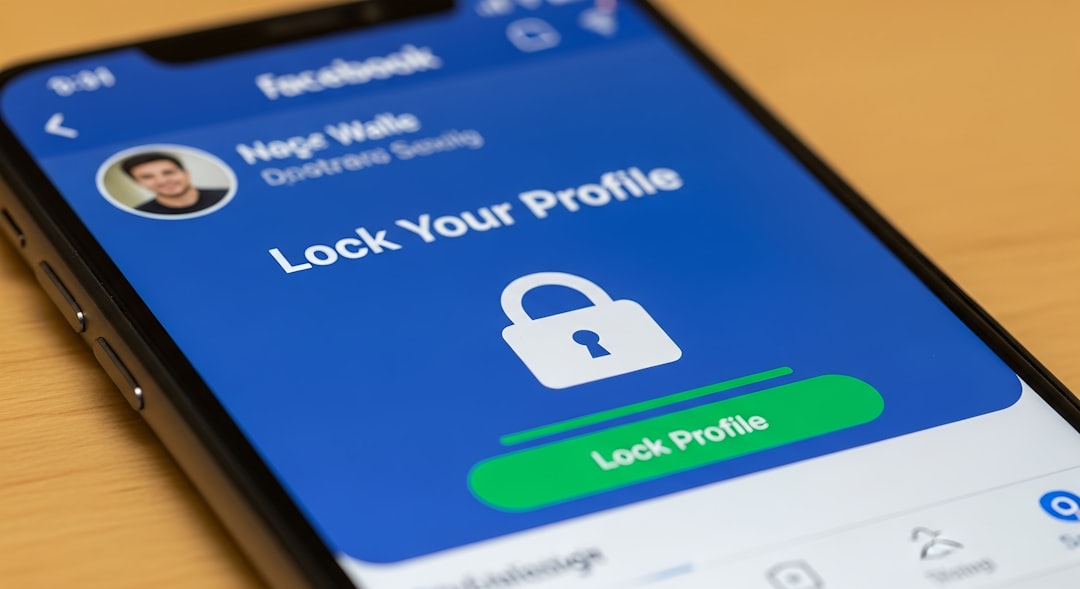
If your social media settings aren’t tight, you might as well be shouting your personal details from the rooftops. Many people forget that what they share on platforms like Facebook, Instagram, or Twitter can be easily viewed by anyone if not properly protected. Here are some tips to consider:
- Set your profiles to private to limit who can see your posts.
- Be cautious about friend requests from unknown users.
- Regularly audit your friends list and remove anyone you don’t recognize.
Remember, just because you have an amazing sunset picture to share doesn’t mean everyone needs to know when you’re on vacation. Keep your information as private as possible, especially when traveling. Cybercriminals often look for signs of absence, ideally when you’re most vulnerable.
Think Before You Click
We’ve all been tempted by that enticing clickbait title or that unbelievable ad promising something extraordinary. However, clicking on suspicious links can expose you to malware or phishing attempts aimed at stealing your information. In my experience, common sense often gets overlooked in the heat of the moment. Here’s some basic internet safety advice to keep in mind:
- Always hover over links before clicking to see the actual URL.
- Don’t open emails or attachments from unfamiliar senders.
- Use an ad blocker to minimize exposure to potentially harmful ads.
Staying aware and cautious can make a huge difference in how to protect your privacy online. If something seems too good to be true, it probably is!
Keep Your Software Up to Date
Software updates might seem annoying at times, but they often contain vital security patches that can protect you from the latest threats. Many people ignore these updates, mistakenly believing their devices are secure. However, cybercriminals are constantly evolving their tactics, and outdated software can leave you vulnerable.
Make it a habit to regularly check for updates on your operating system, web browsers, and any applications you use. In my experience, turning on automatic updates for your devices is often the easiest and most effective way to ensure that you’re getting the protection you need without having to think about it constantly.
Be Careful with Personal Information
How often do you get asked personal questions on sign-up forms for various websites? The unfortunate reality is that many sites don’t need to ask for information like your phone number or address to function properly. But why do you provide it anyway? This is a classic mistake people make without thinking twice.
Here’s a straightforward online privacy tip: when asked for personal details, consider what’s absolutely necessary. It’s perfectly fine to skip fields you feel uncomfortable sharing. Ask yourself whether that information is truly needed for that service. If not, don’t provide it!
Educate Yourself Continuously
Lastly, protecting your privacy online isn’t a one-time task; it’s an ongoing commitment. The internet is constantly changing, and with it comes new threats. Keeping up to date with internet safety advice is essential if you’re serious about maintaining your privacy. Consider following reputable tech blogs, subscribing to cybersecurity newsletters, or participating in webinars to stay informed.
In my opinion, a little self-education can go a long way. Knowledge equals power, and understanding the evolving landscape of digital security will help you make informed decisions about your online interactions.
With these online privacy tips, you can significantly improve your digital security and maintain control over your personal information. It takes a mix of good habits and proactive measures to ensure that you stay safe in the ever-changing world of online activity. Remember: your data is your own, and taking steps to protect it is not just wise — it’s essential.
So next time you log on, ask yourself: how are you protecting your privacy online today?








