
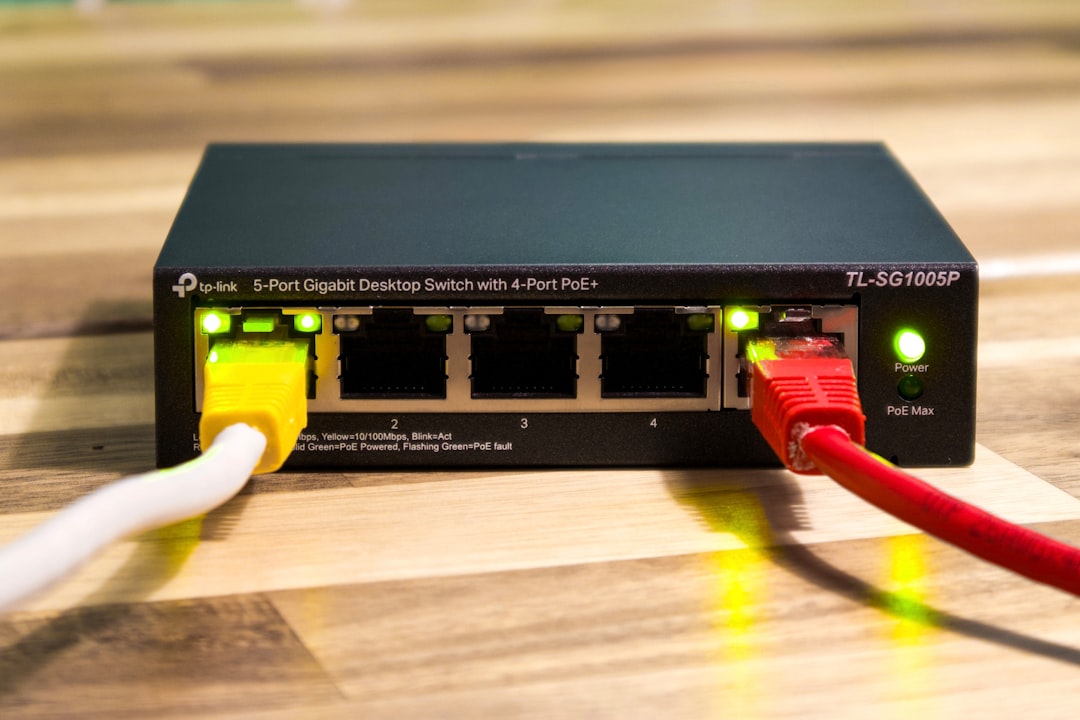
Picture this: you just settled down for a cozy evening, ready to binge-watch your favorite show, when suddenly, your Wi-Fi acts up. Streaming pauses, websites load at a snail’s pace, and you’re left wondering if someone is messing with your internet connection. The truth is, many people don’t realize that, when it comes to home network security, a little prevention goes a long way. So how to secure your home network? Let’s get started.
Understanding the Risks
It’s easy to think that your home network is safe because you live in a quiet neighborhood or you’re not a celebrity. However, hackers can strike anywhere. They use your Wi-Fi to access private information, including financial records and personal messages. In my experience, people often underestimate the vulnerability of their networks. They assume that a simple password is enough to keep intruders out. Spoiler alert: it’s not.
Change Default Settings
Every router comes with default settings that aren’t particularly secure. Most of the time, these settings include standard usernames and passwords that are easy for hackers to guess. Here’s how to fortify your router:
- Change the Default Username and Password: Instead of leaving it as ‘admin’ or ‘12345’, create a strong password that’s hard to crack. Include a mix of uppercase and lowercase letters, numbers, and special characters.
- Rename Your Network (SSID): Instead of something generic like “Home Wi-Fi”, choose something unique that doesn’t reveal your identity or involve personal information.
Securing Your Wi-Fi
Protecting Wi-Fi from hackers doesn’t require a PhD in cybersecurity. A few simple tweaks can make your connection significantly more secure:
- Use WPA3 Encryption: If your router supports it, use WPA3 (Wi-Fi Protected Access 3) instead of older methods like WEP or WPA2, which have known vulnerabilities.
- Disable WPS: Wi-Fi Protected Setup is convenient but often can be exploited by hackers. Turn it off to add another layer of security.
- Enable MAC Address Filtering: This feature allows you to specify which devices can connect to your network. While it’s not foolproof, it can help deter some unwanted guests.
Regularly Update Your Firmware
Updating your firmware might seem like a chore, but it’s one of the network security best practices that many people overlook. These updates often fix security vulnerabilities that hackers could exploit. So, get into the habit of checking your router’s firmware regularly. Here’s how:
- Log in to your router’s administration panel.
- Look for a section called “Firmware Update” or “Router Update” and follow the instructions.
Use a Strong, Unique Password
It’s not enough to just change the default password. Creating a strong, unique password for your Wi-Fi network is crucial. Use a password that’s at least 12 characters long and mix it up. Here’s what most people get wrong: they’ll create a password that’s easy to remember but also easy to guess. Avoid using birthdays, names, or anything that could be found on social media. A password manager can help with this.
Set Up a Guest Network
If you often have guests over, it’s a good idea to set up a separate guest network. This way, you can give visitors internet access without exposing your main network and all the devices connected to it. Here’s how to set it up:
- Access your router’s settings and look for an option for “Guest Network”.
- Follow the prompts to set it up and create a separate password for guests.
- Make sure to limit access to local devices so guests can only use the internet.
Monitor Connected Devices
Every so often, check what devices are connected to your network. Your router should have a section in its settings that shows all connected devices. If you notice anything suspicious, it might be a sign that someone unauthorized has gained access. To kick them off:
- Identify unknown devices.
- Change your Wi-Fi password immediately.
Consider Using a VPN
A Virtual Private Network (VPN) adds an extra layer of security by encrypting your internet traffic. While it’s not mandatory for home network security, it’s a useful addition, especially if you frequently use public Wi-Fi or have concerns about privacy. Don’t forget to choose a reputable VPN provider; research is key here.
Educate Family Members
Even the best home network security measures won’t hold up if everyone who has access isn’t cautious. Make it a point to educate your family about:
- Recognizing phishing attempts.
- Avoiding downloading suspicious files.
- Being careful with public Wi-Fi networks.
In my experience, a little knowledge can go a long way in keeping your network safe. Hosts who are aware of potential threats are less likely to put the entire household at risk.
Conclusion
Securing your home network is not just about installing a router and hoping for the best. It requires active participation, awareness, and a commitment to ongoing security practices. By asking yourself how to secure your home network effectively, you can take steps to protect your digital life. Remember, a secure network is a key part of maintaining privacy in today’s connected world. Don’t wait for something to happen. Implement these tips now and enjoy peace of mind knowing you’re doing your part to keep your home secure.








