
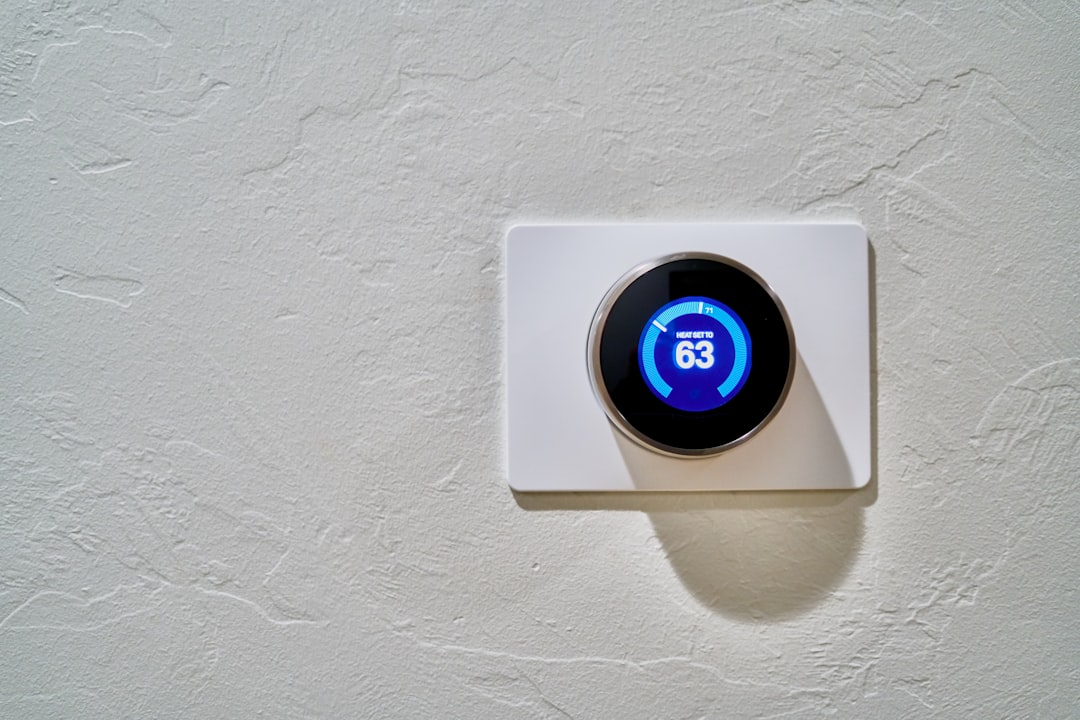
Picture this: you come home after a long day, and with just a few taps on your smartphone, your lights turn on, the thermostat adjusts, and your coffee maker starts brewing. Your smart home devices can make life so much easier, but have you ever stopped to think about their security?
It’s easy to get lost in the convenience that smart technology provides, but securing your smart home devices isn’t just an afterthought. With cyber threats becoming more sophisticated, it’s crucial to take proactive steps to protect your devices and, ultimately, your personal information. So, how can you secure your smart home devices effectively? Let’s explore some essential tips and strategies that anyone can implement.
Start with Strong Passwords
One of the most straightforward yet often overlooked methods to secure your smart home devices is by using strong, unique passwords. Many people make the mistake of using default passwords, which are easily accessible to hackers. In my experience, your password should be at least 12 characters long, incorporating a mix of uppercase and lowercase letters, numbers, and special characters.
- Don’t use easily guessed passwords: Avoid using personal information such as birthdays or names.
- Change default passwords: Always change the default one for any new device you add.
- Create a unique password for each device: This way, if one gets compromised, others remain secure.
Keep Software Up to Date
Another crucial step in protecting smart devices is regularly updating their firmware and software. Manufacturers often release updates to patch vulnerabilities that could be exploited by hackers. Many people think it’s a hassle, but here’s what most people get wrong: skipping updates can leave you exposed. You wouldn’t ignore updates on your smartphone, so why do it for your smart home devices?
Set notifications for updates or enable automatic updates whenever possible. It’s a small step that can significantly enhance your smart home security.
Set Up a Guest Network
When you invite friends or family over, they might want to connect to your Wi-Fi network. Instead of giving them access to your primary network, which connects all your smart home devices, set up a guest network. This keeps your smart devices segregated from any potential risks that come with shared connections.
- Basic setup: Most routers allow you to create a guest network easily. Check your router’s manual for specific instructions.
- Limit access: You can customize settings to restrict what guests can access, enhancing your overall smart home security.
Use Two-Factor Authentication
Two-factor authentication (2FA) adds an extra layer of security that can save you from a world of trouble. When enabled, even if someone gets hold of your password, they still need a second piece of information to gain access — usually a code sent to your phone. This feature is available for many popular smart home applications, and utilizing it is a no-brainer for protecting smart devices.
In my experience, it’s easy to assume that your password is enough, but 2FA can significantly lower your risk of unauthorized access.
Be Cautious with Voice Assistants
Smart speakers and voice assistants are increasingly becoming the centerpiece of smart homes. While they’re incredibly convenient, you should be aware of the potential security risks involved. Voice commands can sometimes be misinterpreted, leading to unexpected actions being taken.
- Change wake words: If your device allows it, customize the wake word to something less common to reduce accidental activations.
- Limit voice shopping: Consider turning off features that allow purchases via voice commands to avoid unauthorized transactions.
Secure Your Wi-Fi Network
It’s not just your devices that need protection — your home Wi-Fi network is the backbone of your entire smart home security. If a hacker gains access to your network, they can control any connected devices. Here are some straightforward actions to take:
- Change the default SSID: Give your network a unique name that doesn’t reveal personal information or the router’s brand.
- Enable WPA3 encryption: If your router supports it, this is one of the strongest encryption methods available.
- Disable WPS: Wi-Fi Protected Setup (WPS) can be a vulnerability, so it’s best to turn it off.
Regularly Audit Your Devices
When you first set up your smart home, it can be easy to forget that it’s a living, evolving environment. Regularly auditing your devices not only helps to keep track of what’s connected but also allows you to ensure that everything is still secure. Here’s what you can do:
- Check for unauthorized devices: Regularly log into your router settings to see what’s connected and remove anything suspicious.
- Review permissions: Look at what data each device and app has access to and adjust accordingly.
Educate Yourself and Your Family
No security measure is foolproof, and education is a vital tool in keeping your smart home secure. Make sure everyone in your household knows the basics of smart home security. Discuss the importance of strong passwords, the risks of phishing scams, and how to recognize suspicious links or emails.
In my view, creating a culture of awareness not only safeguards your devices but also makes everyone more tech-savvy and responsible. Share smart home tips with your family, and encourage questions and discussions about security. After all, knowledge is a key barrier against cyber threats.
Conclusion
The convenience of smart home technology is a huge plus, but it comes with responsibilities. When you secure your smart home devices, you’re not just protecting tech; you’re safeguarding your family, privacy, and peace of mind. By following these tips, you’re laying a strong foundation for smart home security. Remember, a little effort can go a long way in protecting your home. It’s worth taking the time to be proactive instead of reactive when it comes to security.
Don’t let the allure of smart home convenience overshadow the need for security. Embrace these best practices and enjoy your smart home to the fullest — securely!








