
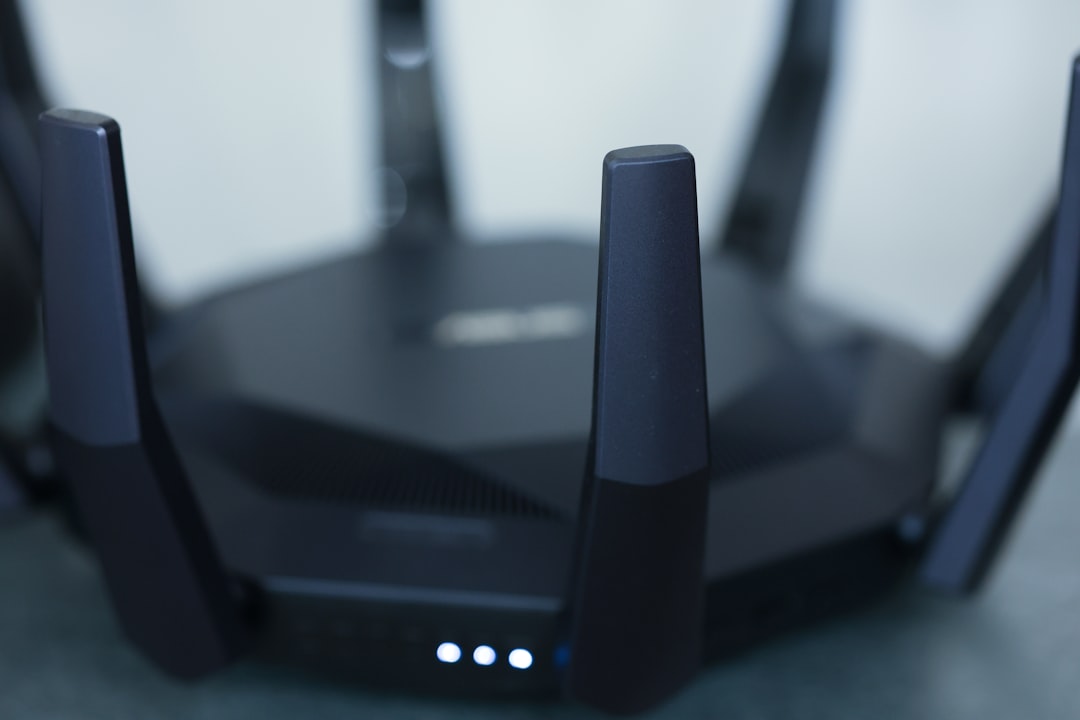
Ever find yourself struggling to load a webpage, stream a show, or join a video call in the comfort of your own home? You’re not alone! Slow Wi-Fi can be an irritating issue many of us face, especially these days when our homes have become hubs for work, school, and entertainment. But no need to panic! There are several straightforward ways to improve Wi-Fi signal at home, and I’m here to share what I’ve learned over the years.
Understand Your Wi-Fi Signals
Before diving into the solutions, it’s important to understand what affects your Wi-Fi signal strength. Many people don’t realize that the position of their router, the type of device they use, and even household items can interfere with their Wi-Fi. For example, heavy appliances and walls can diminish signal strength. Knowing this can help you better prioritize where you’ll apply improvements.
Position Your Router Wisely
One of the easiest ways to improve Wi-Fi signal at home is to reposition your router. Don’t just stick it in a corner of the basement!
- Central Location: Place it in a central part of your home. This often helps distribute the signal evenly.
- Elevate It: Place the router on a high shelf or mount it on a wall. Higher positions can help improve coverage.
In my experience, changing the router’s position can make a world of difference for your home network. If you can, avoid placing it near walls or large metal objects, as these can weaken the signal.
Get to Know Your Router Settings
Many folks don’t bother exploring their router’s settings, thinking it’s too technical or that the default settings are fine. Here’s what most people get wrong: those default settings might not be optimal for your environment. Consider logging into your router’s admin panel (usually 192.168.1.1 or 192.168.0.1) and tweak some settings to improve Wi-Fi signal at home.
- Change the Channel: If you live in a densely populated area, chances are that many Wi-Fi networks are operating on the same channel. Try switching to a less congested channel.
- Update Your Firmware: Router manufacturers frequently release updates that can enhance performance. Keeping your firmware up to date ensures your device runs smoothly.
Boost Your Wi-Fi Signal with Extenders
If you’ve tried the previous suggestions and still feel like the strength of your Wi-Fi is lacking, consider investing in a Wi-Fi extender or repeater. These devices can amplify the signal and extend coverage to those hard-to-reach corners of your home.
While they won’t entirely replace your primary router, Wi-Fi extenders can significantly boost your Wi-Fi signal, ensuring a more reliable connection in otherwise low-signal areas. Just plug it into a wall socket halfway between your router and the gap in coverage, and you’re good to go!
Switch to the Right Frequency Band
Did you know most modern routers support both 2.4 GHz and 5 GHz bands? Many people stick with the default 2.4 GHz band without realizing that switching to the 5 GHz band can drastically improve Wi-Fi signal strength. Here’s how the two differ:
- 2.4 GHz: This frequency covers a larger area but can be slower and more prone to interference from other devices (think microwaves, cordless phones, etc.).
- 5 GHz: This band is faster and less congested, so if you’re streaming or on video calls, switching to this can noticeably enhance your experience.
In practice, devices that are further from the router can still connect to the 2.4 GHz band, but for devices like smart TVs or gaming consoles situated closer, 5 GHz is often the way to go.
Keep Your Devices in Check
Your home network isn’t just about the router. The devices you connect also play a significant role in your overall Wi-Fi experience. Regularly check for these issues:
- Status of Devices: Ensure that all your devices are updated. Older devices may struggle to connect efficiently to your Wi-Fi.
- Limit Connected Devices: Too many connected devices can slow down your network. If you notice lag, consider disconnecting devices that aren’t in use.
I often remind friends that they should think of their Wi-Fi network like a highway: adding too many cars can cause traffic jams, so it’s best to manage the load.
Consider a Wired Connection
While the convenience of Wi-Fi is undeniable, remember that a wired Ethernet connection can provide a more stable connection for devices that require constant internet access, like desktops or gaming consoles. This doesn’t improve Wi-Fi signal at home directly, but it reduces the strain on your Wi-Fi network. If possible, install Ethernet cables to connect devices that don’t need to roam freely.
Know When to Upgrade Your Equipment
Finally, if you’ve tried all these tips but still can’t catch a break, it might be time to consider upgrading your router. Older models may not support newer Wi-Fi standards, limiting your internet speed and overall experience.
When shopping for a new router, look for features that suit your needs, like:
- Dual-band or tri-band support
- MU-MIMO technology for managing multiple devices
- Antenna configuration
It’s not uncommon to find that upgrading your router can result in significantly improving Wi-Fi signal at home, often making it a worthwhile investment.
Wrap-Up
Improving Wi-Fi signal at home doesn’t have to be a daunting task. Whether it’s repositioning your router, exploring your device settings, or investing in a booster, you have plenty of strategies at your fingertips. Everyone’s situation is different, so don’t be afraid to mix and match these home network tips to discover what works best for you.
Remember: a good Wi-Fi connection is key to a smooth, enjoyable online experience, whether you’re working from home, streaming your favorite shows, or video chatting with friends and family. Take the time to assess your setup, make adjustments, and watch your internet experience improve!








