
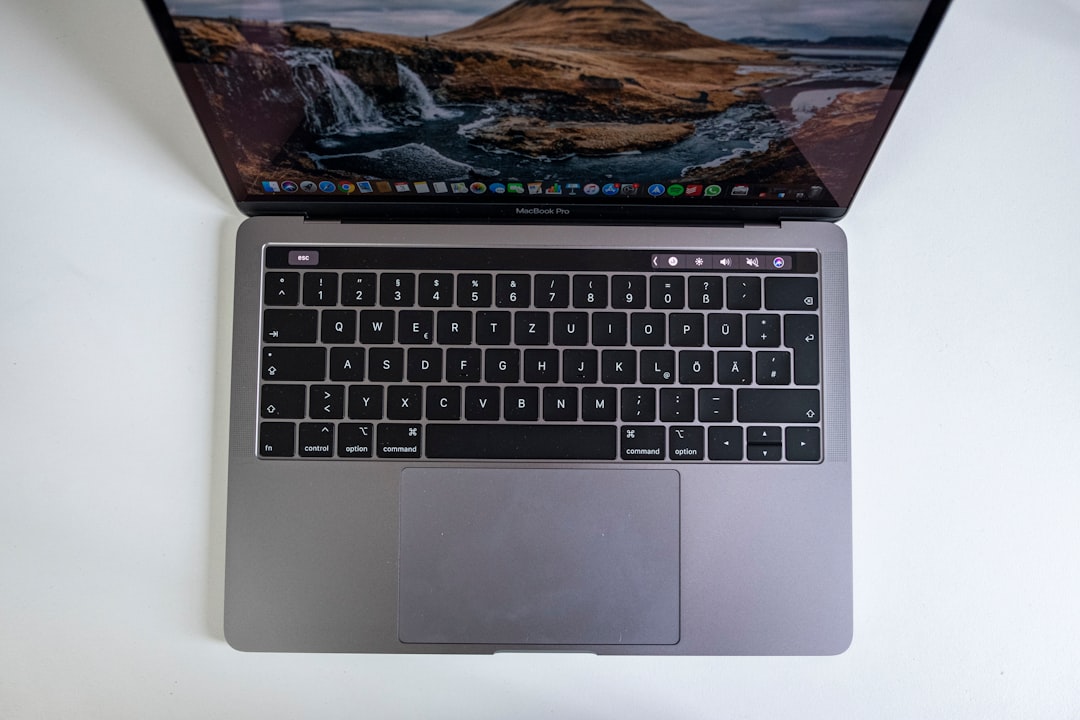
Imagine this: you’re sitting on your couch with a warm cup of coffee in hand, your laptop on your lap, working in your pajamas. Sounds cozy, right? But hold on! If your laptop isn’t up to the task, that dream of remote work can quickly turn into a headache. So, how do you choose the right laptop to make sure your remote work setup is both comfortable and productive? This blog post is a detailed laptop buying guide to help you find the best laptops for remote work, ensuring you’re equipped for success.
Determine Your Needs
First things first, before you hit that purchase button, take a moment to think about what you actually need. Not all jobs are created equal, and neither are laptops. Are you a graphic designer working with heavy software, or do you mainly handle emails and spreadsheets? Here’s where most people get it wrong—buying a machine that looks good on paper but isn’t suited for their workload.
Assess Your Work Tasks
- Basic Tasks: If you’re only browsing the web, checking emails, and using word processors, a lightweight laptop with decent battery life should do the trick.
- Multimedia Editing: If your work involves video editing or graphic design, you’ll need a laptop with a powerful CPU, plenty of RAM, and a good graphics card.
- Programming: Developers tend to require a balance of power and portability. A laptop with a strong processor and comfortable keyboard will enhance your coding experience.
Once you’ve assessed your tasks, it becomes much easier to narrow down your options.
Consider Screen Size and Portability
One of the first things you should think about is screen size. While you might be tempted by a big screen to enhance your viewing experience, don’t forget about portability, especially if you plan to move around a lot.
Finding the Right Balance
- 13-14 inches: Ideal for portability and everyday tasks. It’s light enough to throw in a backpack.
- 15-17 inches: Great for those who do a lot of multitasking or content editing. Just be prepared for a bit more weight.
As someone who’s switched between various setups, I can say there’s amazing versatility in a 14-inch laptop. It offers enough screen real estate without becoming cumbersome.
Battery Life: Don’t Get Caught Off Guard
Picture this: you’re deep in a Zoom call when your laptop dies—definitely not a fun scenario. This is why choosing the right laptop with strong battery life is paramount. When working remotely, you might not always be near an outlet, especially if you enjoy working from your favorite café or a park.
What to Look For
- Current Ratings: Look for laptops that offer 8 hours or more of battery life for all-day productivity.
- Battery Optimization: Some laptops have features allowing you to adjust performance to save battery, which can be a lifesaver.
In my experience, laptops like the Dell XPS 13 and MacBook Air are often praised for their impressive battery life.
Memory Matters: RAM and Storage
Next up on your checklist is memory, known as RAM, and storage type. Both can significantly affect your laptop’s performance, especially when you’re juggling multiple tasks.
Know Your Specs
For remote work:
- RAM: Aim for at least 8GB. If you’re into video editing or run multiple virtual machines, 16GB or more is ideal.
- Storage: An SSD is faster than a traditional hard drive and will improve your laptop’s boot time and responsiveness. Go for at least 256GB if possible.
Here’s a tip: cloud storage options are plentiful nowadays. So, if you find a laptop with less storage at a fantastic price, consider pairing it with cloud services for extra space.
Processor Power: Don’t Skimp on Performance
A good processor is the brain of your laptop. In choosing the right laptop, make sure the processor can handle everything you throw at it. Most working professionals can get by with an Intel i5 or AMD Ryzen 5.
Choosing the Right Processor
- Intel Core i3: Best for basic tasks.
- Intel Core i5 / AMD Ryzen 5: A solid choice for multitasking and moderate workloads.
- Intel Core i7 / AMD Ryzen 7: Recommended for power users like programmers or graphic designers.
People often overlook that a powerful processor saves time and boosts productivity. Nobody wants to sit around waiting for apps to load—trust me.
Connectivity Features: Keep You Linked
When working remotely, connectivity is essential. You want a laptop that can easily handle various ports, Wi-Fi, and Bluetooth to connect your devices seamlessly.
Must-Have Ports
- USB-C Ports: These are increasingly common and versatile for data transfer and charging.
- HDMI/Display Ports: Useful for connecting to external monitors, especially if you need dual-screen setups.
Additionally, check if the laptop supports Wi-Fi 6. This newer standard offers faster speeds and better performance, especially when multiple devices share the same network.
The Importance of a Comfortable Keyboard and Trackpad
Last but not least—don’t underestimate the importance of a good keyboard and trackpad. Remember, you’ll be spending countless hours typing away, and comfort is key in ensuring you can work efficiently.
Things to Test
- Key Travel: Ensure keys have a satisfying amount of travel; they shouldn’t feel flat.
- Trackpad Sensitivity: Make sure it’s responsive and can handle precision gestures without lag.
According to many remote workers I’ve chatted with, the typing experience is one that can’t be overlooked. Test it out in-store if you can—there’s nothing worse than buying a laptop online only to discover it has a terrible keyboard.
Where to Buy: Online vs. In-Store
Now that you know how to choose the right laptop let’s talk about where to buy it. Buying online is often more convenient, with easy price comparisons and customer reviews. However, in-store shopping has its perks, too.
Making Your Choice
- Online: Look for reputable retailers with good return policies. Check for deals, especially during holidays or back-to-school sales.
- In-Store: You can physically assess the laptop, test the keyboard, and sometimes even get immediate tech support.
In my opinion, if you can find a balance between online research and in-person evaluation, you’ll make a well-informed decision.
Final Thoughts
When it comes to remote work, choosing the right laptop can significantly impact your productivity and comfort. By assessing your needs, focusing on essential features, and exploring various buying avenues, you’ll be well-equipped to make the best choice.
Whether you’re working from home, a café, or while traveling, the right laptop can facilitate every aspect of your remote work setup. So take your time, do your research, and soon you’ll be set up for success, working comfortably and efficiently.








