Picture this: you’re trying to binge-watch your favorite show on a streaming service, but when you click play, you’re met with a frustrating message that says it’s not available in your region. We’ve all been there, right? This is where a VPN (Virtual Private Network) can save the day. But with so many options out there, how do you choose the right VPN for your needs? Let’s break it down step by step.
Understanding What a VPN Does
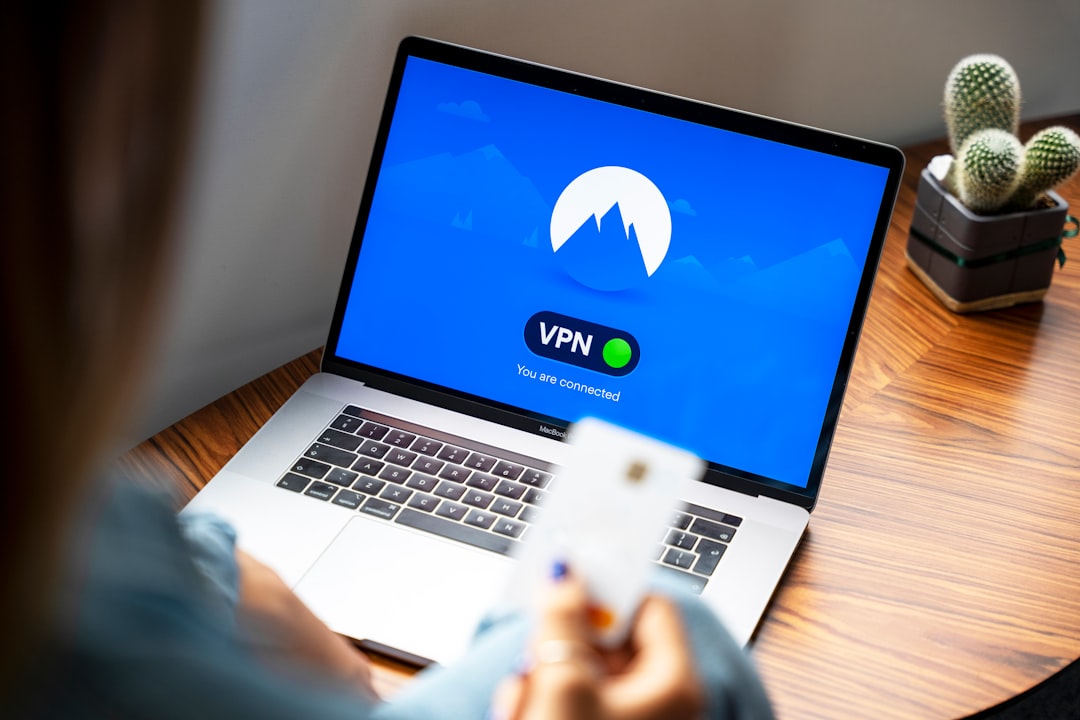
At its core, a VPN creates a secure connection between your device and the internet. It acts like a tunnel, encrypting your online activity and masking your IP address. This means your internet service provider (ISP) and any potential snoopers can’t see what you’re doing online. In my experience, this is one of the most appealing reasons to use a VPN!
Why You Need a VPN
Before getting into how to choose the right VPN, let’s discuss why you might need one. Beyond bypassing regional restrictions on streaming content, there are several other reasons people opt for VPNs:
- Enhanced privacy: If you value your privacy and don’t want companies tracking your online activities, a VPN is essential.
- Security on public Wi-Fi: Using a public network without a VPN is like leaving your front door unlocked. A VPN helps protect your sensitive information.
- Bypass censorship: In some areas, access to certain websites or services is restricted. A VPN can help you bypass these limitations.
How to Choose the Right VPN
Now that you’re aware of what a VPN does and why it’s important, let’s dive into how to choose the right VPN for your needs. Here are some key factors to consider:
1. Identify Your Primary Use Case
Start by asking yourself what you’ll mainly use the VPN for. Are you mostly streaming content? Is security your number one priority? Different users have different needs:
- For streaming, look for a VPN that can easily bypass geo-restrictions.
- If you’re concerned about privacy, seek a service with a no-logs policy.
- Gamers may prioritize speed and low latency over others.
2. Assess the Security Features
Security should be at the forefront of your decision-making. Look for a VPN that offers:
- Strong encryption: Aim for protocols like OpenVPN or WireGuard. They provide solid protection against hacking and snooping.
- No-logs policy: Ensure the VPN doesn’t keep records of your session information.
- Kills switch: This feature will disconnect your internet if the VPN drops, keeping you protected while online.
In my experience, many users underestimate the importance of these features. A VPN should be a fortress, not a weak entry point.
3. Consider Speed and Performance
Trust me, the last thing you want is a VPN that slows down your internet connection. Research user reviews on speed and performance, especially regarding:
- Server locations: More locations mean better chances of finding a fast server nearby.
- Bandwidth limitations: Make sure the VPN doesn’t cap your speed or data usage.
4. Examine Compatibility and Device Support
Not all VPNs are compatible with every device. Check whether the VPN you’re interested in works with the devices you own:
- PC/Mac
- Mobile (iOS/Android)
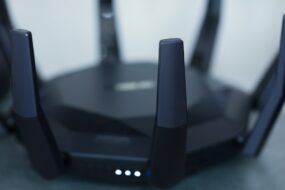
- Routers
Some VPNs also offer browser extensions, which can be a convenient addition. Most people get this wrong; they assume a VPN for one device will work for all!
5. Pricing and Subscription Models
While free VPN options exist, they often come with limitations and might not offer the best security. Here’s what to consider:
- Monthly vs. yearly plans: Often, committing to a yearly plan can save you money in the long run.
- Money-back guarantee: Check if the VPN offers a trial period or guarantee so you can test it risk-free.
In my opinion, investing in a good VPN is not just about saving a few bucks; it’s about securing your online presence.
6. Customer Support
It’s essential to have reliable customer support in case you run into issues. Look for:
- 24/7 live chat support
- Comprehensive knowledge base or FAQs
Sometimes, you can run into technical issues. Having support available can save you a lot of headaches.
7. Check User Reviews and Expert Opinions
Before making a final decision, take the time to read user reviews and expert opinions. Websites that specialize in VPN comparisons provide detailed insights:
- Look for consistent feedback regarding speed, ease of use, and reliability.
- Be cautious of overly glowing reviews; ensure the opinions you read are well-rounded and balanced.
Here’s what most people get wrong; they often rely solely on the marketing material of the VPN service. Real-world opinions are invaluable for getting a genuine understanding.
8. Additional Features to Consider
Aside from the standard features, some VPNs offer added bonuses that can enhance your experience. Consider looking for:
- Split tunneling: This allows you to choose which apps use the VPN and which don’t.
- Multi-hop connections: This adds an extra layer of encryption, routing your connection through two servers instead of one.
- Ad-blocking capabilities: Some VPNs come with features that help block intrusive ads and trackers
VPN Setup Guide: Getting Started
Once you’ve chosen the right VPN for your needs, it’s time to get started with the setup. Most VPNs have user-friendly applications, however, if you’re unsure, here’s a quick setup guide:
- Sign up: Go to the provider’s website and choose your plan.
- Download the app: Install the application for your device.
- Log in: Use the credentials you created when signing up.
- Select a server: Choose a server location based on your needs.
- Connect and enjoy: Once connected, you’re ready to browse safely!
Final Thoughts
Choosing the right VPN doesn’t have to be overwhelming. By considering your specific needs, examining security features, and reading user reviews, you can confidently select a service that meets your expectations. Remember, a VPN is a tool, and how you use it can significantly impact your online security and privacy. So, choose wisely and enjoy a safer, unrestrained internet experience!