
Have you ever found yourself sitting on your couch, phone in hand, trying to stream a video or video call a friend, only to be met with buffering or dropped connections? You’re not alone! Many people struggle with Wi-Fi coverage in their homes, and it can be beyond frustrating. If you’ve ever asked yourself how to increase your Wi-Fi range at home, then you’re in the right place.
Understanding Your Wi-Fi Signal
Before jumping into solutions, it’s essential to understand what affects your Wi-Fi signal. Wi-Fi signals travel in all directions, but their strength weakens over distances and when they encounter obstacles like walls, furniture, and household appliances. In my experience, most people don’t realize how physical barriers can dramatically impact their connectivity. So, let’s break down a few factors that might be diminishing your Wi-Fi signal strength:
- Distance: The further you are from your router, the weaker the signal.
- Obstacles: Walls, floors, and even furniture can absorb or block signals.
- Interference: Other electronic devices, such as microwaves and cordless phones, can interfere with your Wi-Fi signal.
- Router Placement: Where you position your router can make a big difference in coverage.
Simple Tips to Improve Wi-Fi Signal Strength
Understanding these factors leads us to potential solutions. If you’re looking to improve Wi-Fi signal strength effectively, start with these simple adjustments:
1. Optimize Router Placement
Placement matters. Ideally, you want your router in a central location, elevated and free from obstructions. A location that’s too far from your devices, particularly if you’re on a different floor, isn’t going to yield the best results. Consider placing it high up, like on a shelf, and away from walls and large furniture. Here’s what most people get wrong: they hide their routers away in cabinets or behind furniture, which can severely limit your Wi-Fi coverage. If you have multiple floors, try putting the router on the upper level for improved access.
2. Upgrade Your Router
If your router is several years old, it might be time for an upgrade. Technology evolves, and newer routers come with better ranges and capabilities. Look for dual-band routers, which can broadcast on both 2.4 GHz and 5 GHz bands. The 2.4 GHz band offers a longer range but slower speeds, while the 5 GHz band supports faster rates but has a shorter reach. In my opinion, having a router that supports both can significantly help increase your Wi-Fi range at home.
3. Adjust Your Router’s Antennas
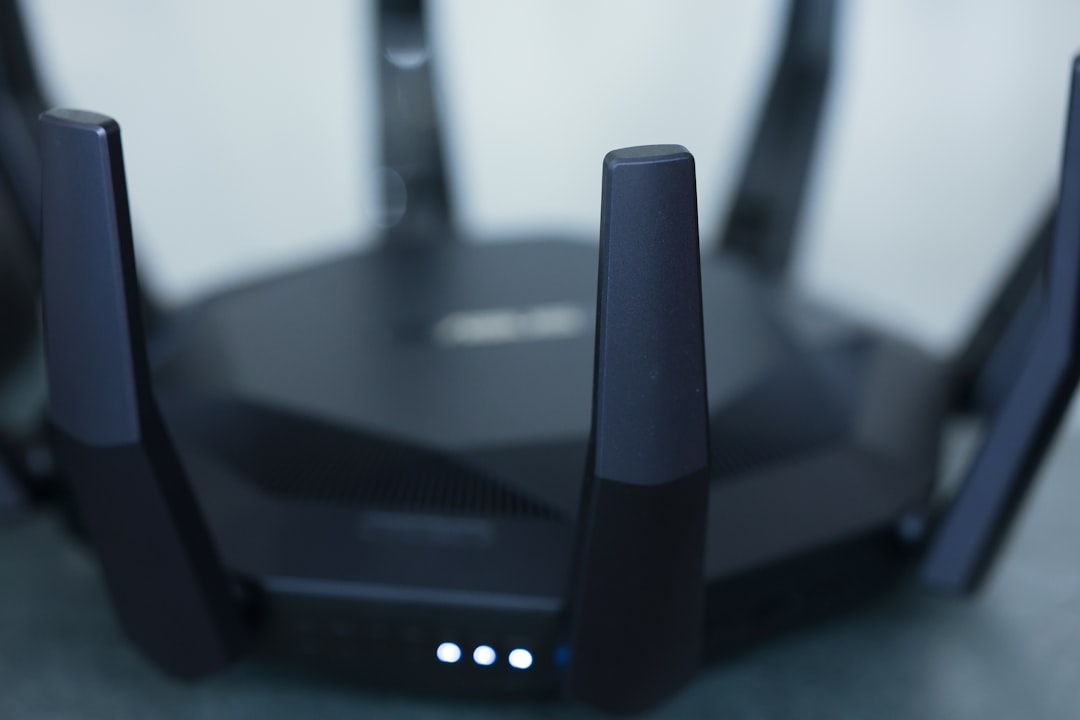
Most routers come with adjustable antennas. Don’t underestimate the importance of these! Positioning them correctly can extend your Wi-Fi coverage. A common tip is to place one antenna parallel to the ground and the other vertically. This setup can help predict the reception for devices that are both at different heights and distances.
Using Wi-Fi Range Boosters
One of the most effective methods to increase your Wi-Fi range at home is to employ Wi-Fi range boosters, also known as extenders. These devices take your existing Wi-Fi signal, amplify it, and then rebroadcast it to reach those hard-to-access areas. Here’s a quick guide on how they can help:
4. Wi-Fi Extenders
A Wi-Fi extender is easy to set up and can make a real difference. Place it halfway between your router and the area with a weak signal. Just make sure it’s still within range of your router’s signal, as it needs a good connection to work efficiently. If your extender is working correctly, you should notice fewer dead zones around your home.
5. Powerline Adapters
Powerline adapters use your existing electrical wiring to transmit internet signals. This might seem a little bizarre, but they can effectively extend your Wi-Fi coverage without needing additional cabling. You just plug one adapter into a power outlet near your router and connect it with an Ethernet cable. Then, plug the second adapter in the area where you need connectivity and connect it with another Ethernet cable or use Wi-Fi. In my experience, these devices can be quite effective, especially in larger homes.
Optimize Your Network Settings
Have you ever thought about how your router settings could be impacting your Wi-Fi range? Many people overlook their router’s configuration. Here are some adjustments you might consider:
6. Change Wi-Fi Channels
Wi-Fi routers operate on specific channels. Depending on your area, many neighboring networks might be using the same channel, which can lead to interference. Most routers automatically select a channel, but manually changing it can dramatically improve your signal. You can use apps to analyze your current channel and find out which channels are less crowded. Too often, individuals don’t realize that simply changing a channel can lead to a noticeable boost in coverage.
7. Update Firmware
Just like any software, your router’s firmware needs updating, too. Router manufacturers often release updates that can enhance performance and security. It’s a quick task that can keep your network running smoothly. This is often an overlooked tip, and surprisingly simple! Check your router’s settings to see if any updates are available.
Advanced Options for Increased Coverage
If you’ve tried all of the above and still find yourself struggling, don’t worry! There are a couple of more advanced options you can consider to extend your Wi-Fi coverage even further:
8. Mesh Wi-Fi Systems
Mesh Wi-Fi systems are becoming increasingly popular, and for good reason. Instead of a single router broadcasting a signal, a mesh system uses multiple nodes placed around your home. These nodes communicate with each other to provide consistent coverage throughout your entire space. If you have a larger home or face serious coverage issues, investing in a mesh Wi-Fi system could be a smart move.
9. Use Wired Connections Where Possible
While it’s not a direct way to increase your Wi-Fi range, consider using wired connections with Ethernet cables for devices that demand high bandwidth, like gaming consoles or PCs. This can free up your Wi-Fi bandwidth for other devices and provide those devices with faster, more reliable connections.
Final Thoughts
It’s frustrating to deal with weak Wi-Fi signals, but with the right strategies, you can significantly increase your Wi-Fi range at home. Start by optimizing the placement of your router and making some basic adjustments, then consider investing in range extenders or even a mesh system if necessary. With a little effort and the right tools, you’ll soon enjoy better connectivity throughout your home.
If you’re still grappling with poor connectivity, don’t lose hope! Experimenting with different setups and tools can help you find what works best for your situation. Remember, everyone’s home layout is different, and sometimes it takes a bit of trial and error. Here’s to fast, uninterrupted internet!








