
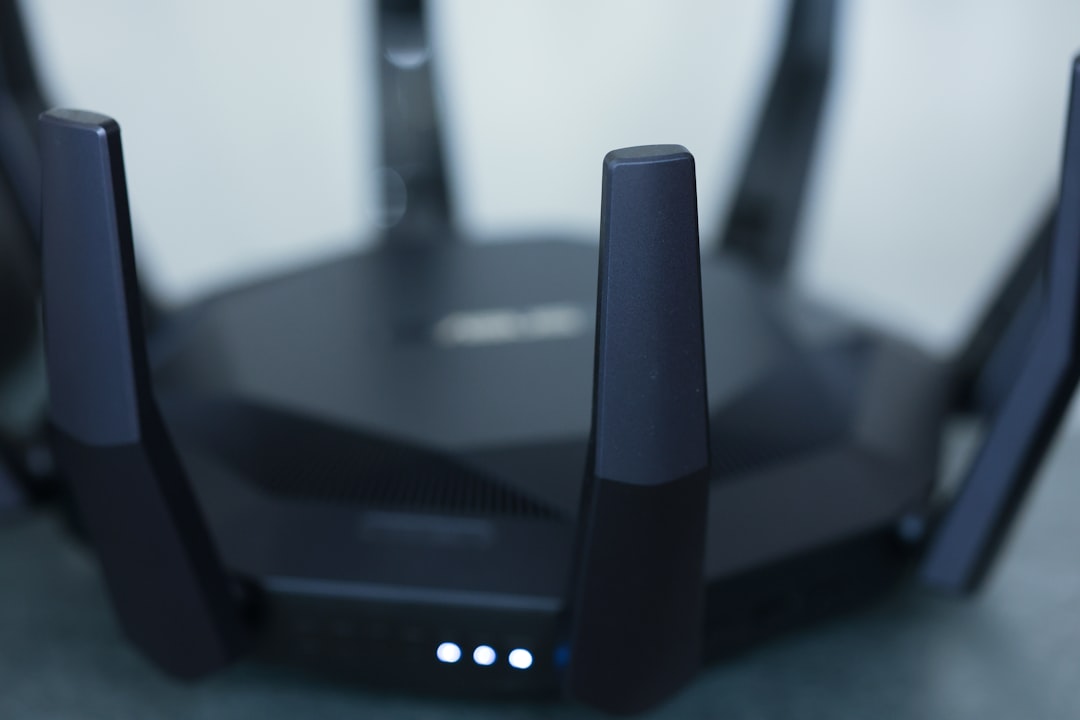
Picture this: you’ve finally settled in for a night of gaming. You’re ready to conquer your favorite online world, but just as you get into the groove, your connection drops or lags. Frustrating, right? This scenario happens far too often, but it doesn’t have to. You can optimize your home network for gaming to ensure smooth gameplay and less stress.
Why Network Optimization Matters for Gamers
When it comes to online gaming, a stable and fast internet connection is crucial. Even the slightest hiccup in your network can lead to lag, which can ruin your entire gaming session. As someone who’s experienced both great and terrible connections, I can’t stress enough how optimizing your home network for gaming can be a game changer (sorry for the pun!). It’s not only about having the fastest speed; it’s also about ensuring that your connection is reliable and that your network is set up properly.
Understanding Your Current Connection
Before you rush out and buy all the latest gadgets claiming to improve network speed, take a moment to understand your current setup. Here’s what to consider:
- Internet Speed: Check your ISP plan. How much bandwidth are you paying for? You might be surprised that your current speed isn’t enough for your gaming needs.
- Ping Rate: This is a vital metric for gamers. Lower ping rates result in faster communication between you and the game server, leading to better performance.
- Download and Upload Speeds: Gamers often overlook upload speeds, but they matter. If you’re streaming while gaming, make sure both metrics are adequate.
Use services like Speedtest.net to gauge your speeds. Knowing where you currently stand will help you make targeted improvements to optimize your home network for gaming.
Choosing the Right Equipment
Your gaming network setup starts with the right equipment. Not all routers are created equal. Here are some tips for choosing the best router for your gaming needs:
- Dual or Tri-Band Routers: Look for a router that has multiple bands. These devices can manage multiple connections better, keeping your gaming traffic smooth.
- Quality of Service (QoS): Some routers come with QoS settings that prioritize gaming traffic over other types of data. This can significantly improve your gaming experience during peak usage times.
- Wired vs. Wireless: Whenever possible, use a wired connection. Ethernet cables provide a direct link to your router, minimizing interference and maximizing speed.
In my experience, investing in a good router pays off, especially if you’re serious about gaming. Don’t just settle for the free router that comes with your internet plan; it might not be up to par for your needs.
Positioning Your Router for Maximum Performance
Once you’ve got a good router, the next step is to position it effectively. A poorly placed router can impair network speed, regardless of how good your equipment is. Here are some pointers:
- Central Location: Place your router near the center of your home to enhance coverage. Walls and furniture can obstruct signals, so avoid corners.
- High Grounds: Elevate your router if possible. A higher position can help distribute the signal better throughout your space.
- Avoid Interference: Keep your router away from other electronic devices like microwaves and cordless phones, which can interfere with signal strength.
Remember, the goal here is to minimize the distance between you and the router while avoiding interference. Explore your space to find the best positioning that works.
Optimizing Wi-Fi for Gaming
If going wired isn’t an option, you can still optimize your Wi-Fi connection. Here’s how:
- Change the Channel: Routers operate on various channels. Sometimes, congestion occurs on certain channels, particularly in dense living areas. Switching channels can help you find one that’s less crowded.
- Update Firmware: Manufacturers regularly release updates to keep routers running smoothly. Ensure yours is always up to date for optimal performance.
- Use the 5GHz Band: If your router supports dual-band, consider using the 5GHz band for gaming. It often supports faster speeds and is typically less congested than the 2.4GHz band.
In my humble opinion, making these Wi-Fi adjustments can lead to noticeable improvements in performance. Don’t overlook them!
Network Management Tools
Once your home network is set up, consider using network management tools to monitor everything. These tools help identify what devices are using bandwidth and how to manage that effectively:
- Traffic Monitoring: Tools like Netgear’s Nighthawk app or similar allow you to see what devices are online and consuming bandwidth. You can easily manage connected devices from your smartphone.
- Bandwidth Limiting: Setting limits on devices that aren’t gaming-related can free up bandwidth for your gaming device. Consider limiting other users’ internet activities during gaming time.
Managing your network doesn’t have to be a chore. With these tools, you can ensure your gaming setup remains top-notch.
Home Network Tips for Gamers
To wrap it up, here are some essential home network tips specific to gaming:
- Limit Background Activity: Make sure no heavy downloads, updates, or streaming activities are happening while you game.
- Use Game Mode: Some routers come with a gaming mode designed to optimize performance during gameplay. Check your router settings!
- Regular Reboots: Occasionally restarting your router can help clear up issues that accumulate over time. It’s a simple fix that often works wonders.
- Check for ISP Issues: If you constantly experience issues, don’t hesitate to reach out to your ISP. They can sometimes detect problems on their end.
There’s a lot you can do to optimize your home network for gaming. With the right setup and a little bit of maintenance, you can enjoy an enjoyable and smooth gaming experience that keeps you immersed in your favorite worlds. So, whether you’re battling foes online or embarking on an epic RPG adventure, you can do so without the frustration of lag or connection drops. Happy gaming!








