Picture this: you’re in the middle of an intense gaming session, and just when you’re about to secure a victory, your connection drops, or worse, lags to the point where you can’t even respond. Frustrating, right? If you’re a gamer, ensuring that your gaming experience is smooth and uninterrupted is essential. One of the most critical components of achieving that is to optimize your home network for gaming. But how exactly do you go about that?
Understanding Your Current Home Network Setup
Before you can optimize your home network for gaming, you need to first understand how your current network is set up. Check the layout of your devices. Identify who’s connected to your Wi-Fi and what they’re doing. Is your network overloaded with users streaming videos, browsing the web, or using bandwidth-heavy applications while you’re trying to game? This could be the first reason for any lag you’re experiencing.
Choosing the Right Internet Plan
What most people get wrong is assuming that their existing internet plan is sufficient for gaming. While casual gaming doesn’t require an extremely fast connection, competitive gaming is a different ballgame altogether. You may want to consider at least a 25 Mbps download speed and around 5 Mbps upload speed for a decent gaming experience. If you’re serious about gaming, higher speeds will only increase your gaming performance.
Wired vs. Wireless: Which Is Better for Gaming?
In my experience, one of the best ways to optimize your home network for gaming is by using a wired connection instead of Wi-Fi. Wired connections, like Ethernet cables, provide a more stable and reliable link to your router, ensuring lower latency and reduced packet loss. While Wi-Fi offers convenience, it can suffer from interference, especially if there are walls or other networks nearby.
Setting Up a Wired Connection
- Get an Ethernet cable: Use a cable that’s long enough to reach from your router to your gaming console or computer.
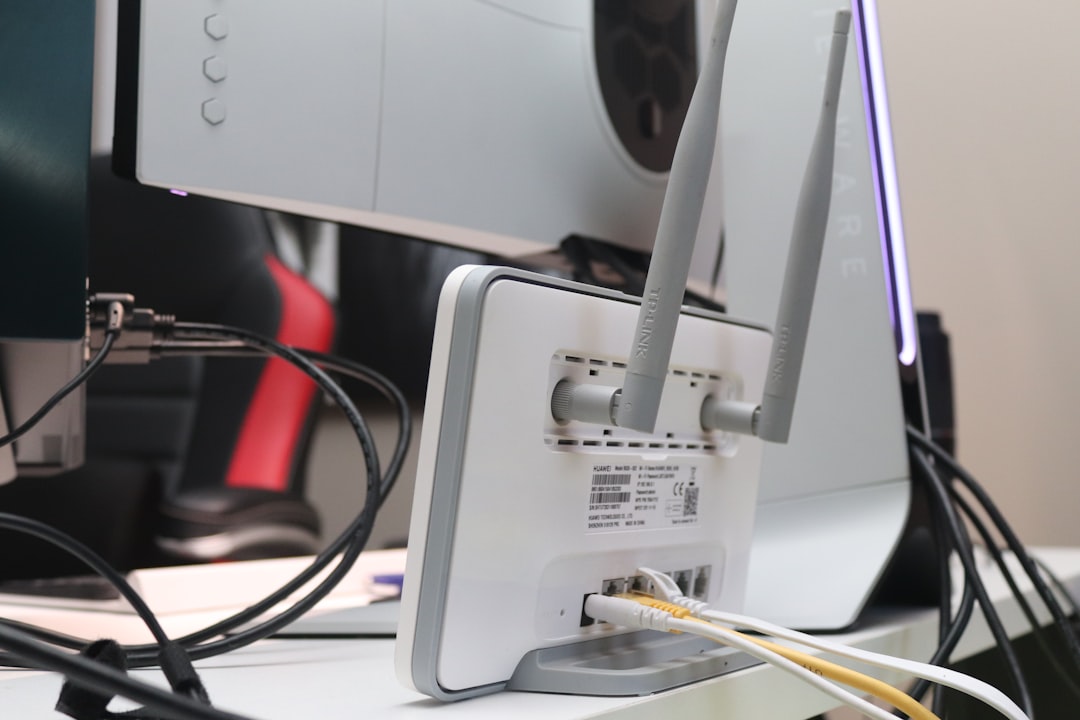
- Plug it in: Simply connect one end to your router and the other to your device. You’ll be amazed at the difference it makes.
Optimizing Your Router Settings
Now that you have a better understanding of your setup, it’s time to fine-tune your router settings. Most routers come with a web interface you can access to make adjustments.
Changing the Channel
Your Wi-Fi might be experiencing interference from other networks in your area. By logging into your router’s settings, you can change the channel it operates on. Most routers use default channels that may be crowded. Changing to a less congested channel can dramatically improve your connection quality.
Quality of Service (QoS) Settings
Another option available in many routers is the QoS setting, which lets you prioritize certain types of traffic. By prioritizing gaming traffic, you can ensure that your gaming packets get sent first. It’s a simple tweak that can significantly increase gaming performance, especially during peak usage times.
Network Hardware: Stronger Gear for a Better Experience
If you’re still struggling with connection issues even after adjustments, it might be a good idea to invest in better networking hardware. Here are some suggestions:
Upgrading Your Router
Older routers may not handle multiple connected devices effectively. If your router is more than a few years old, consider upgrading to a newer model that supports the latest Wi-Fi standards, like Wi-Fi 6. Newer routers often have improved range, speed, and capacity.
Mesh Wi-Fi Systems
If you’re facing dead zones in your gaming area, a mesh Wi-Fi system can provide more consistent coverage in larger homes. Unlike traditional routers, mesh systems consist of several units spread out across your home, ensuring no corner is left behind.
Optimize Your Gaming Device Settings
Don’t forget to check the settings on your actual gaming console or PC. Sometimes, it’s not just your network that needs attention but your device as well.
Adjust Graphics Settings
If you’re playing high-demand games, lowering your graphics settings can reduce the strain on your device and improve performance. This isn’t just for visuals; it can help with the game’s responsiveness.
Keep Software Up to Date
Whether it’s your gaming device firmware or the games themselves, make sure everything is up to date. Developers often release patches that can resolve performance issues or improve playability.
Limit Bandwidth on Other Devices
If your family members or housemates are using the network while you’re trying to game, it can lead to significant slowdowns. One of the simplest ways to optimize your home network for gaming is to set usage limits on network-heavy applications. For example, ask family members to limit their streaming or downloads during your gaming hours.
Monitor Your Network Performance
To ensure your home network is working as it should, consider using a network monitoring tool. Additionally, ping tests can give you an idea of how stable your connection is during gameplay. Keeping an eye on performance metrics can help you pinpoint issues before they turn into major annoyances.
Wrapping Up
Optimizing your home network for gaming doesn’t have to be complicated, but it does require attention to detail. From understanding your current setup to fine-tuning your router and potentially upgrading hardware, every small change can lead to a noticeable improvement in your gaming performance. Whether you’re a casual gamer or a professional player, these tips can help ensure your gaming experience is as smooth and enjoyable as possible. And believe me, there’s nothing better than tackling your favorite games without the constant worry of dropped connections or lag. Happy gaming!