Imagine relaxing on your couch, sipping coffee, and scrolling through your favorite social media feeds or streaming the latest blockbuster. You feel safe logged into your accounts—at least, you think you are. But the truth is, with every click, you’re leaving behind a digital trail that prying eyes can track. That’s where VPN services come into play. If you want to protect your online privacy with VPN, understanding how they work and their benefits is crucial.
What is a VPN?
A Virtual Private Network (VPN) is a service that creates a secure connection between your device and the internet. It encrypts your data and masks your IP address, making it much harder for anyone to see what you’re doing online or where you’re doing it from. Think of it as your personal tunnel through the internet, where no one else can peek inside. VPNs come in handy for everything from securing sensitive business communications to simply enjoying your favorite shows without geo-restrictions.
How Does a VPN Enhance Your Online Privacy?
Let’s break it down. When you connect to a VPN, your internet traffic is routed through a server operated by the VPN provider. This means that anyone trying to snoop on your activities—hackers, your Internet Service Provider (ISP), or even nosy landlords—can only see the VPN server’s IP address, not yours. Essentially, if you want to protect your online privacy with VPN, you’ve got to use one that you trust.
VPN Benefits Beyond Privacy
While protecting your online privacy with VPN is a primary benefit, there are several other great reasons to consider using a VPN:
- Access Restricted Content: Whether it’s a show only available in another country or a website blocked at your school or workplace, a VPN can help you get around those restrictions.
- Enhanced Security: Especially when using public Wi-Fi, a VPN can prevent hackers from intercepting your data.
- Reduced Online Tracking: Many websites track your browsing habits, but a VPN keeps your identity and browsing history private, making it less likely for companies to target you with tailored ads.
In my experience, many people often overlook these added benefits, thinking of VPNs purely as a privacy tool. But when you combine the protections they offer with the ability to enjoy unrestricted internet access, they become much more valuable.
Online Privacy Tips: Combining VPNs with Other Strategies
It’s essential to protect your online privacy with VPN, but relying solely on a VPN isn’t enough to ensure complete security. Here are some online privacy tips to consider:
- Use Strong Passwords: Always use complicated passwords that mix letters, numbers, and symbols. It’s a simple yet effective way to improve your online safety.
- Enable Two-Factor Authentication: This adds an extra layer of security to your accounts by requiring not just a password but also something unique to you, like a text message code.
- Be Cautious About Sharing Personal Information: Before posting anything online, consider whether it’s really safe to share that information with the world.
- Regularly Update Software: Keeping your operating system, apps, and devices updated helps protect you from security vulnerabilities.
Choosing the Right VPN Service
Not all VPNs are created equal. When searching for the right VPN service to protect your online privacy with VPN, consider the following:
- Reputation: Research reviews and check if the company has a history of protecting user data.
- Kill Switch Feature: This feature cuts off your internet connection if the VPN fails, preventing your data from being exposed.
- No-Logs Policy: Ensure the VPN provider doesn’t keep any logs of your activities. This is crucial for maintaining your privacy.
- Server Locations: A larger number of servers can provide better performance and options for bypassing geo-restrictions.
Here’s what most people get wrong: They don’t do enough research before committing to a VPN service. Take your time and find one that suits your needs—don’t just pick the first one you see advertised.
How to Set Up and Use a VPN
Setting up a VPN isn’t rocket science. Most VPN services offer user-friendly interfaces that make it easy to get started. Here’s a simple guide:
- Choose a reliable VPN provider and sign up for a plan that meets your needs.
- Download and install the VPN app on your devices.
- Open the app and log in with your account details.
- Select a server you want to connect to, which can often be chosen based on location or speed.
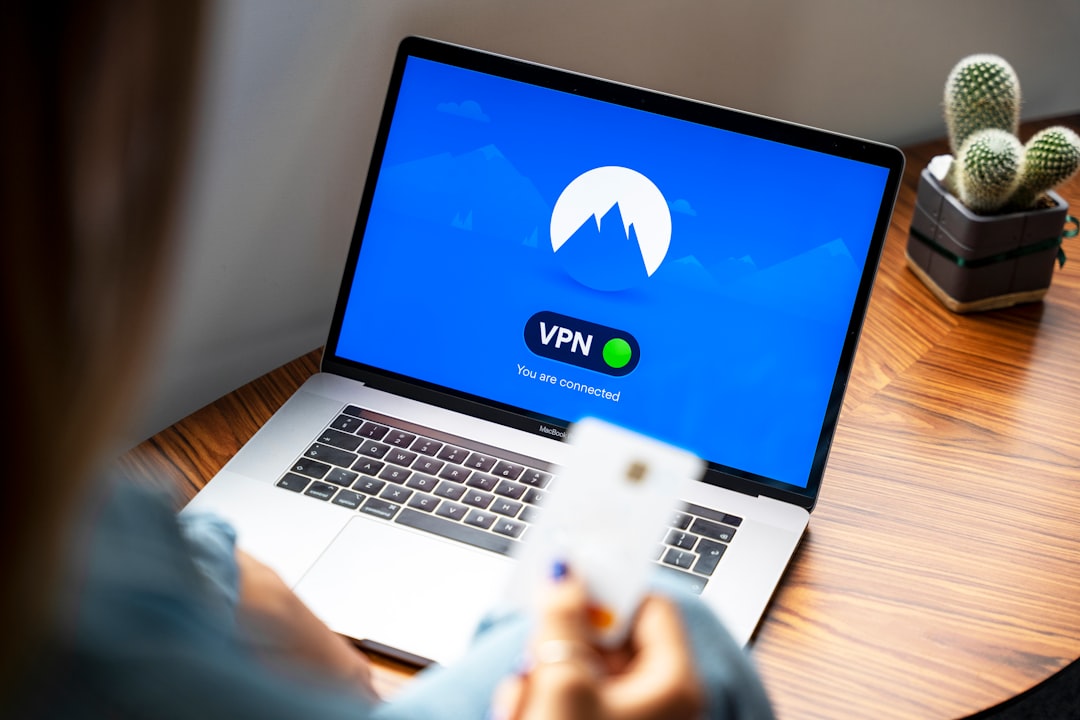
- Click the connect button, and within seconds, you’re browsing securely!
It’s as easy as that. But make sure to check the settings and tweak them according to your privacy needs. Many VPNs allow you to customize settings, such as choosing different encryption protocols and enabling the kill switch.
Common Misconceptions About VPNs
When it comes to protecting your online privacy with VPN, some misconceptions can lead you astray. Let’s bust a few:
- Misconception: A VPN Makes You Completely Anonymous: A VPN offers a layer of privacy, but does not make you fully anonymous. Other factors like cookies, browsing habits, and personal information still play a role.
- Misconception: All VPNs Are Slow: While some free VPNs may slow connection speeds, many reputable services provide fast, reliable connections.
- Misconception: You Don’t Need a VPN if You Have Antivirus Software: Antivirus software protects against malware, but a VPN is necessary for online privacy and security, especially on public networks.
Understanding these misbeliefs can help set realistic expectations about what you can achieve with a VPN. Remember, while they’re a significant piece of the puzzle, they aren’t the entire picture.
Conclusion: Make Online Privacy a Priority
Every day you log on, you’re subjecting your data to the elements. But protecting your online privacy with VPN isn’t just a luxury; it’s a necessity in today’s digital world. With the right VPN, combined with smart online practices, you can safeguard your information and enjoy a safer internet experience.
So, why not take that step today? Research reputable VPN services, consider your personal or professional needs, and make the decision to protect yourself online. After all, peace of mind is well worth the investment.