
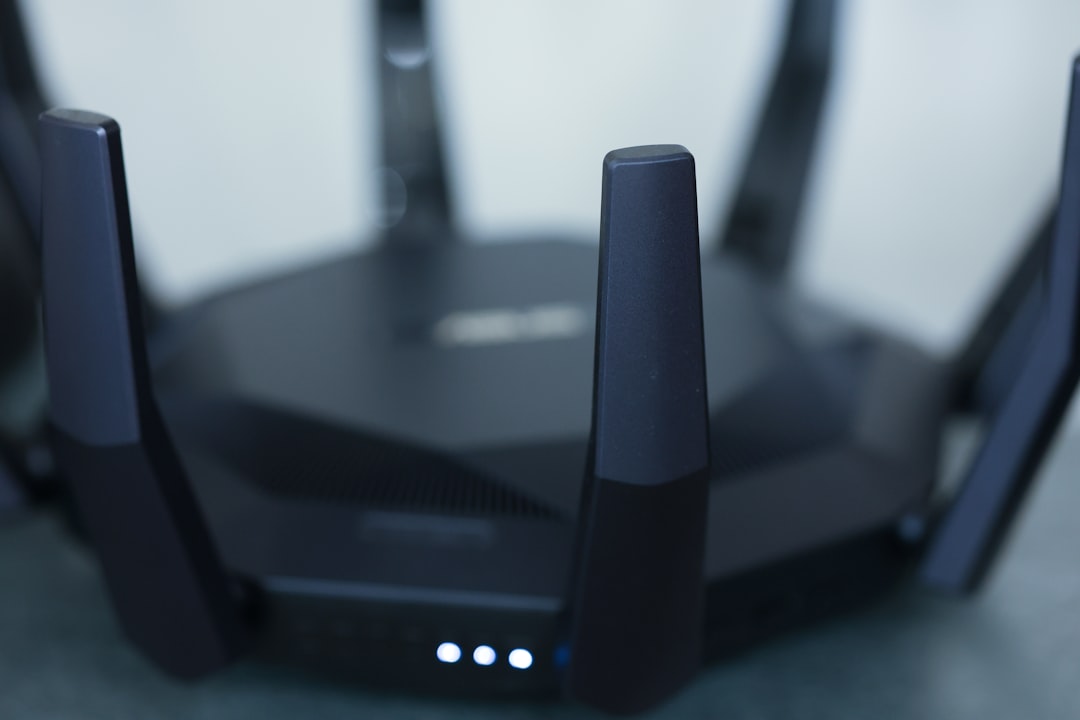
Picture this: you’re at home, cozy on your couch, streaming your favorite show, when suddenly it buffers because the Wi-Fi signal is weak. Frustrating, right? But the annoyance doesn’t stop there; what if I told you that someone could be using your connection without you even knowing? A weak Wi-Fi network isn’t just an inconvenience; it could put your personal data at risk. It’s time to secure your home Wi-Fi network effectively.
Why Wi-Fi Security Matters
It’s easy to overlook your home Wi-Fi security. After all, who’s really interested in your cat videos or online shopping habits? But here’s the crux: you might be surprised. Thieves and hackers often look for easy targets, and an unsecured Wi-Fi network is like leaving your front door wide open.
Without adequate protection, you’re exposing sensitive information like passwords, bank details, and even personal photos. In my experience, people often underestimate the importance of Wi-Fi security, thinking “it won’t happen to me.” Unfortunately, that’s exactly what many victims say.
Common Myths About Wi-Fi Security
- Myth: I have a password on my Wi-Fi, so I’m safe.
- Myth: I live in a safe neighborhood; I don’t need much security.
- Myth: Only large businesses need to worry about Wi-Fi hacking.
Let’s debunk these myths: a simple password isn’t enough. You need to incorporate various security measures. The belief that “it won’t happen here” can lead to complacency, and it’s vital to remember that small home networks can be just as attractive to hackers as large corporate ones.
Wi-Fi Security Tips to Consider
Ready to take control? Here are some solid tips to help you secure your home Wi-Fi network effectively:
1. Change the Default Login Details
This might sound like a no-brainer, but you’d be surprised how often people forget this step. Most routers come with default usernames and passwords like “admin” or “1234.” Hackers know this, so changing these details is crucial for your home network protection.
2. Use WPA3 Encryption
If your router supports it, switch to WPA3 encryption. It’s the latest in Wi-Fi security protocols and offers better protection against unauthorized access. If WPA3 isn’t available, opt for WPA2. Avoid WEP at all costs; it’s outdated and highly vulnerable.
3. Create a Strong, Unique Password
When setting your Wi-Fi password, don’t go for something easy like “password123.” Instead, create a strong, unique password. Here are some tips:
- Combine letters, numbers, and symbols.
- Aim for at least 12 characters.
- Avoid easily guessable information like birthdays or pet names.
In my experience, a complicated password can be a hassle to remember, but there are plenty of password management tools that can help you out. Just make sure it’s something complex.
4. Enable Network Firewalls
Most routers come with built-in firewalls that help protect your network from threats. Make sure this feature is enabled. It acts as a barrier between your home network and potential threats coming from the internet.
Advanced Steps for Home Network Protection
If you’re ready to take your home network protection to the next level, consider implementing these advanced steps:
5. Set Up a Guest Network
When friends or family come over, do they ask for your Wi-Fi password? Instead of giving them access to your main network, set up a guest network. This isolates their devices from yours, reducing the risk of potential intrusions. Most routers offer a simple way to enable this feature.
6. Regularly Update Your Router’s Firmware
Just like your smartphone or computer, your router needs updates, too. Manufacturers often release firmware updates to fix security vulnerabilities. Frequently check for these updates and install them promptly to safeguard your home Wi-Fi network.
7. Disable WPS
Wi-Fi Protected Setup (WPS) might seem convenient, allowing devices to connect easily, but it can be a security risk. Hackers can exploit WPS to gain access to your network. Consider disabling this feature to enhance your home network protection.
Monitoring and Maintaining Wi-Fi Security
Setting your Wi-Fi network up with strong security measures is just the beginning. Monitoring and maintenance are key to long-term protection. Here’s how to keep an eye on things:
8. Regularly Check Connected Devices
Take a look at the devices connected to your network periodically. Most routers have an admin interface where you can view all connected devices. If you spot anything that doesn’t belong, it’s time to take action. You may need to change your password and remove unauthorized devices.
9. Implement MAC Address Filtering
Every device has a unique MAC address. You can use this to restrict which devices are allowed to connect to your network. This adds another layer of security, ensuring that only devices you approve can access your Wi-Fi.
What to Do If You Suspect a Security Breach
Even with all these precautions, it’s important to stay vigilant. If you suspect someone has accessed your network without permission, here’s what you should do:
- Change your Wi-Fi password immediately.
- Log into your router’s admin interface and check for unfamiliar connected devices.
- Consider a factory reset on your router if the breach is severe.
Don’t hesitate to take these steps; it’s better to be safe than sorry when it comes to securing your home network.
Conclusion
Securing your home Wi-Fi network is essential in today’s digital age. With cyber threats lurking around every corner, taking proactive measures to protect your personal information is wise. From changing default settings to monitoring connected devices, every step matters.
Here’s what most people get wrong: they think that once they’ve set up their network, they can forget about it. But maintaining your Wi-Fi security is an ongoing task. By following the tips and advice outlined in this post, not only will you secure your home Wi-Fi network effectively, but you’ll enjoy peace of mind knowing you’re protected.
Don’t wait for something to happen—take action now, and make your Wi-Fi network as secure as it can be.








