Imagine this: you come home after a long day, eager to unwind and binge-watch your favorite show. You grab the remote, settle into your couch, and reach for your smartphone to connect to your home Wi-Fi. But wait. You notice your streaming is slowed down. A quick look at your device confirms your suspicions: your Wi-Fi network has been compromised.
Sadly, this scenario isn’t far-fetched. Many people don’t know how to secure their home Wi-Fi network effectively, leaving them vulnerable to hackers and other digital threats. But fear not; you’re in the right place. This post will guide you through essential tips and best practices for home network security, helping you protect your Wi-Fi from hackers and keep your personal data safe.
Why Home Wi-Fi Security Should Be a Priority
If you think your Wi-Fi isn’t an attractive target for hackers, think again. With the increasing number of smart devices in our homes—from thermostats to doorbells—your Wi-Fi network serves as a gateway to your personal information. Whether it’s your banking details, emails, or even private photos, a compromised network can lead to a catastrophic breach of privacy. In my experience, understanding how to secure your home Wi-Fi network not only prevents unauthorized access but also gives you peace of mind.
Change the Default Network Name and Password
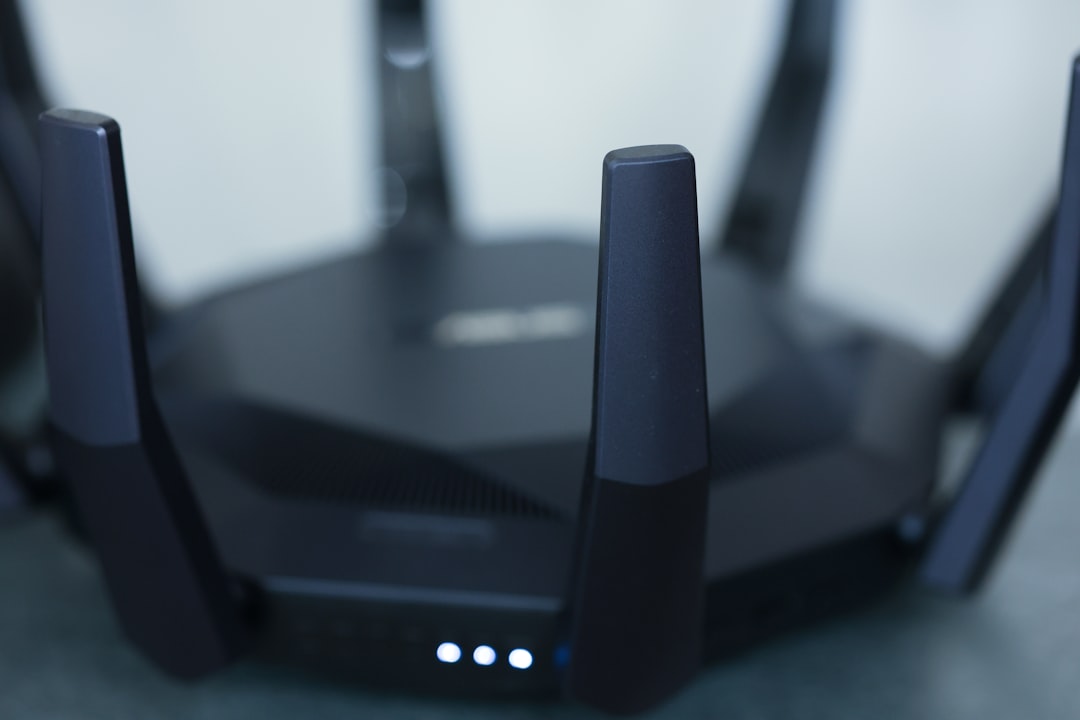
Most routers come with a default network name (SSID) and password that are easy to guess. Keeping the default settings is one of the biggest mistakes people make regarding home network security. Hackers know these default passwords and can exploit them within minutes.
To secure your home Wi-Fi network, start by changing the SSID to something unique but non-identifiable. Avoid using personal information like your name or address. Also, change the default password to a strong and complex one. A good password should be at least 12 characters long, featuring a mix of letters, numbers, and special characters.
Use WPA3 or WPA2 Encryption
When setting up your Wi-Fi, make sure to activate WPA3 encryption if your router supports it. If not, WPA2 is the next best option. These encryption protocols provide a secure way to protect your network from unauthorized access. Always opt for the highest level of security available on your router’s settings. Here’s what most people get wrong: they simply bypass the security settings for convenience, forgetting that this can lead to unwanted intrusions.
Regularly Update Your Router’s Firmware
Just like your computer or smartphone, your router needs updates too. Manufacturers frequently release firmware updates that fix security vulnerabilities and enhance network performance. Ignoring these updates can leave you exposed to hackers who may exploit outdated software.
To check for updates, log in to your router’s administrative interface (usually found at a specific IP address). Once there, look for the firmware update section and follow the instructions. It might seem tedious at times, but this step is crucial in maintaining a secure home Wi-Fi network.
Disable WPS
Wi-Fi Protected Setup (WPS) is a feature designed to let you easily connect devices to your network. However, this feature can also be a doorway for attackers. Hackers can exploit the WPS PIN to gain access, making it a significant vulnerability.
Disabling WPS is a smart move when you’re focused on how to secure your home Wi-Fi network. You might have to do this through the router settings. Just ensure that you have another method to connect your devices, like entering the password manually.
Enable Network Firewall
Most modern routers come with built-in firewall features that help protect your network from external attacks. A firewall serves as a barrier between your internal network and the internet, monitoring incoming and outgoing traffic.
Make sure your router’s firewall is enabled. You can usually find this option in the security settings of your router. In my experience, many users overlook this simple step, but it can significantly enhance your home network security.
Control Connected Devices
Routine checks of all devices connected to your network can help in identifying any suspicious activity. You may find devices that you didn’t recognize, which could indicate unauthorized access.
- Log in to your router’s settings to view a list of connected devices.
- Remove any unknown devices immediately.
- Consider setting up a guest network for visitors, which will keep your main network secure.
Managing your connected devices is a crucial aspect of how to secure your home Wi-Fi network. It’s great to embrace technology, but you need to monitor its access too.
Use VPN for Extra Security
A Virtual Private Network (VPN) encrypts your internet connection, making it more difficult for hackers to intercept your data. While it may seem like an added layer of complexity, the benefits far outweigh any inconvenience. If you’re serious about protecting your Wi-Fi from hackers, using a VPN is highly recommended.
Many services offer reliable VPN solutions, so do your research to find one that suits your needs. Setting it up is usually just a matter of installing software on your devices and connecting to a secure server. Doing this can greatly extend your home network security.
Educate Family and Guests
Finally, remember that all the technical measures in the world won’t mean much if everyone using your network isn’t educated on best practices. Talk to family and friends about the importance of home network security. Encourage them to follow security protocols, like avoiding clicking on suspicious links or using weak passwords on their devices.
In my experience, creating a culture of security awareness in your home is just as vital as the technical aspects. Make it a family activity to discuss why these measures matter. When everyone is on board, you’ll have a more secure Wi-Fi network.
Final Thoughts
Securing your home Wi-Fi network might seem daunting, but with the right knowledge and steps, it’s entirely achievable. By changing default passwords, enabling encryption, disabling risky features, and regularly updating your router, you can enhance your home network security significantly.
Don’t forget about the human factor—educating everyone who accesses your network is just as important as the technical safeguards. By implementing these home network security tips, you’ll be well on your way to protecting your Wi-Fi from hackers and ensuring the privacy of your household.
Stay vigilant, stay educated, and enjoy the peace of mind that comes from knowing your home network is secure!