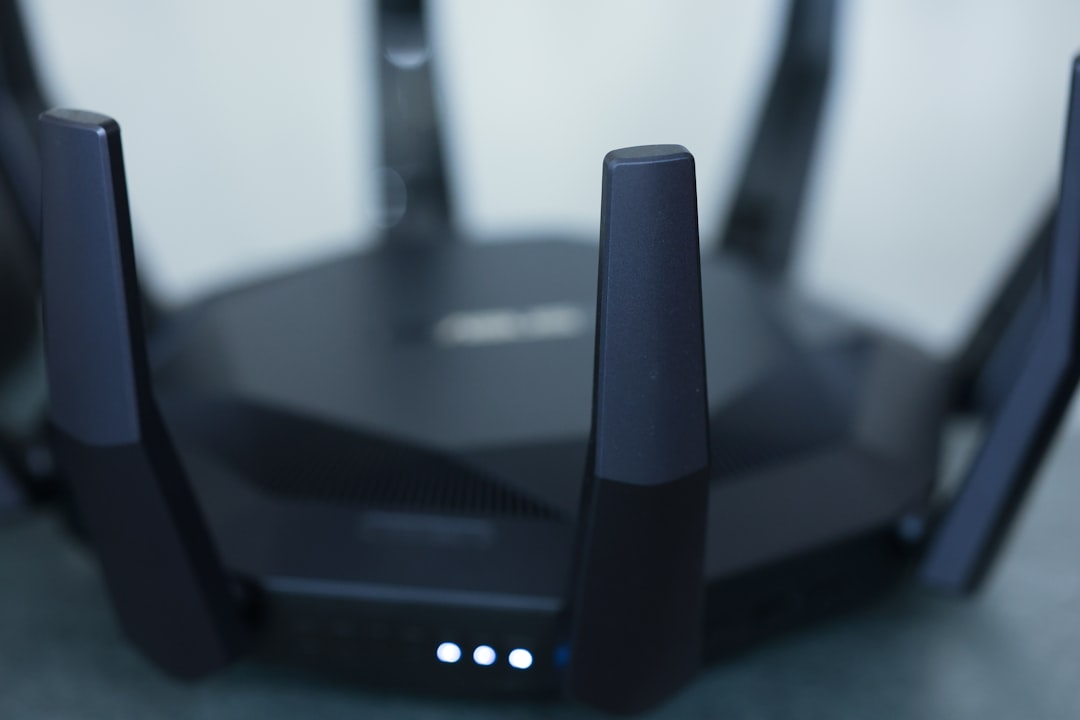
Imagine this: It’s a quiet evening at home. You’re binge-watching your favorite show when suddenly, it stutters and freezes. You check the Wi-Fi, only to discover someone nearby is hogging your bandwidth. Sound familiar? There’s a good chance it’s a neighbor—or worse, a hacker—taking advantage of an unsecured home network. This scenario underscores a crucial lesson: if you want to secure your home Wi-Fi network, it’s not just about speed; it’s about safety, too.
Why Home Wi-Fi Security Matters
Many people treat their home Wi-Fi networks like that forgotten padlock on a rarely used gate. “What are the odds anyone is really trying to break in?” they think. The truth is, cybercriminals are a lot more common in our lives than we realize. A report from the FBI indicated that thousands of complaints related to internet crimes are made every year, with many stemming from vulnerabilities in unsecured networks. If you think you’re safe because you don’t store sensitive information on your devices, think again. Most hackers are after your personal information, like passwords and financial data, often hiding behind the facade of harmless activities.
Common Myths about Wi-Fi Security
Now that we’ve established the importance of securing your home Wi-Fi network, let’s bust some myths that might be holding you back:
- Myth: My Wi-Fi is safe because I have a strong password. While strong passwords are crucial, they’re not the entire solution.
- Myth: MAC address filtering is enough to secure my network. This method can add an extra layer of security, but it’s not foolproof. Savvy hackers can still bypass it.
- Myth: Only tech-savvy people need to worry about Wi-Fi security. Wrong! Anyone with a home network should care about protection.
Essential Wi-Fi Security Tips
If you’re ready to secure your home Wi-Fi network effectively, these tips will help you significantly reduce risks:
1. Change the Default Network Name and Password
Your router likely comes with a default network name (SSID) and password, and these are easy targets for hackers. Change your SSID to something unique that doesn’t reveal your identity, like “Jane’s Wi-Fi.” Then, set a strong password that combines letters, numbers, and symbols. Avoid using easily accessible information, such as birthdays or addresses.
2. Enable WPA3 Encryption
Encryption is your friend when trying to secure your home Wi-Fi network. The latest standard, WPA3, provides advanced protection compared to its predecessors. If your router supports it, make the switch without delay. It’ll keep your data safe and disallow unauthorized access.
3. Disable WPS (Wi-Fi Protected Setup)
WPS can be convenient when connecting new devices, but it’s often a security loophole. Hackers can exploit this feature easily to gain access to your network. Disable it in your router settings to put up a stronger defense.
4. Keep Router Firmware Updated
Router manufacturers often release firmware updates. These updates patch known vulnerabilities. Regularly checking for updates is a simple habit that pays off big time. Many routers allow you to set automatic updates, so you won’t even have to think about it.
5. Create a Guest Network
If you have visitors who want to use your Wi-Fi, set up a guest network. This way, guests can use the internet without accessing your main network and its connected devices. Most modern routers have this feature built-in.
6. Monitor Connected Devices
Do you know how many devices are connected to your network? When you secure your home Wi-Fi network, you should also take inventory of all connected devices. Routers usually have an admin page that lets you check what’s linked. If you spot an unfamiliar device, it might be time to change your password.
7. Disable Remote Management
Many routers have a feature that allows you to access settings from outside your home network. Unless you absolutely need it, turn it off. This is one less way hackers can exploit your system.
Advanced Home Network Protection Strategies
If you’re someone who takes network security seriously, consider these advanced strategies for protecting your home network:
1. Utilize Network Firewalls
A good firewall can be the line of defense between your private data and possible threats. Many routers have built-in firewalls, but additional hardware or software firewalls provide added layers of protection. These can filter out malicious traffic before it reaches your devices.
2. Change DNS Settings
Changing your DNS server to a secure option, like Google DNS or OpenDNS, can add extra security and performance. These services offer phishing protection and can block access to harmful websites.
3. Consider Using a VPN
For added privacy, using a Virtual Private Network (VPN) encrypts all data transferred over the network. This is especially useful when accessing sensitive information or doing online banking.
4. Regularly Audit Your Security
As with any safety measures, it’s wise to periodically review and update your network security. This isn’t a one-and-done scenario. A proactive attitude can help you stay ahead of potential threats.
What to Do if You Think You’ve Been Hacked
Realizing that someone has accessed your secured home Wi-Fi network can be unnerving. If you suspect that your network has been compromised, take these immediate steps:
- Change the Wi-Fi password: This is your first line of defense. Switching it will boot unauthorized users off.
- Check connected devices: If you spot anything suspicious, remove it.
- Update your router firmware: This can patch vulnerabilities that the hacker might have exploited.
- Restore factory settings: As a last resort, consider resetting your router. This will delete all settings, so be prepared to set it up again.
Final Thoughts on Wi-Fi Security
In my experience, the key to successfully securing your home Wi-Fi network lies in a mix of awareness and action. People often overlook simple steps, thinking they won’t be affected. But with online threats increasing every day, taking precautions is no longer optional; it’s essential.
By implementing the tips and strategies mentioned above, you’re not just protecting your devices; you’re safeguarding your personal information and, ultimately, your peace of mind. So, take the time to secure your home Wi-Fi network today. Your future self will thank you.