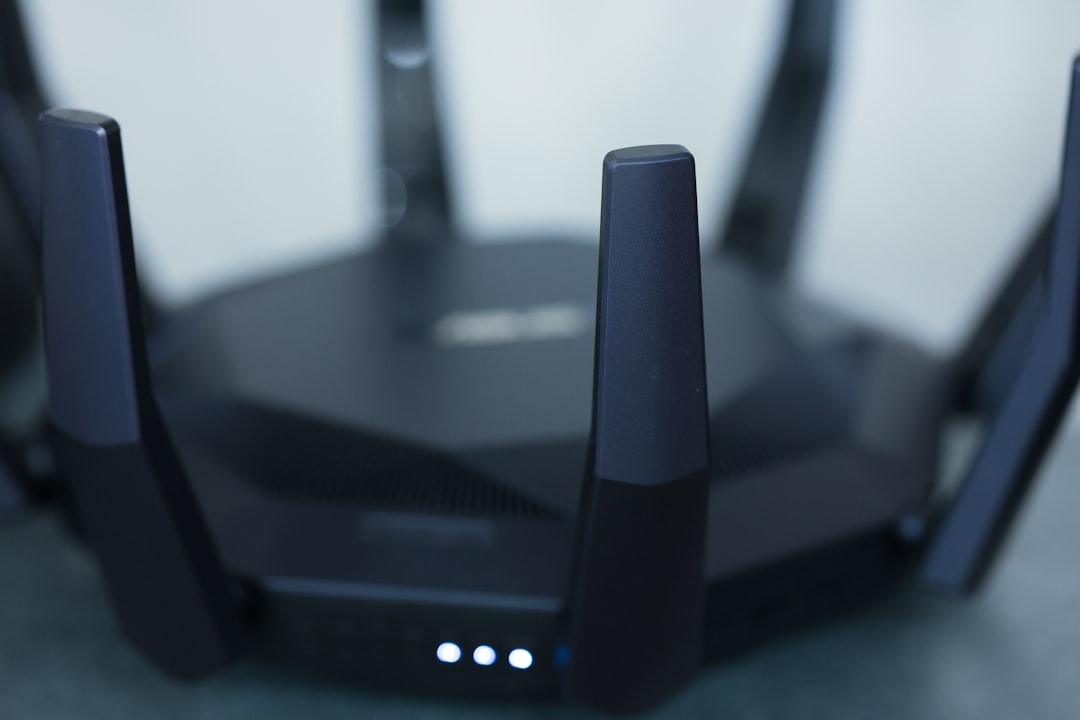
Picture this: You’re at home, streaming your favorite series, and suddenly the video starts buffering. Frustrated, you check your Wi-Fi connection and find it’s slowed down. Then it hits you: it’s not just your streaming; someone else might be using your Wi-Fi, and you have no idea who they are. This scenario is becoming increasingly common as more devices connect to our networks. So, how do you secure your home Wi-Fi network to prevent unauthorized access? Let’s break down some simple yet effective strategies to enhance your home network protection.
Understanding Why Wi-Fi Security Is Important
In my experience, many people take their home Wi-Fi security for granted. They assume that their password is strong enough or that they won’t attract any unwanted attention. However, without taking the necessary precautions, your personal data, financial information, and privacy could all be at risk. Cybercriminals often look for easy targets, and an unprotected Wi-Fi network is like leaving the front door wide open.
Change Your Default Router Settings
When you first set up your Wi-Fi router, it comes with default settings. Most people don’t bother to change them, but this is a huge risk. Here’s what you should consider doing:
- Change the default username and password: Most routers come with a standard username and password that are easily accessible online. Change these as soon as you set up your network.
- Update your router firmware: These updates often contain security patches that protect against known vulnerabilities.
Use Strong Passwords
It might sound basic, but you’d be surprised how many people choose weak passwords. A simple “123456” or “password” is far too easy for hackers to guess. Aim for a password that combines letters, numbers, and special characters. Here’s how to create a secure password:
- Make it at least 12-16 characters long.
- Include a mix of uppercase and lowercase letters.
- Add numbers and special symbols.
- Consider using a passphrase—something like “MyDogLoves3Walks@Day!”
By strengthening your password, you significantly reduce the chance of someone being able to access your home Wi-Fi network.
Enable WPA3 Encryption
Encryption is essential for securing your home Wi-Fi network. The Wi-Fi Protected Access 3 (WPA3) is the latest security protocol and provides better protection than its predecessors. If your router supports WPA3, make sure it’s enabled. If it doesn’t, consider upgrading to a newer model.
Using WPA3 makes it much harder for intruders to intercept your internet traffic. On the other hand, if you’re still using WPA2 or WEP, it’s time to upgrade—those protocols are outdated and can be easily compromised.
Regularly Update Your Devices
It’s not just your router that requires attention; all devices that connect to your Wi-Fi network need to be kept updated. This includes smartphones, tablets, computers, smart TVs, and even IoT devices. When manufacturers release updates, they often include security enhancements that help protect your data.
Set your devices to update automatically, or make it a habit to check for updates regularly. By keeping everything current, you strengthen your home network protection significantly.
Disable WPS and Guest Networks
Wi-Fi Protected Setup (WPS) allows users to connect devices to a Wi-Fi network quickly and easily. Unfortunately, it can also be a vulnerability. Cybercriminals have developed methods to exploit WPS, making it easier for them to gain access to your network. If you want to secure your home Wi-Fi network effectively, it’s best to disable WPS altogether.
In addition, if your router offers a guest network feature, consider turning it off if you don’t use it. If you do use it, make sure it’s password-protected and uses a different password than your main network. This prevents unauthorized users from gaining access to your sensitive information.
Monitor Connected Devices
Most modern routers allow you to see which devices are connected to your network. Check this list regularly. If you notice a device you don’t recognize, it could indicate that someone is using your Wi-Fi without permission. Most routers provide options to disconnect or block devices you don’t recognize.
By actively monitoring your devices, you can catch possible breaches before they cause significant problems.
Consider Using a VPN
A Virtual Private Network (VPN) encrypts your internet traffic, making it nearly impossible for outsiders to see your online activities. While this isn’t a direct method to secure your home Wi-Fi network, it adds an additional layer of security when you’re surfing the web. Here’s what most people get wrong: they think VPNs only protect against hackers on public networks. In reality, they help protect your data any time you’re online.
When selecting a VPN, choose a reputable provider and read reviews to ensure it doesn’t log your activities.
Be Cautious with Smart Devices
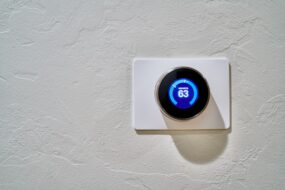
Many modern homes are equipped with smart devices—thermostats, lights, security cameras, and more. These devices are convenient but can also pose security risks. Always change the default passwords of these devices and make sure they’re regularly updated. Some additional tips for securing smart devices include:
- Only connect devices you need to your Wi-Fi network.
- Regularly check manufacturers for any known vulnerabilities.
- Consider setting up a separate network for your smart devices to keep them isolated from your main devices.
Being mindful with your smart devices can significantly enhance your home network protection.
Educate Your Family
It’s not enough to take these precautions alone; everyone in your household should understand the importance of Wi-Fi security. Talk to your family about:
- Never sharing the Wi-Fi password with strangers.
- The risks of connecting to unknown networks.
- Recognizing phishing emails that could lead to accidental breaches.
By educating your family, you’re creating a security-first mindset that will contribute to keeping your home network safe.
Concluding Thoughts
In conclusion, securing your home Wi-Fi network doesn’t have to be a daunting task. By following these simple suggestions, you can significantly decrease the risk of being hacked and ensure your personal data is protected. Don’t wait until it’s too late; take charge of your home network protection right away. The steps are all accessible, and the peace of mind it provides is well worth the effort. So go ahead, secure your home Wi-Fi network, and enjoy the peace of mind that comes with it.