
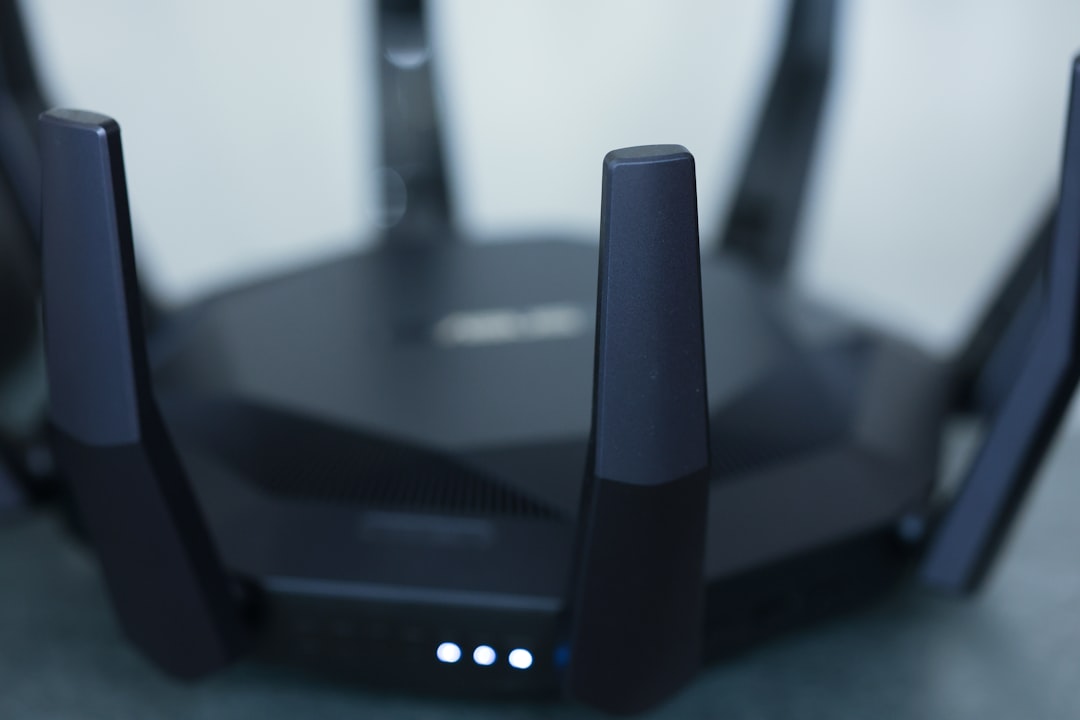
Picture this: you’ve just come home from a long day, kick off your shoes, and sit down to catch up on your favorite show. Suddenly, your Wi-Fi starts acting weird—web pages load slowly, and your streaming service keeps buffering. Frustrated, you wonder if someone is using your network without your permission. If you can relate to this, you might need to take a step back and think about how to secure your home Wi-Fi network.
Most people don’t spend much time worrying about Wi-Fi security until something goes wrong. Unfortunately, it’s all too easy for cybercriminals to access your network, leading to potential data breaches and privacy concerns. So, how can you prevent Wi-Fi hacking and keep your home network protection intact? Let’s dive into effective strategies to make sure you’re protected.
Why Is Home Wi-Fi Security Important?
First off, let’s talk about why securing your home Wi-Fi network is a big deal. Your Wi-Fi is the gateway to your digital life. Think about it: it gives access to not just your smartphones and laptops, but also to smart devices, home security systems, and even appliances. If someone gets into your network, they’re not just accessing your internet; they could exploit personal data or even manipulate connected devices.
Data breaches tied to insecure networks can lead to identity theft, unauthorized purchases, and much more. That’s why investing some time in home network protection is crucial for your peace of mind and safety.
Change Default Login Credentials
One of the first and easiest steps to secure your home Wi-Fi network is to change the default username and password for your router. Many people don’t realize that routers often come with default credentials that are well-known and easy to find online. This makes it simple for hackers to guess them.
- Username: Most routers use “admin” or “user” as the default username.
- Password: Default passwords are typically something generic like “password” or “12345678.”
Changing these credentials to something more complex is essential. Use a mix of uppercase letters, lowercase letters, numbers, and special characters. In my experience, creating a long password is more secure than a short, complex one.
Update Your Router’s Firmware Regularly
It’s not just your computer or smartphone that needs software updates; your router does too. Manufacturers regularly release firmware updates to fix vulnerabilities and improve performance. However, many people ignore this until something goes wrong.
Check your router’s settings regularly or subscribe to notifications if your router has that option. A quick update can help you secure your home Wi-Fi network and keep cyber threats at bay.
Use WPA3 for Encryption
When setting up your Wi-Fi network, you’ll come across different encryption options. If your router supports it, always opt for WPA3. This is the latest Wi-Fi security protocol, offering better encryption and protection against brute-force attacks.
If WPA3 isn’t available, WPA2 is a solid option, but make sure you’re not using WEP. WEP is outdated and easily compromised. Remember, the stronger the encryption, the harder it is for unauthorized users to access your network.
Disable WPS
Wi-Fi Protected Setup (WPS) might seem convenient, letting you connect devices quickly, but it can also be a security risk. WPS has known vulnerabilities that make it easier for hackers to gain access to your network.
In my opinion, it isn’t worth the risk. If you’re serious about home network protection, turn off WPS in your router settings. Connecting devices manually may take a few extra minutes, but it’s a small price to pay for enhanced security.
Create a Guest Network
Having friends and family over is great, but it can lead to unwanted guests on your Wi-Fi network. One effective way to secure your home Wi-Fi network is by setting up a guest network. This keeps your main network private and limits access to your shared devices.
- When creating a guest network:
- Use strong authentication similar to your main network.
- Set limits on bandwidth usage if your router allows it.
Most people get this wrong by sharing their main credentials without thinking of the consequences. A guest network allows your visitors to access the internet without putting your devices at risk.
Monitor Connected Devices
Most routers come with an option to view connected devices. Make it a habit to check this list regularly. If you spot anything unfamiliar, like a device you don’t own, it’s time to take action. Here’s what you can do:
- Change your Wi-Fi password immediately.
- Check if your router’s firmware is up to date.
- Consider blocking or removing unauthorized devices.
This gives you an added layer of awareness about who’s accessing your network and can prevent Wi-Fi hacking attempts.
Consider Using a VPN
While a VPN (Virtual Private Network) isn’t a direct method of securing your home Wi-Fi network, it adds a crucial layer of protection for online activities. By encrypting your internet traffic, a VPN keeps prying eyes away from your sensitive information, especially when you’re using public Wi-Fi.
In my opinion, using a VPN is a wise choice for anyone who values their online privacy. Make sure to select a reputable provider, as some free VPN services can compromise your data instead of protecting it.
Be Cautious with Smart Devices
Smart home devices can vastly improve convenience but can also be a vulnerability if not adequately secured. Many people forget that these devices often come with their own security settings that need to be configured.
- Before installing a smart device:
- Change any default passwords.
- Keep firmware updated just like with your router.
These devices can be entry points for hackers, and ensuring they’re secure can go a long way in protecting your home network.
Final Thoughts
Taking the time to secure your home Wi-Fi network is essential in today’s connected world. From changing default credentials to regularly updating firmware, implementing these tips can significantly enhance your home network protection. Don’t wait for a breach to happen before you take action.
Remember, cybercriminals are always on the lookout for easy targets. The more proactive you are about securing your Wi-Fi, the less likely it is that you’ll have to deal with the consequences of an unsecured network. By following these tips and regularly assessing your Wi-Fi security, you can enjoy a safe and smooth online experience.
Now, if you haven’t checked your network settings yet, why wait? Take the steps today to secure your home Wi-Fi network!








