Imagine this: You’re enjoying a quiet evening at home, binge-watching your favorite series, when suddenly your internet cuts out. You reboot your router, thinking it’s a temporary glitch. But deep down, you start to wonder: could someone be messing with your connection? You’re not alone in that worry. More and more people recognize the importance of securing their home Wi-Fi networks, but many make small mistakes that can invite trouble. Let’s ensure you know exactly how to secure your home Wi-Fi network effectively.
Understanding Wi-Fi Security Importance
Think about how much of our lives revolve around our internet connection. From smart home devices to online banking, a secure home internet connection isn’t just nice to have; it’s essential. If your network falls into the wrong hands, hackers can steal personal information or even spy on your activities. So, it’s crucial to secure your home Wi-Fi network, but how do you do it?
Change Default Router Settings
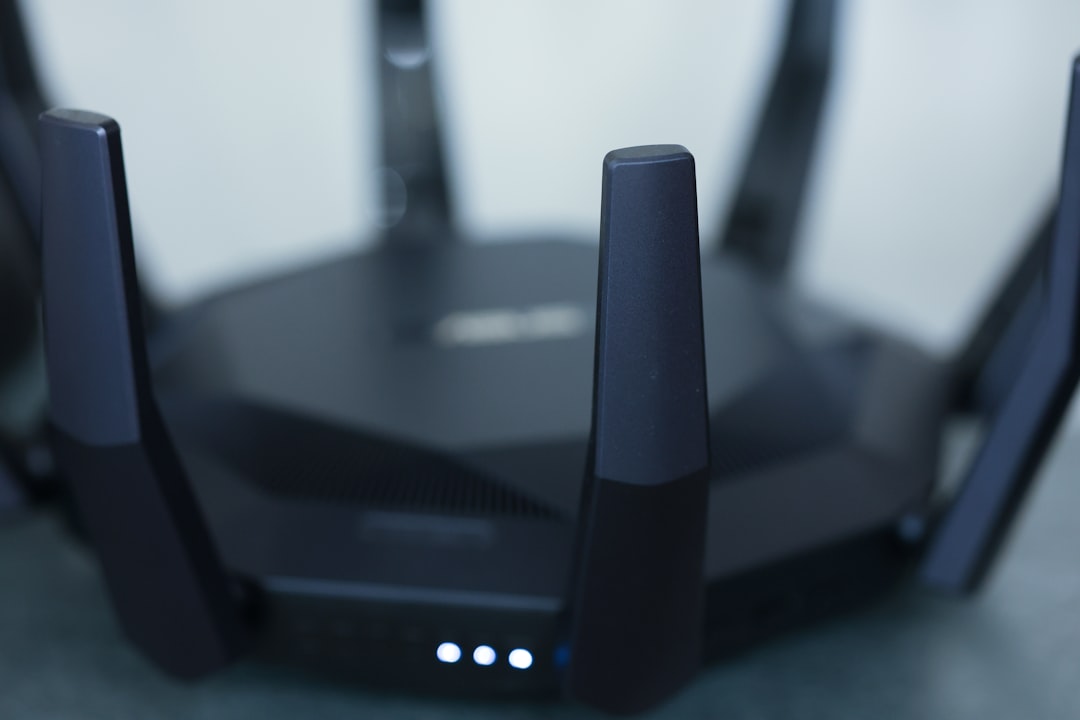
One of the first things people overlook is the default settings on their router. Most routers come with generic usernames and passwords, which are often listed in manuals or easily found online. This makes it incredibly easy for a hacker to gain access. To secure your home Wi-Fi network, start by:
- Changing the Admin Username and Password: Choose a combo that’s hard to guess. Avoid common terms or numbers.
- Updating the Network Name (SSID): Don’t use personal information or the manufacturer’s name. Make it unique but not easily identifiable.
In my experience, this simple act can deter a large number of potential intruders.
Enable WPA3 Encryption
If you want to protect Wi-Fi from hackers, make sure you’re using the best encryption your router supports. While older standards like WEP are outdated and easily cracked, WPA3 offers stronger security. To enable this:
- Access your router settings through a web browser.
- Look for the Wi-Fi security section.
- Select WPA3 or, if that isn’t available, at least WPA2.
This will significantly raise the bar for anyone attempting to breach your network.
Regularly Update Your Router’s Firmware
Just like any other software, router firmware needs updates to patch vulnerabilities. Often, manufacturers release these updates to improve security. Here’s what most people get wrong: they never check for updates or think it’s a hassle. To ensure you’re always protected, set a reminder to check for updates every few months. You can also enable automatic updates if your router supports it.
Use a Strong Wi-Fi Password
When it comes to passwords, stronger is better. A weak password can act like leaving the front door of your house wide open. Instead of simple words or dates, your Wi-Fi password should include a mix of uppercase letters, lowercase letters, numbers, and symbols. Here’s a quick guide to creating a strong password:
- At least 12 characters long.
- Mix of letters, numbers, and symbols.
- Avoid predictable patterns, like “123456” or “password.”
Once you create a strong password, document it in a secure location, so you don’t forget it!
Set Up a Guest Network
If you have visitors frequently connecting to your home Wi-Fi, consider setting up a guest network. This keeps your main network private and reduces the risk of unauthorized access. To create a guest network:
- Access your router settings.
- Look for the Guest Network option.
- Set it up with its own password, ideally different from your main network.
This way, you can share internet access without compromising your secure home internet connection.
Disable WPS and Remote Management
Wi-Fi Protected Setup (WPS) allows you to connect devices easily, but it can open doors for hackers. If someone gets physical access to your network, they could potentially exploit WPS to gain entry. Disabling WPS can be a crucial step in your effort to secure your home Wi-Fi network. Similarly, if your router has a remote management feature, turn it off unless absolutely necessary. In most cases, you won’t need to access your router settings when you’re away from home.
Monitor Connected Devices
Keeping an eye on all devices connected to your network is essential for spotting potential intruders. Most routers allow you to see who’s currently online. Regularly check this list, and if you see anything suspicious (like devices you don’t recognize), take action immediately. Change your Wi-Fi password and consider removing any unwanted devices. It’s a good practice to regularly evaluate what’s on your network.
Invest in Additional Network Security Tools
While following these tips can significantly enhance your home Wi-Fi security, sometimes basic measures aren’t enough. If your online presence is critical or if you’re particularly concerned about privacy, consider investing in advanced security tools:
- Network Firewalls: A firewall can help prevent unauthorized access.
- Antivirus Software: Protects devices from malicious attacks.
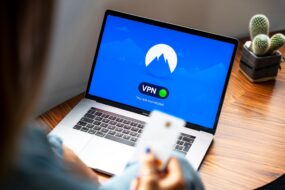
- VPN Services: Encrypts internet traffic, adding another layer of security.
In my opinion, these extra layers are worth considering, especially given the increasing sophistication of cyber threats.
Educate Your Family or Roommates
Finally, no home Wi-Fi security strategy would be complete without education. Make sure everyone in your household understands the importance of Wi-Fi security. Discuss what to look for in phishing emails or malicious links that could compromise the network. The more aware everyone is, the less likely they’ll make mistakes that could put your secure home internet connection at risk.
Conclusion
Securing your home Wi-Fi network isn’t a one-time task; it’s an ongoing commitment. By implementing these home Wi-Fi security tips, you can significantly reduce the risk of unauthorized access and protect your personal information. Remember, cybersecurity is like home security; best to be proactive than to wait for trouble to knock on your door. So, take the time to secure your home Wi-Fi network effectively. You’ll sleep better knowing you’ve done everything you could to keep out unwanted visitors.