
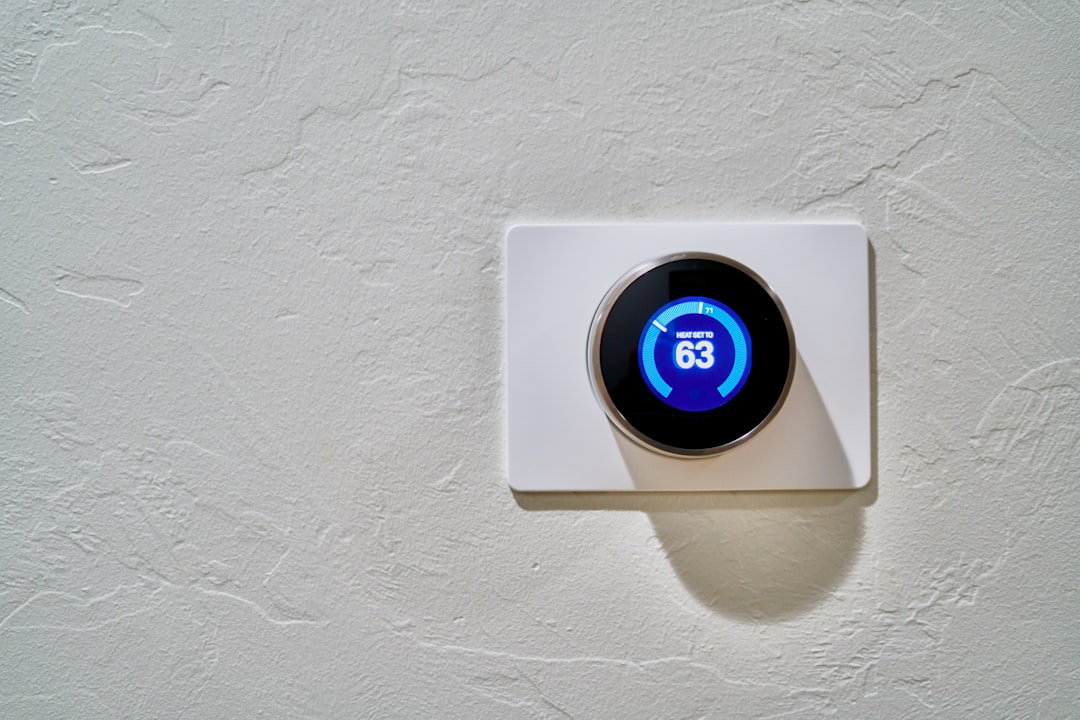
Picture this: You come home after a long day at work, and as you walk through the front door, your smart home lights turn on automatically, your thermostat adjusts to a cozy temperature, and even your coffee maker starts brewing. It’s convenient, it’s modern, and it’s a glimpse into the future. But what happens when that convenience comes at a cost? Security is a huge concern when it comes to smart home devices, and if you’re not taking the necessary steps to secure your smart home devices, you might find yourself in a precarious situation.
Why Security Matters
Let’s face it; the more devices you connect, the more risks you introduce. Each smart device can act as a potential entry point for cybercriminals. In my experience, I’ve seen cases where people overlooked security settings, and it backfired tremendously. Folks often think, “It’s just a camera,” or “It’s only a light bulb.” But let me tell you, those seemingly innocuous devices can often be the weak points in your security armor.
Common Vulnerabilities in Smart Home Devices
To effectively secure your smart home devices, it’s essential to understand where the vulnerabilities lie. Here are a few common issues:
- Weak Passwords: Using default passwords is a common mistake. These can often be easily guessed or found online.
- Infrequent Software Updates: Manufacturers often release firmware updates that patch vulnerabilities, but many users don’t bother to install them.
- Unsecured Wi-Fi Networks: If your home network isn’t secured, it invites risks from potential hackers.
- Neglected Device Settings: Many users fail to explore security settings on their devices, leaving them vulnerable.
Smart Home Security Tips
So how do you go about securing your smart home devices? Here are some smart home security tips that can help:
1. Set Strong, Unique Passwords
Creating strong passwords is imperative. Don’t just use ‘123456’ or ‘password’. Instead, go for a combination of letters, numbers, and special characters. Ideally, each device should have its own unique password. If that sounds like a hassle, consider using a password manager to keep track of them.
2. Keep Firmware Updated
Just like your computer or smartphone, smart home devices also need regular updates. Most manufacturers release updates to fix vulnerabilities. Enabling automatic updates can save you the trouble, but if that’s not an option, set a reminder to check for updates regularly. This is a crucial step in protecting smart devices.
3. Secure Your Wi-Fi Network
Your Wi-Fi network is the backbone of your smart home. If it’s weak, everything else is at risk. Change the default username and password of your router, and consider enabling WPA3 encryption for better security. Make sure to hide your network SSID so it’s not easily discoverable by outsiders. Here’s what most people get wrong: They rely solely on their router’s default security settings, which can be a huge mistake.
4. Use Two-Factor Authentication (2FA)
If your device offers 2FA, don’t skip it. This adds an extra layer of security, making it much harder for someone to gain unauthorized access. You might feel it’s a bit inconvenient at times, but trust me, the peace of mind is worth the small extra steps.
5. Create a Guest Network
Consider setting up a guest network for visitors. This way, they can connect to the internet without having access to your primary network where your smart devices are connected. This not only protects your smart devices but also limits the risk if a guest’s device happens to be compromised.
6. Disable Unused Features
Many devices come with features you might not need, such as remote access or integration with third-party services. If you’re not using these features, turn them off. Less functionality often means less risk, and keeping things simple can make managing your home automation safety much easier.
7. Regularly Monitor Connected Devices
It’s a good practice to periodically review all the devices connected to your network. If you see something unfamiliar, take action immediately. Change passwords, remove unknown devices, and consider running a network scan. Your smart home security efforts are only as effective as how aware you are of what’s happening within your network.
The Role of Central Hubs in Home Automation Safety
Many people choose to centralize their smart home controls through a hub, like Google Nest or Amazon Echo. While these devices offer great convenience, ensuring they are properly secured is vital. Make sure the central hub itself is updated and has strong security settings. Think of it as the command center for your smart home – if it goes down, everything could be at risk.
What to Do If You Suspect a Breach
So what happens if you think your smart devices have been compromised? The first step is to remain calm and take swift action:
- Disconnect the Device: Immediately unplug or disconnect the compromised device from your network and power.
- Change Passwords: Update passwords for both your network and any affected accounts.
- Run a Security Scan: Perform a network scan to see if any unknown devices are connected.
- Contact Support: Reach out to the device manufacturer for assistance on how to proceed.
Staying Informed About Smart Device Security
The world of technology is continually changing, and staying informed is key to securing your smart home devices. Follow cybersecurity blogs, subscribe to manufacturer alerts, and stay updated on new vulnerabilities or threats. Being proactive rather than reactive can save you a lot of hassles down the line.
Conclusion: Your Smart Home, Your Responsibility
Your smart home devices bring a lot of convenience, but with that convenience comes a responsibility to keep it all secure. The risks may feel intimidating, but by taking the proper precautions, you can significantly mitigate those risks. From setting strong passwords to keeping software updated, every step you take to secure your smart home devices is a step toward a safer, smarter living environment. Remember, in the world of technology, it’s always better to be safe than sorry!








