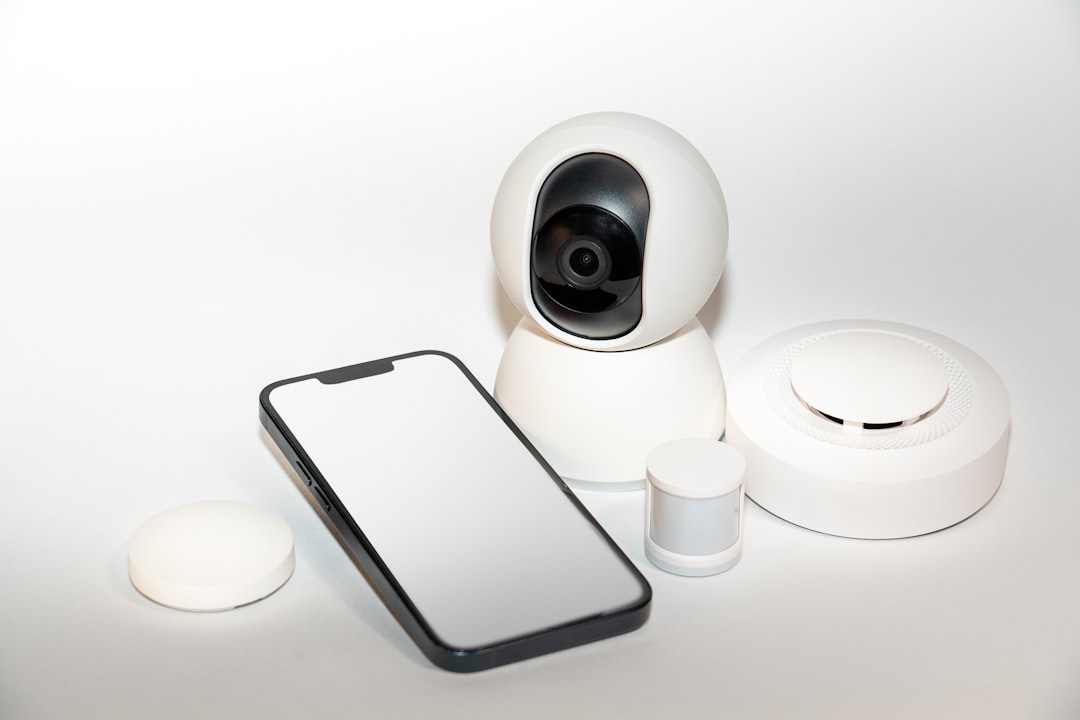
Imagine coming home after a long day, only to find your smart home devices acting a bit too “smart” for comfort. Maybe your thermostat turns up to an odd temperature, or your front door locks and unlocks without any prompt. These are the kinds of things that can happen when smart home devices aren’t adequately secured. So, how can you secure smart home devices effectively?
Understanding the Risks of Smart Home Devices
Smart home technology is designed to make our lives easier, but it can also open the door to potential vulnerabilities. The convenience of automation comes with risks, particularly if your devices are connected to the internet. It’s like giving a stranger the keys to your house: it sounds appealing, but it can quickly turn dangerous.
In my experience, many people overlook the security aspect when setting up their smart home devices. They get caught up in the excitement of the latest gadgets and installations, often forgetting that with great convenience comes greater responsibility. Recognizing the risks is the first step toward protecting smart devices.
Set Strong Passwords and Change Them Regularly
One of the simplest ways to secure smart home devices is to set up strong, unique passwords. Most people tend to stick with easy-to-remember passwords or use the default ones that come with the devices. This is a big mistake!
- Make sure your password is at least 12 characters long.
- Use a mix of uppercase letters, lowercase letters, numbers, and special characters.
- Don’t use easily guessable information such as birthdays or pet names.
Also, it’s essential to change these passwords periodically. Set a reminder to change your passwords every few months. This practice might seem tedious, but it’s crucial for maintaining home automation security.
Two-Factor Authentication: Why It Matters
Two-factor authentication (2FA) adds an extra layer of security that’s often missing in smart home setups. With 2FA enabled, even if someone manages to figure out your password, they won’t easily get into your device without the second form of verification—typically a code sent to your smartphone or email.
Here’s what most people get wrong: they assume their password alone is enough. Implementing 2FA may take a little time, but it’s well worth the effort. Check your device settings to see if they offer this feature, and if they do, enable it. It’s an effective way to boost your smart home security.
Regular Updates: Don’t Skip Them!
Just like your smartphone or computer, smart home devices need regular updates to patch security vulnerabilities. Manufacturers often release updates to fix bugs and enhance security features, so ignoring these updates can leave you exposed.
Set your devices to update automatically whenever possible. Always check for updates manually for those that don’t have automatic options. In my experience, this simple step can prevent a lot of headaches down the line.
Isolate Your Smart Home Devices on a Separate Network
Most home routers allow you to create separate networks. This can be a game-changing way to secure smart home devices. By isolating your devices from your main network, you reduce the risk of potential intruders gaining access to sensitive information stored on your computers or smartphones.
Consider setting up a guest network specifically for your smart home devices. Make sure to set a strong password for this network too. This way, even if someone manages to breach one device, they won’t have free reign over your entire home network.
Secure Your Wi-Fi Network
Your Wi-Fi network is the backbone of your smart home. Without it, those fancy devices become glorified paperweights. But if your Wi-Fi isn’t secure, hackers can easily access your devices.
- Change your router’s default login credentials.
- Use WPA3 encryption whenever possible; this is more secure than older protocols.
- Turn off your router’s SSID broadcasting if you don’t need it; keeping your network hidden can deter some attackers.
These steps can dramatically improve your home’s Wi-Fi security and, by extension, the security of your smart devices.
Be Mindful of the Data You Share
When setting up smart home devices, you’re often required to provide personal information, sometimes more than you realized. Before signing off on terms and conditions, take a moment to review what data you’re sharing and how it’s stored.
- Do the devices have access to your calendar, contacts, or location?
- Can you disable features that track your data?
Be picky about the devices you integrate into your home. Research the companies behind them—trustworthy manufacturers should have transparent privacy policies.
Create a Smart Device Routine
Implementing a routine can streamline your smart home security efforts. Just as you might lock your door before leaving home, develop a routine for checking your devices each day or week. This could include:
- Verifying that software updates are applied.
- Checking who can access your devices and revoking access for anyone who no longer needs it.
- Making sure your passwords and security questions are still secure and relevant.
Creating a routine helps you stay proactive rather than reactive, and can make a significant difference in protecting smart devices.
Educate Yourself on Smart Home Technology
The technology behind smart home devices is constantly evolving, and staying informed is crucial. Attend workshops, read blogs like this, or join online communities where you can learn from others’ experiences.
Knowledge is power when it comes to home automation security. By understanding the devices you own, how they work, and the potential risks involved, you’ll be in a better position to secure your smart home devices.
Conclusion: Taking Control of Your Smart Home Security
When it comes to how to secure smart home devices, don’t let convenience overshadow safety. By implementing the tips mentioned, you’ll create a more secure living environment that enhances your life without putting it at risk.
Remember, it’s not just about having smart devices; it’s about having smart security practices. Take the time to protect your home, and ensure that your gadgets serve you and not the other way around. Your peace of mind is worth it.