Imagine coming home after a long day at work, only to realize that your smart home devices aren’t as secure as you thought. That feeling of vulnerability can be unsettling. As our homes become smarter and more integrated with technology, the importance of securing smart home devices effectively grows exponentially. With every device connected to your Wi-Fi, the potential for cyber intrusions increases. Let’s explore proven strategies to protect your smart devices and ensure your home remains a safe haven.
Understanding the Risks of Smart Home Devices
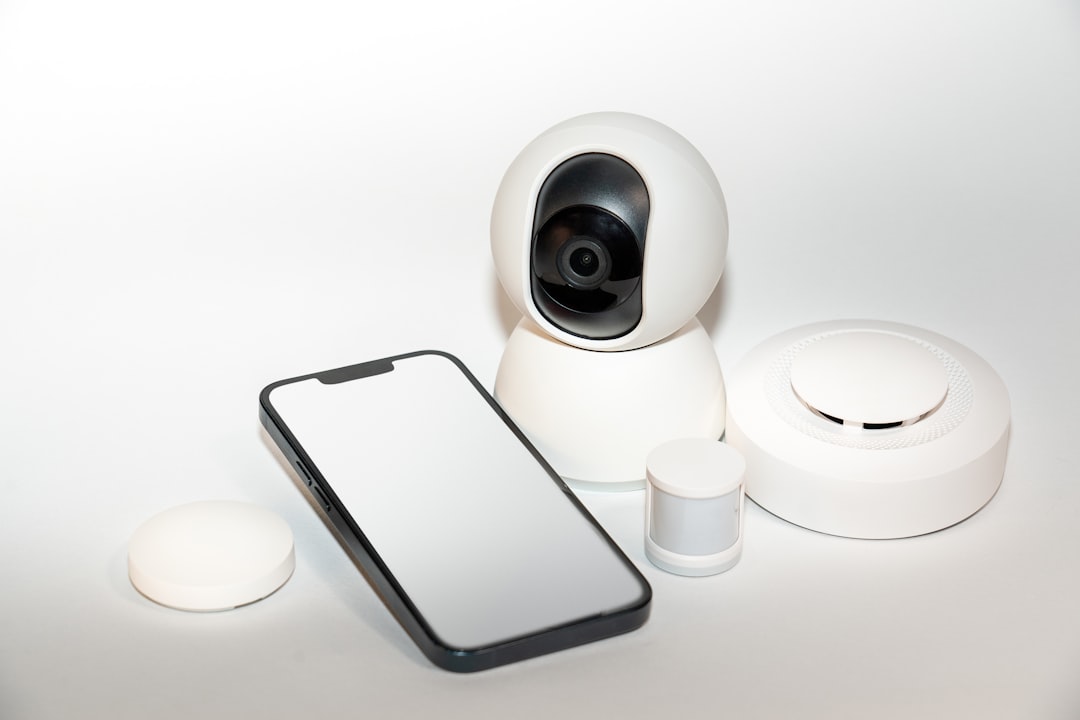
Before we dive into how to secure your smart home devices effectively, it’s crucial to understand why it matters. A growing number of smart devices—like thermostats, cameras, and even refrigerators—connect to the internet and often to each other. Sadly, many people underestimate the potential risks involved. In my experience, the most common mistake homeowners make is thinking that only “big-name” devices are targets for hackers.
However, smaller or lesser-known devices can be just as vulnerable. For example, a compromised baby monitor could expose your family’s privacy or a smart lock that’s easily hackable can compromise your home’s security. Here are some risks associated with poor security:
- Unauthorized access to personal data
- Control over your home’s functions without your consent
- Increased susceptibility to identity theft
- Financial loss through automated purchases or services
Smart Home Security Tips You Need to Know
So how can you secure your smart home devices effectively? Here’s a list of practical tips that anyone can follow, regardless of your tech-savviness:
1. Change Default Passwords
It’s surprising how many people don’t change the default passwords on their smart devices. Default passwords are often simple, and hackers know them. Make your passwords strong and unique—think a mix of upper and lower case letters, numbers, and special characters. In my opinion, using a password manager can simplify this process, allowing you to create and store complex passwords without running the risk of forgetting them.
2. Enable Two-Factor Authentication (2FA)
Another way to secure smart home devices effectively is to enable two-factor authentication where possible. This adds an extra layer of security by requiring not only your password but also a second form of identification, like a text message code or emailed confirmation. Most commonly used services offer this option, yet many people still don’t take advantage of it. Don’t be one of them!
3. Keep Software Up to Date
Just like your smartphone or computer, smart home devices need regular updates. Manufacturers often release patches to fix vulnerabilities that hackers might exploit. Neglecting these updates can leave your smart devices exposed. Set a reminder to check for updates regularly or enable automatic updates if offered by the device.
4. Secure Your Wi-Fi Network
Your home Wi-Fi network is the gateway to all your smart devices. If it’s not secure, everything connected to it can be at risk. Here are some steps to solidify your Wi-Fi security:
- Change your Wi-Fi password regularly.
- Use a strong encryption method, like WPA3.
- Hide your network name (SSID).
- Separate your network with a guest network for visitors.
Protecting Smart Devices: Additional Layers of Security
Beyond the basic steps we’ve covered, there are additional measures you can take to secure smart home devices effectively.
5. Set Up a Firewall
A firewall can offer a layer of protection between your devices and potential intruders. This can be a simple software solution or a hardware firewall, often found in some routers. They monitor incoming and outgoing traffic and can block suspicious activity.
6. Be Cautious with Integrations
Many smart home devices can be integrated with other services or applications, which can be convenient, but it often poses risks. Here’s what to remember:
- Only link your devices with trusted applications.
- Regularly review the permissions you’ve granted to these apps.
- Be skeptical about services that ask for unnecessary access to your devices or data.
Home Automation Security: IoT Device Management
As you set up various types of smart technologies in your home, device management becomes crucial. Here are some tips for managing your Internet of Things (IoT) devices effectively:
7. Regularly Audit Your Devices
Take the time to audit your smart home ecosystem. Keeping track of all the devices connected to your network is pivotal. This way, you can readily identify outdated or unwanted devices you no longer use. You’d be surprised how many people ignore devices they’ve discarded or no longer use. It’s a security risk waiting to happen.
8. Disable Features You Don’t Use
Many smart devices come with features that you might never use, such as remote access or voice activation. Disabling these features minimizes potential points of entry for attackers. If you’re not using them, turn them off—it’s a simple way to secure your home automation.
What Most People Get Wrong About Smart Home Security
When it comes to securing smart home devices effectively, one of the biggest misconceptions is that it’s all technical know-how. While it does require some level of understanding technology, it’s more about following basic security practices. Most people are overwhelmed by the idea of complicated setups or sophisticated tech jargon, but securing your home doesn’t have to be rocket science. It’s about common sense and vigilance.
Conclusion
Securing smart home devices effectively is not optional; it’s essential in today’s digital age. From changing default passwords to keeping your software updated, every step you take contributes to a layered defense against potential intruders. Don’t wait until it’s too late—review these smart home security tips and implement them today. Remember, it’s easier to proactively protect your home than to deal with the aftermath of a breach.
Your home should be a sanctuary, enhanced with technology, not vulnerable to it. By taking a few preventative measures, you can ensure that your smart home not only works for you but also keeps you safe.