
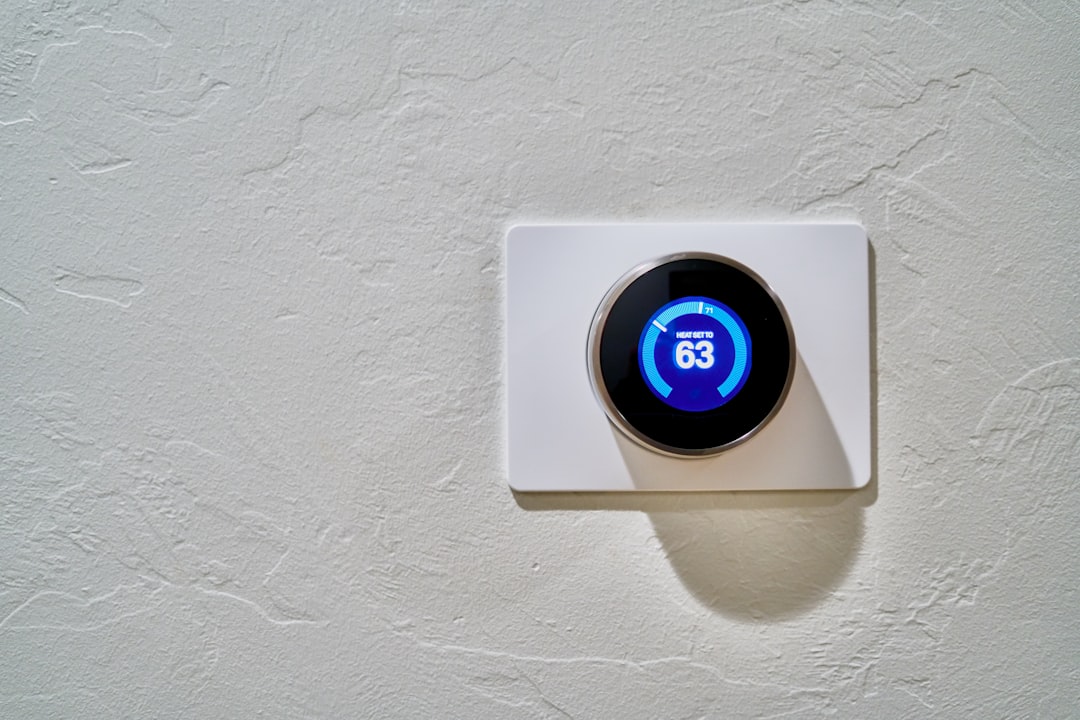
Imagine coming home to find all your lights flickering, your thermostat cranked up to an uncomfortable temperature, and your home security system sending alerts for no reason. It’s a scene that can play out in the lives of those who haven’t taken the necessary steps to secure their smart home devices. With the rise of smart technology, keeping your devices protected is more critical than ever. If you want to secure your smart home devices effectively, you’re in the right place.
Understanding the Risks to Your Smart Home
Let’s face it: while smart devices make life more convenient, they can also be an entry point for hackers. From smart speakers to connected refrigerators, anything that’s online can be at risk. But why would someone want to break into your home network? The reasons can range from stealing personal information to hijacking your camera for malicious intent. Here’s where most people get it wrong—they often underestimate the security vulnerabilities of their devices.
According to various studies, a staggering number of smart home devices are inadequately secured. Most consumers simply plug in their devices and forget about them, failing to consider the fact that any weak link can jeopardize their entire home network safety. In my experience, being aware of these risks is the first step toward securing your smart home devices.
Change the Default Settings
Most smart devices come with factory settings that can be easily found online. If you’re serious about securing your smart home devices, changing the default username and password is crucial. Weak passwords are often exploited by hackers, who can gain access easily if you haven’t made them more complex.
- Create a strong password: Use a combination of upper and lower case letters, numbers, and symbols.
- Change the name of your Wi-Fi network: Don’t use your name or anything identifiable; keep it generic.
- Delete unused devices: If you’ve upgraded or replaced devices, remove the old ones from your network.
Enable Two-Factor Authentication
If a hacker manages to crack your password, two-factor authentication (2FA) will add an extra layer of security. With 2FA, even if someone gets hold of your login credentials, they’ll still need a second form of identification (like a text code) to access your device. Almost all reputable smart home products now offer this feature, but it’s up to you to enable it. This simple step can dramatically enhance your ability to protect smart devices.
Keep Software Updated
Smart home devices need regular updates, much like your computer or smartphone. Manufacturers frequently release security patches that fix vulnerabilities, and failing to update your devices is akin to running an outdated antivirus program. To really secure your smart home devices, it’s wise to check for updates regularly or enable automatic updates when possible. It’s a small, yet significant step toward ensuring your home network safety.
Consider Your Home Network Setup
The way you set up your home network can also impact your smart home security. It’s advisable to segment your network, creating a separate network for your smart devices. This way, if one device gets compromised, it won’t endanger your other devices, like smartphones and laptops where more sensitive information is stored.
- Create a Guest Network: Most routers allow you to set up a separate guest network that can be used for your smart home devices.
- Disable Universal Plug and Play (UPnP): UPnP can open up your network to outside threats; if you don’t need it, turn it off.
- Use a Virtual Private Network (VPN): A VPN can encrypt your data, making it much harder for intruders to intercept.
Be Cautious with Third-Party Apps and Skills
Many smart home devices allow for integration with third-party applications or “skills,” especially voice-controlled devices. While these can enhance your device’s functionalities, they can also be a significant security risk if not carefully vetted. Here’s what most people get it wrong—they often give permission to any app that asks for it without checking its credibility.
Before adding a new skill or app, do your research. Look for reviews and only use trusted applications to ensure you’re not exposing your home network to unnecessary risks.
Monitor Device Activity Regularly
A lot of people install smart home devices and forget about them. Regular monitoring can help you spot any unusual activity before it gets out of hand. Most devices have an app that allows you to see their usage history. If you notice something odd—like a camera being accessed when you’re not home—it’s time to investigate further.
- Check your network traffic: Use network monitoring software to see which devices are sending and receiving data.
- Set alerts: Many devices allow for settings that send you alerts if something unusual happens.
Be Aware of Data Privacy Issues
Smart home devices often collect data on your daily routines, preferences, and activities. While this can make your life easier, it also raises concerns about data privacy. Ensure that you read privacy policies and understand how your data is being used and stored. Many people overlook this, thinking only about hacking when it comes to security.
In my experience, setting limitations on data collection can go a long way. You can often adjust settings to limit data sharing and even disable features like voice recording, which could expose sensitive information.
Conclusion
Securing your smart home devices doesn’t have to be overwhelming, but it does require some proactive measures. By taking the time to change default settings, enable two-factor authentication, keep software updated, and be cautious with third-party applications, you can greatly enhance the safety of your smart home.
Remember, protecting your home network is an ongoing task, not a one-time fix. Regularly monitoring device activity and being aware of your data privacy can further shield you from breaches. Feel free to share your thoughts and experiences in the comments below; I’d love to hear how you approach smart home security. With a little diligence, you can enjoy the convenience of smart devices without compromising your safety.








