
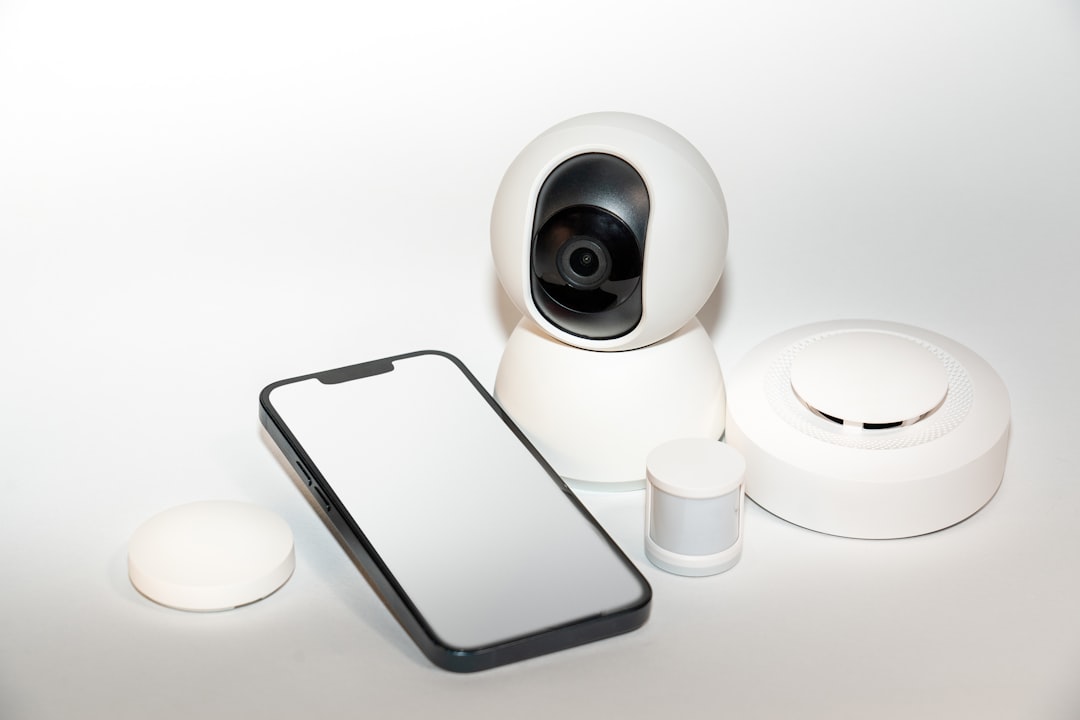
Picture this: you’re sipping your morning coffee, smart lights gently glowing, your home security system keeping watch, and your refrigerator telling you it’s time to restock the milk. It sounds like a dream, right? But what if I told you that this ideal setup could also invite some unwelcome guests into your digital space? With the rise of home automation, knowing how to secure smart home devices isn’t just a luxury; it’s a necessity.
The Reality of Smart Home Security
Many of us dive headfirst into the convenience of smart devices, only to overlook the security concerns that come with them. It’s an experience I’ve had myself—eager to turn my house into a tech-savvy paradise, I neglected to think about how vulnerable these connected devices could be. News stories about hacked smart cameras and compromised smart locks aren’t just cautionary tales; they’re reminders that our cozy, automated homes can become targets.
Understanding the Risks
When it comes to protecting smart devices, it’s crucial to recognize the risks involved. Each device you add to your home automation system brings potential vulnerabilities. Hackers can exploit weak passwords, outdated software, or even simple misconfigurations to gain access to your personal data or take control of your devices.
Here are some common smart home devices that can be susceptible if not secured properly:
- Smart Cameras
- Smart Speakers
- Smart Locks
- Smart Thermostats
- Smart Plugs
In my experience, many people underestimate the importance of updating their device firmware. When they run outdated software, they expose themselves to easily preventable security risks.
Start with Strong Passwords
The first step in learning how to secure smart home devices is focusing on your passwords. It’s astonishing how many people still use “123456” or “password” as their go-to options. A strong password combines upper and lower-case letters, numbers, and special characters. Here’s my personal tip: avoid reusing passwords across different devices. Each device should have its own, unique password to minimize risks.
Consider using a password manager. These programs can generate and store complex passwords for you, making it easier to maintain security across your smart home ecosystem.
Enable Two-Factor Authentication
If your smart devices offer two-factor authentication (2FA), don’t skip it. This extra layer of security adds a significant hurdle for anyone trying to gain unauthorized access. Normally, it involves something you know (like your password) and something you have (like your phone). Most smart home devices support 2FA, and taking the time to set it up is well worth the effort.
Regularly Update Device Firmware
This is another area where many tend to fall short. Manufacturers routinely release updates to fix bugs and vulnerabilities. If you’re not updating regularly, you’re leaving your smart home security wide open. Most devices will notify you when an update is available, but you can also check the official website or app for the device.
In my opinion, setting up automatic updates is the best way to ensure you don’t miss out on critical patches. You won’t have to think about it, and your devices stay protected against new threats as they arise.
Network Security Matters
How do you secure smart home devices if your network is compromised? It’s crucial to protect your Wi-Fi network since all your smart devices rely on it. Here are a few easy steps to enhance your network’s security:
- Change the default router login: Most routers come with a default username and password. Change these to something secure.
- Use WPA3 security: If your router supports it, opt for WPA3 encryption for your Wi-Fi to vastly improve security.
- Set up a guest network: If you have friends over, let them use the guest network. This keeps your primary network, and all its connected devices, safer.
Here’s what most people get wrong: they often think that their ISP’s default settings are enough. They’re usually not. Customizing your router’s settings can drastically enhance security.
Keep an Eye on Connected Devices
Monitoring your connected devices goes a long way in securing smart home devices. Use the app associated with your smart home system to keep tabs on what’s connected. If you notice unauthorized devices, remove them immediately and change your Wi-Fi password.
Additionally, some smart homes come with a security feature that can send notifications for unusual activity. Setting up alerts can help you respond quickly to any potential breaches.
Educate Everyone in Your Home
Even the best security system can fail if the people using it aren’t careful. Talk to your family about the importance of smart home security, and ensure they understand basic security practices. It’s crucial for everyone to know their role in protecting your digital landscape.
Consider setting up a quick tutorial on recognizing phishing attempts or understanding the importance of not clicking on suspicious links. The more knowledgeable everyone is, the safer your home will be.
Consider Professional Options
If you feel overwhelmed by the task of securing your smart home devices, don’t hesitate to seek professional help. Many companies offer smart home security services that can not only set up your devices but also regularly monitor them for vulnerabilities.
These professionals can help in several ways:
- Assessing your current smart home setup for potential security risks
- Installing advanced security systems designed to protect smart devices
- Providing ongoing support and updates
Final Thoughts
Being connected has its perks, but it’s essential to remember that smart home security is no small matter. Knowing how to secure smart home devices can mean the difference between an enjoyable tech experience and a nightmare scenario. It’s up to you to ensure you’re taking the right precautions. Remember, with great convenience comes great responsibility.
So, are you ready to take these steps? It may seem overwhelming at first, but with a bit of effort and vigilance, you can enjoy the benefits of a smart home without compromising your security. The peace of mind that comes from knowing you’re protecting your home automation is well worth the effort!







