Ever been in the middle of a video call or streaming your favorite show, and suddenly, the dreaded buffering circle appears? It’s frustrating, isn’t it? You’re probably asking yourself, “How can I upgrade my home network for better speed?” You’re not alone. Many people struggle with slow internet at home, unsure of how to tackle the issue. But fear not! We’re going to break down practical steps to help you improve WiFi performance and increase internet speed.
Understanding Your Current Home Network
Before you dive into upgrades, it’s essential to know what you’re working with. Most homes have a standard setup: a modem connected to a router, which then distributes the internet signal throughout your home. To improve your current setup, assess the equipment you have. Are you using a router from a decade ago? It might be time for an upgrade.
Most people get this wrong: they expect a single router to handle all their devices, especially in larger homes. This often leads to slow speeds. In my experience, understanding your current network’s limitations is the first step in figuring out how to enhance your internet experience.
Choose the Right Equipment
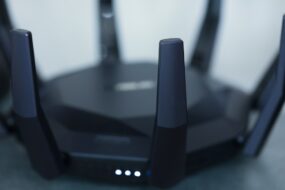
Your modem and router are the backbone of your home network. Investing in high-quality equipment can drastically change your internet performance. Here are a few things to consider:
- Router type: Mesh routers are becoming increasingly popular for larger homes as they create a network of nodes that provide coverage throughout your space.
- Speed ratings: Look for routers that support the latest WiFi standards, such as WiFi 6. This can improve your network’s overall speed and capacity.
- Dual-band or Tri-band: These routers can help manage multiple devices better by sending signals on different bands—2.4GHz and 5GHz—allowing you to improve WiFi performance significantly.
It’s often worth the investment to upgrade your equipment. A modern router can handle more devices at once, which is vital if you have a household full of gadgets.
Placement Matters
Even the best router won’t give you the speed you want if it’s poorly placed. Here are a few tips on positioning your router:
- Central Location: Position your router in a central space in your home to maximize coverage.
- Elevated Position: Try to place the router high up, like on a bookshelf or mounted to a wall, to avoid interference from furniture.
- Avoid Obstacles: Keep it clear of walls, electronic devices, and large furniture that can hinder signal strength.
When I implemented these changes, I noticed an immediate boost in performance. After all, even the best tech can struggle if it’s hidden away or blocked!
Use Ethernet Connections Where Possible
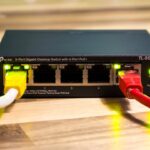
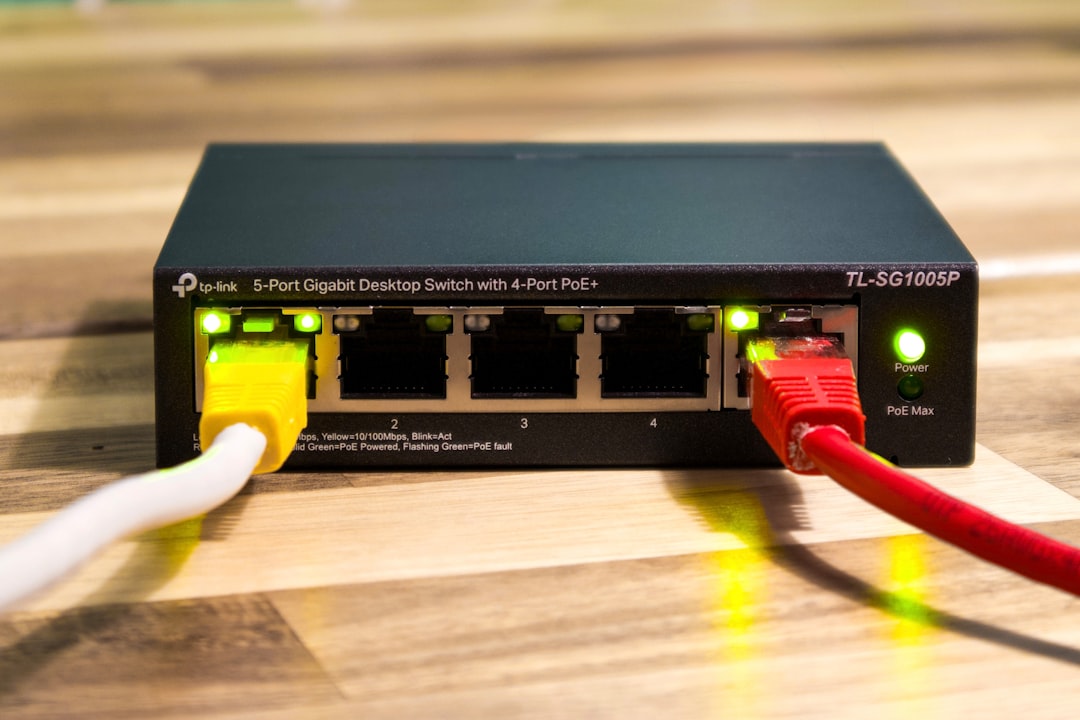
WiFi is convenient, but nothing beats a direct connection when it comes to speed. For devices like gaming consoles, smart TVs, or even computers, using an Ethernet cable can significantly increase internet speed. Here’s why:
- Stable Connection: A wired connection reduces signal interference, providing a more stable experience.
- No Contention: Multiple devices on WiFi can battle for bandwidth, leading to slow speeds. Wired devices don’t have this issue.
- Higher Speeds: Ethernet can often support higher speeds than WiFi.
If you can run an Ethernet cable, do it! You might be surprised at the performance difference.
Adjust Your Network Settings
Sometimes, the answer to your speed problems lies within the settings of your router. Here are a few changes you can make:
- Change the Channel: WiFi operates on channels, and sometimes, switching to a less crowded channel can increase your speeds, particularly in densely populated areas.
- Quality of Service (QoS): This setting allows you to prioritize bandwidth for specific devices or applications, helping to boost performance where it matters most.
- Firmware Updates: Keeping your router updated can improve performance and security. Check your router’s settings for any available updates.
A lot of folks overlook these adjustments, thinking it’s all about hardware upgrades. But in my experience, tweaking your settings can make a significant difference!
Limit Bandwidth Hogs
Do you have numerous devices connected to your network? If so, chances are some of them are hogging bandwidth. Here are a few tips to deal with this:
- Disconnect idle devices: If you’ve got devices connected that you aren’t using, disconnect them to free up bandwidth.
- Identify bandwidth-heavy applications: Streaming video, online gaming, and large downloads can eat up your speed. Try to schedule these activities for off-peak times.
- Restrict background apps: Many apps run in the background and continually use bandwidth. Check your devices and restrict those that aren’t necessary.
It’s incredible what a little bit of management can do. Many people simply add more devices without thinking about how it affects their speed.
Enhance WiFi Security
Another common issue that can slow down your network is unauthorized users. If you haven’t secured your WiFi, neighbors or others nearby might be leeching your internet. Here’s how to bolster your security:
- Strong Password: Use a strong and unique password for your network to prevent unauthorized access.
- Change SSID: Don’t use the default network name (SSID). Change it so others can’t easily identify your router model.
- Enable WPA3: If your router supports it, upgrade the security protocol to WPA3 to ensure a higher level of security.
By securing your network, not only are you keeping your data safe, but you might also see an increase in speed by reducing the number of connected devices fighting for bandwidth.
Consider Upgrading Your Internet Plan
After all these steps, you might find yourself asking, “Is it the plan?” Sometimes, the answer is yes. If you’ve done everything else and still aren’t satisfied with your speeds, it might be time to consider upgrading your internet plan. Here are a few things to weigh:
- Usage Needs: Determine how much speed you need based on your household’s internet usage. Streaming in 4K or cloud gaming requires more speed than checking emails.
- Provider Options: Investigate what other plans or providers are available in your area. Prices and plans can vary significantly.
- Contracts: Some ISPs may lock you into contracts; be sure to read the fine print.
Remember, while increasing your plan’s speed can be an expense, it may be necessary if you’ve optimized everything else and still face problems.
Final Thoughts on Upgrading Your Home Network for Better Speed
We’ve covered a lot, but the main takeaway is that upgrading your home network for better speed is a multi-fold approach. By understanding your current setup, choosing the right equipment, properly placing your router, and making simple adjustments, you can drastically improve WiFi performance. Don’t overlook the importance of security and managing bandwidth usage either!
It’s not always about throwing money at the problem. Sometimes, the best improvements come from small, thoughtful changes. So, take a little time, examine your network, and enjoy a faster, more reliable connection!