
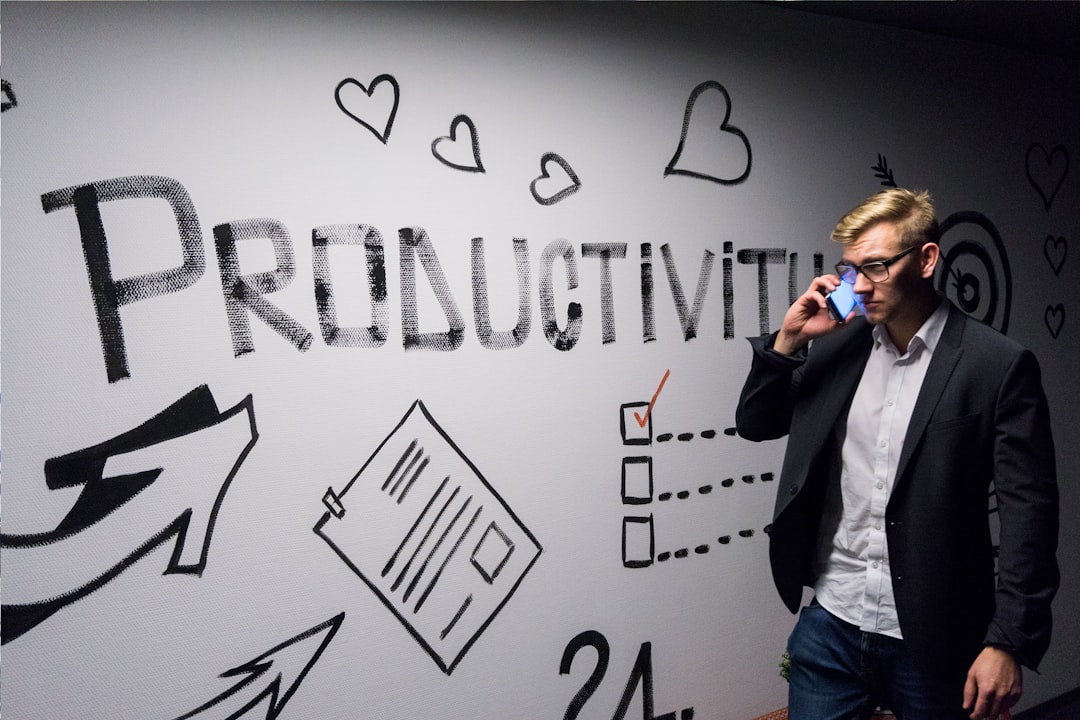
Picture this: it’s a Tuesday morning, and you sit down to tackle that to-do list. You’re determined, caffeinated, and ready to conquer the day. But five minutes in, you find yourself scrolling through social media, suddenly realizing that your productivity has vanished. We’ve all been there. With distractions lurking around every corner, staying on top of your tasks can feel nearly impossible. That’s where the right productivity apps come in.
As we step into 2026, it’s essential to put the tools in place that keep us focused and efficient, especially with so many folks working from home. I’ve tested countless apps to figure out which ones truly help maintain productivity. Here’s a rundown of the best productivity apps 2026 that you shouldn’t miss out on.
1. Todoist: The Classic To-Do List Reimagined
Todoist remains a favorite for good reason. It looks simple, but it’s like having a personal assistant at your fingertips. You can create tasks, set due dates, and even assign them to different projects, which is perfect for both work and personal life.
What sets Todoist apart in 2026? Its AI integration suggests tasks based on your previous entries. In my experience, this feature saves me from having to remember everything on my own. Plus, the user interface is clean and easy to navigate. It’s one of those time management apps that just works.
2. Notion: Your All-in-One Workspace
If you’re looking for flexibility, Notion might be your best bet. This app combines notes, tasks, and databases all in one place, making it perfect for both personal projects and team collaborations. You can customize it to fit your workflow — it’s as simple or complex as you want it to be.
Here’s what most people get wrong: they think Notion is just for note-taking. But it’s so much more. You can create project boards, set reminders, and even integrate your calendar. If you’re transitioning to remote work or just want a more organized workspace, Notion is a killer tool.
3. Trello: Visual Task Management
In the world of project management, Trello shines brightly. It uses a card-based system that allows you to move tasks through different stages. Whether you’re planning a marketing campaign or coordinating a family vacation, Trello’s visual format makes it easy to see where things stand.
This is one of the best productivity apps for teams. You can assign tasks, add checklists, and even comment on cards to keep everyone in the loop. It’s got a light-hearted feel that makes task management seem less daunting.
4. Focus@Will: Music That Promotes Concentration
Sometimes, all you need to boost productivity is the right soundtrack. Focus@Will is designed to keep you in the zone with scientifically optimized music. You might be skeptical, but trust me: this isn’t just another music app. It’s aimed specifically at helping you concentrate.
In my experience, playing Focus@Will in the background while I work significantly cuts down my distractions. You can select different genres based on whether you need high energy or something more soothing. If you find your mind wandering, this app might just be what you need.
5. Clockify: Time Tracking Made Easy
For those who want to ensure they’re spending their time wisely, Clockify is one of the best time management apps you can find. It’s free to use, but offers advanced features for those who need them. You can track how much time is spent on different projects, which is crucial whether you’re freelancing or managing a team.
What I love is its simplicity. Just start the timer when you begin a task and stop it when you’re done. You can also categorize projects and see detailed reports of how your time is allocated. If you’re about to have a busy day at home, knowing where your time goes can help you stay focused and productive.
6. Slack: More Than Just a Messaging App
Communication is essential, especially when you’re working from home. Slack isn’t just a messaging app; it’s a complete work from home tool that organizes conversations into channels based on projects, teams, or interests. You can easily share files, set reminders, and even have quick video calls.
One mistake many users make is underestimating how Slack can enhance communication. It’s not just about chatting; integrating other tools can make a world of difference. You can connect it to your calendar, project management tools, and even GitHub for a central hub of productivity.
7. Forest: Stay Focused and Grow Trees
The Forest app flips the conventional idea of time management on its head. Instead of just tracking how long you focus, it gamifies the experience. Each time you stay focused for a specified time, you plant a virtual tree. If you use your phone during that time, the tree dies. It’s a unique way to incentivize focus.
This method works surprisingly well for those who struggle with self-discipline. Watching your little forest grow as you complete tasks is both satisfying and inspiring. If you like a bit of motivation, this app might help you keep your phone down and your focus sharp.
8. Google Keep: Notes on the Go
Sometimes, you just need a quick note-taking tool. Google Keep is perfect for jotting down thoughts, making lists, or saving links. The interface is simplistic, making it ideal for quick access. Plus, it syncs seamlessly with all your devices, ensuring you always have your notes handy.
One feature that stands out is its ability to convert voice memos into text. This is a game-changing addition for anyone who thinks better verbalizing thoughts. I often find myself using Keep to capture fleeting ideas while I’m cooking or on a walk.
Conclusion: Choosing Your Best Productivity Apps for 2026
Finding the best productivity apps 2026 can seem overwhelming given the myriad of options available. However, it all boils down to understanding your personal needs and workflow. Some people thrive with a straightforward to-do list, while others may find joy in the visual aspects of Trello or Notion.
Remember, the right productivity tools can make all the difference, especially when working from home. Don’t hesitate to experiment with these apps to find what suits you best. You may discover that the perfect combination can transform your daily routine, making you more efficient and less stressed. So, download a few of these apps and start exploring today!







