
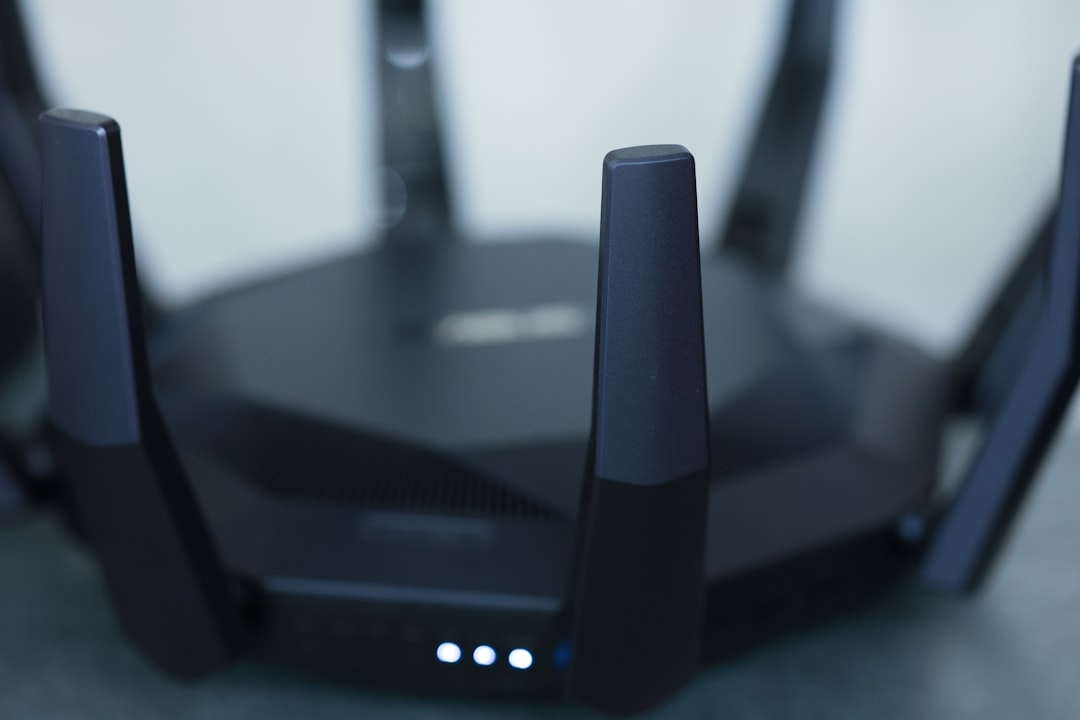
Ever tried to watch your favorite show online only to be interrupted by buffering? Annoying, right? You’re not alone. Many people struggle with weak Wi-Fi signals in their homes, making it a real challenge to enjoy uninterrupted streaming or fast browsing. But what if I told you there are practical steps you can take to improve your Wi-Fi signal in your home? Let’s explore some tried-and-true strategies that can boost your home Wi-Fi and enhance your internet connectivity.
Understanding Wi-Fi Signals
Before jumping into the solutions, it’s essential to understand what affects Wi-Fi signals. Wi-Fi operates over radio frequencies, and numerous factors can weaken that signal. Things like the distance from the router, interference from walls or furniture, and other electronic devices can play a significant role in how strong your signal is. Here’s a quick breakdown:
- Distance: The farther you are from your router, the weaker the signal.
- Obstacles: Thick walls or furniture can obstruct signals.
- Interference: Devices like microwaves and cordless phones can disrupt your Wi-Fi.
- Router quality: Not all routers are created equal. Some are better at transmitting signals in larger areas.
Understanding these factors can help you make informed decisions about how to improve Wi-Fi signal in your home.
Router Placement: The Foundation of a Strong Signal
In my experience, one of the first things you should evaluate is where your router is positioned. It might seem simple, but the location can make a world of difference when it comes to Wi-Fi strength. Here are some tips:
- Central location: Place your router in a central place in your home. This allows the signal to reach all corners more effectively.
- Elevate it: Higher placements can prevent signal blockage from furniture.
- Avoid corners: Don’t hide your router in a corner or a basement; keep it in an open area.
By optimizing the router’s position, you’ll likely notice an immediate boost in your Wi-Fi signal.
Updating Your Router: Is It Time for an Upgrade?
Sometimes, the problem might not be where your router is but the router itself. If you’re using an older model, it may not have the capabilities to deliver a strong enough signal for today’s internet usage. Here’s what to consider:
- Check the standards: Routers come with different wireless standards—look for one that supports 802.11ac or 802.11ax (Wi-Fi 6).
- Dual-band capability: If you’ve got a dual-band router (2.4 GHz and 5 GHz), make sure you’re using the one that best suits your needs. The 5 GHz band offers faster speeds but a shorter range.
- Firmware updates: Ensure your router’s firmware is up to date. Manufacturers often release updates that can improve performance.
Investing in a new router may seem daunting, but if it improves your internet connectivity, it’s worth it.
Boosting Your Wi-Fi Signal: Range Extenders and Mesh Systems
If your home is large or has multiple floors, one router may not cover the entire area. In such cases, you might want to consider some additional hardware. Here are a couple of options:
Wi-Fi Range Extenders
A range extender can help push your existing Wi-Fi signal further. It works by capturing the signal from your router and rebroadcasting it to areas that are hard to reach. Here are some pros and cons:
- Pros: Usually affordable and easy to set up.
- Cons: Can sometimes reduce bandwidth, as they have to receive and transmit data.
Mesh Wi-Fi Systems
If you’re looking for a more sustainable solution, mesh Wi-Fi systems are worth considering. These consist of multiple units that work together to blanket your home in a strong signal. Here’s why they’re beneficial:
- Consistency: They provide a more uniform signal across large areas.
- Ease of management: Many mesh systems come with user-friendly apps for easy management.
Investing in one of these solutions could significantly improve the Wi-Fi experience in your home.
Reducing Interference: Tidying Up Your Network Environment
Too many devices running on the same frequency can cause interference and reduce the quality of your connection. Here are some ways to minimize this issue:
- Organize devices: Try to keep high-demand devices (like gaming consoles and smart TVs) connected to the 5 GHz band, while other devices can use the 2.4 GHz band.
- Turn off unused devices: If you have devices that aren’t in use, consider disconnecting them from the network.
- Change the Wi-Fi channel: Most routers default to the same channels, which can lead to congestion. Switch to a less crowded channel in your router’s settings.
By cleaning up your existing network environment, you can significantly boost home Wi-Fi and improve internet connectivity.
Using Wired Connections: When Wi-Fi Isn’t Enough
If you still struggle to achieve a reliable signal, it’s worth considering wired connections for specific devices. Connecting devices like gaming consoles or desktop computers directly to the router with an Ethernet cable can provide a stable and faster connection. Here’s why you might want to go wired:
- Lower latency: Wired connections typically offer much lower latency than wireless ones.
- No interference: You won’t be affected by Wi-Fi interference or distance.
If you’re in a household with heavy internet users, a combination of wired and wireless connections often yields the best results.
Regular Maintenance: Keeping Your Network Healthy
Just like your car needs regular maintenance, your network does too! Here’s how to keep your Wi-Fi in top shape:
- Reboot your router: Occasionally restarting your router can help clear out sluggishness and improve performance.
- Monitor connected devices: Keep an eye on what devices are connected to your network. Devices with malware can slow things down.
- Consider a password change: Regularly updating your Wi-Fi password can help prevent unauthorized access and keep your bandwidth dedicated to your needs.
These regular check-ins will help maintain a good connection and keep everything running smoothly.
Conclusion: Mastering Your Home Wi-Fi
Improving your home Wi-Fi signal doesn’t have to be a daunting task. With a few strategic changes, you can turn your home into a Wi-Fi haven. From optimizing your router placement to selecting the right equipment, there are many avenues you can explore to boost home Wi-Fi and improve internet connectivity. So, next time you find yourself buffering, remember these tips, and take charge of your wireless connection. You’ll be streaming, gaming, and surfing the web with ease in no time!







