
Picture this: it’s a Saturday afternoon, and you’re settled in on the couch, ready for a movie marathon. You grab the remote, and just as you cue up the latest blockbuster, the dreaded buffering icon pops up on the screen. Frustrating, right? Or maybe you’ve had your music streaming interrupted while you’re cooking, or your work laptop keeps dropping off the Wi-Fi while you try to join a video call. If any of this resonates, you’re not alone. Many of us are on a quest to discover how to improve Wi-Fi speed at home.
Improving your Wi-Fi speed isn’t just about having the latest router model; there’s a lot more to it. Whether it’s streaming videos, playing online games, or simply browsing the web, slowing speeds can significantly affect your home internet speed experience. Let’s dive into practical tips and tricks that might just make a world of difference.
Understanding Your Internet Plan
Before you start tweaking settings and rearranging furniture, it’s essential to know your internet plan. You may think you’re experiencing slow Wi-Fi, but it could just be that your plan doesn’t offer enough speed for your needs. ISPs (Internet Service Providers) often offer various plans—some designed for casual browsing and others for heavy-duty streaming or gaming.
Check the speed you’re currently paying for. Most providers will give you a document or a webpage that outlines your plan’s specifics. You can also use online speed testing tools like Speedtest.net to identify your current internet speed, comparing it to what you should be getting. If your speed is consistently below what your plan promises, it might be time to call your ISP.
Optimal Router Placement
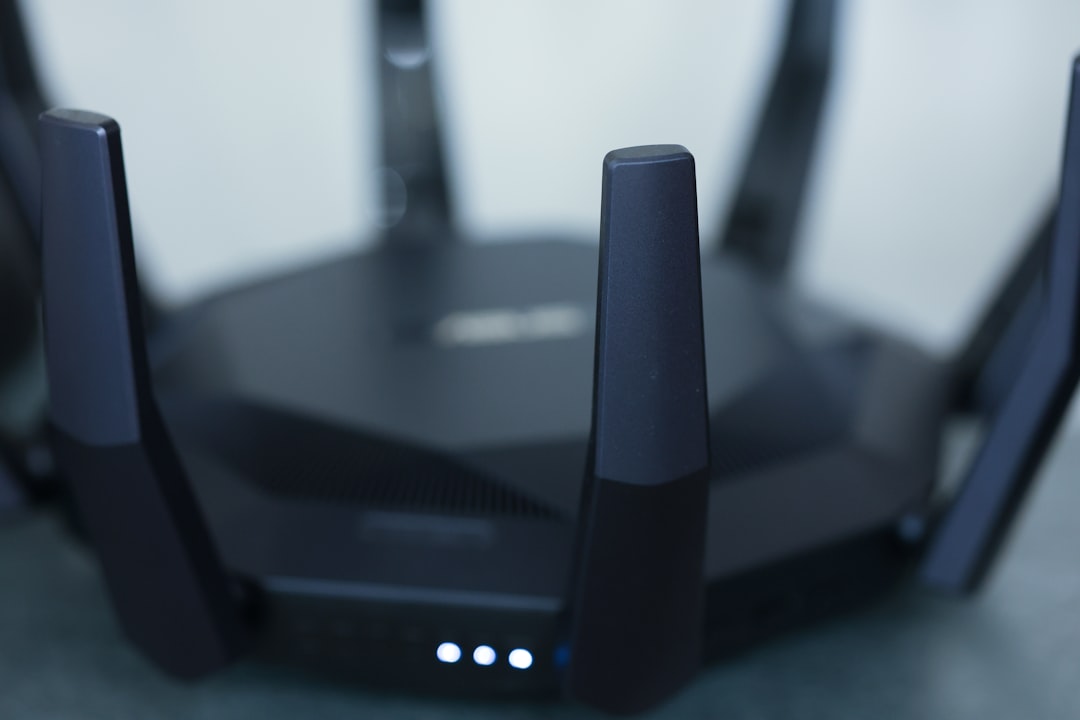
You might be surprised by how much router placement affects your network speed. In my experience, many people make the mistake of placing their routers in a corner of the house or behind bulky furniture, where signals struggle to reach other rooms.
To increase Wi-Fi speed, try placing your router in a central location. High up on a shelf or mounted on the wall can also work wonders, as it allows the signal to disperse throughout your home more effectively. Avoid any obstructions like walls, metal objects, and large appliances, which can interfere with the signal.
Check Device Limits
Every router has a limit on the number of devices it can support efficiently. If you’re running multiple devices simultaneously—phones, tablets, smart TVs, gaming consoles—you may run into speed issues. Here’s what most people get wrong: they assume their router can handle an unlimited number of devices without any slowdown.
If you suspect this could be your issue, try disconnecting devices that aren’t in use. If that doesn’t help, you might consider upgrading to a router that can handle more connections or even setting up a guest network for visitors, freeing up some bandwidth.
Update Your Router’s Firmware
Believe it or not, keeping your router’s firmware updated is crucial for optimal performance. Manufacturers often release firmware updates to fix bugs, improve functionality, and enhance security. Unfortunately, many users don’t think to check for updates, which can hinder their Wi-Fi speed.
To update, log in to your router’s settings (usually found in the instruction manual) and look for the firmware section. The process isn’t complicated, and you might see significant improvements in your speed afterwards.
Wi-Fi Frequency Bands
Most modern routers operate on two frequency bands: 2.4 GHz and 5 GHz. The 2.4 GHz band covers a broader area and is better for penetrating walls, but it’s slower and can get congested, especially in dense neighborhoods. On the other hand, the 5 GHz band offers faster speeds over a shorter distance. You can increase Wi-Fi speed by switching to the 5 GHz band when you’re closer to the router.
To access these settings, you’ll need to log in to your router’s dashboard. Changing from one frequency to another might require some adjustments in device settings, but the payoff in speed is often worth it.
Consider Wi-Fi Extenders or Mesh Networks
If you have a large home or multiple floors, a single router might not reach every corner effectively. Wi-Fi extenders can help by amplifying the signal to areas where it’s weak.
Alternatively, consider investing in a mesh network, which consists of multiple nodes throughout your house. In my opinion, this is one of the best solutions for larger spaces, as it provides a stronger and more consistent signal throughout the home. While mesh networks can be pricier than conventional routers and extenders, the improved coverage can be worth it.
Limit Bandwidth-Hogging Applications
We all love streaming our favorite shows and playing online games, but some applications are notorious for hogging bandwidth. If everyone in your household is streaming in 4K while others are working from home, you’re bound to experience slow internet.
Look for settings within your router to prioritize certain devices or applications. Some routers even have Quality of Service (QoS) settings that allow you to manage bandwidth allocation. By choosing which devices get more priority, you can work towards increasing Wi-Fi speed when it’s really needed.
The Role of Ethernet Connections
Wired connections can profoundly affect your home internet speed, especially for devices that require a stable connection like gaming consoles or desktop computers. If you find that your Wi-Fi is unreliable, consider connecting these devices using an Ethernet cable.
Although this may not always be feasible for all setups, it can free up Wi-Fi bandwidth for other devices while ensuring that your critical devices get the fastest speeds possible.
Conclusion
Improving Wi-Fi speed at home can often be a process of trial and error. From understanding your internet plan to optimizing router placement, each adjustment you make can lead to noticeable changes in your home network performance. Always remember to keep your devices and routers updated and be mindful of how many devices are connected at once. By incorporating these Wi-Fi optimization tips, you can create a smoother online experience for yourself and everyone in your household.
What strategies have you tried to boost your home internet speed? Share your experiences in the comments below! Whether you’re still facing issues or have found great solutions, let’s start a conversation. After all, a fast and reliable internet connection is just a few tweaks away!







