
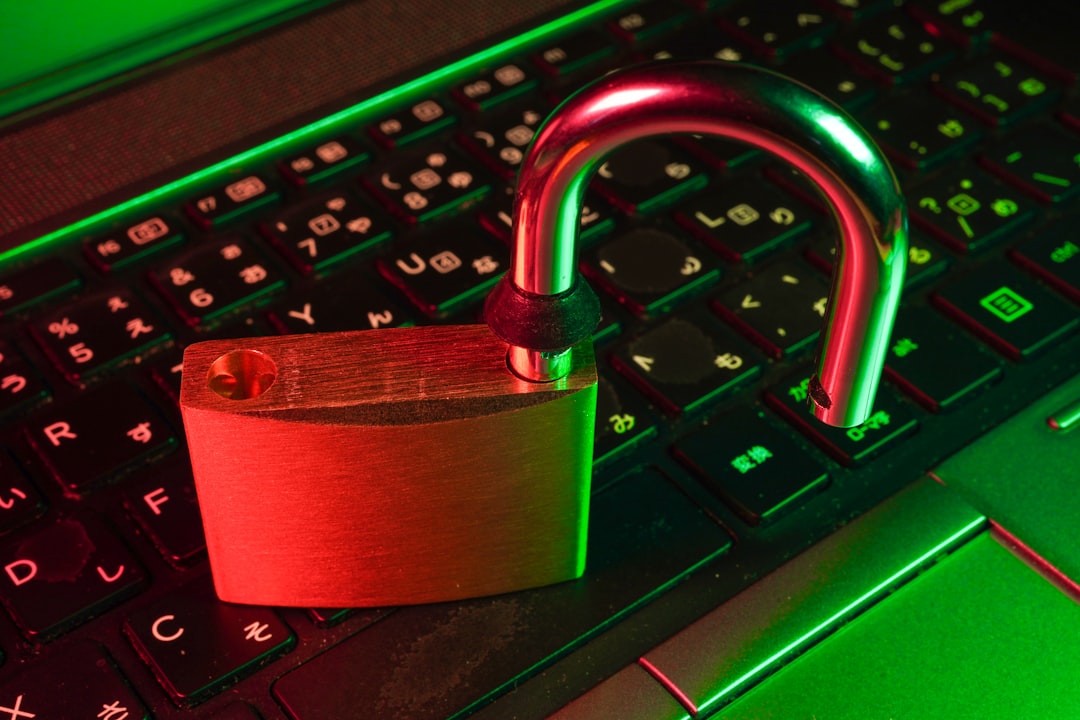
Picture this: you come home from a long day at work, eager to relax and stream your favorite show. You’re about to settle in when you realize your Wi-Fi is slower than a dial-up connection, and your devices are acting strangely. You feel a knot in your stomach as you ponder—could someone be tampering with your home network? It’s not a wild thought anymore. With technology evolving rapidly, protecting your home network from cyber threats has never been more critical.
Understanding Cyber Threats
Before diving into how to protect your home network from cyber threats, it’s essential to understand what those threats are. Cyber threats refer to malicious activities aimed at compromising your devices or stealing your data. This can range from viruses and malware to phishing attacks and hackers trying to break into your network.
Many people often underestimate the risk, thinking, “I’m just a regular person; hackers won’t target me.” Here’s what most people get wrong: hackers don’t discriminate. They often use automated tools and scripts that can find vulnerabilities in any network, regardless of who’s on the other side. Unfortunately, if you don’t take steps to protect your home network, you could become just another statistic.
Essential Home Network Security Tips
So, how do you protect your home network from cyber threats? Here’s a collection of solid home network security tips that I’ve found helpful over the years:
- Change Default Router Settings: Don’t let your router come out of the box with its weak default settings. Change the default username and password as soon as you set it up. A common mistake is using easy-to-guess passwords like “admin” or “123456.” Set a more complex password, mixing letters, numbers, and symbols.
- Enable Network Encryption: Always enable WPA3 encryption if your router supports it; if not, WPA2 is the next best option. This ensures your network traffic is encrypted and harder for hackers to intercept.
- Update Your Router Firmware: Manufacturers regularly release firmware updates to fix security vulnerabilities. Always keep your router’s firmware updated. Most routers have a setting that allows you to check for updates automatically.
- Manage Connected Devices: Regularly review and monitor the devices connected to your network. If you see any device that doesn’t belong, it’s time to kick it off your network.
Securing Your Home Wi-Fi
A significant part of home network security is securing your Wi-Fi connection. Here are some straightforward steps to do just that:
- Use a Strong Wi-Fi Password: As mentioned earlier, a strong password is your first line of defense. Make it at least 12 characters long and random.
- Disable SSID Broadcasting: This setting hides your network name from casual users. While it won’t stop determined hackers, it adds a layer of obscurity that can deter casual snoopers.
- Use a Guest Network: If you have visitors, set up a guest network for them. This keeps your primary devices isolated and secure. Make sure the guest network has a different password and limited access.
The Importance of Firewalls
When protecting your home network from cyber threats, don’t overlook the value of firewalls. Many routers come with built-in firewall capabilities, but not everyone knows how to enable them. Firewalls act as a barrier between your internal network and external threats. So, be sure to enable the firewall feature in your router settings.
Investing in Security Software
In my experience, relying solely on hardware isn’t enough. Investing in reliable security software can significantly improve your defenses against malware and viruses. Look for software that offers:
- Real-Time Protection: Ideally, you want software that actively scans for threats as they happen.
- Regular Updates: Cyber threats evolve rapidly. Your software should update automatically to protect against new vulnerabilities.
- Multi-Device Support: If you have multiple devices, choose software that supports all of them, from PCs to smartphones.
Staying Informed About Threats
Knowledge is power. To effectively protect your home network from cyber threats, you need to stay informed. Cybersecurity threats are constantly changing, and new types of attacks emerge regularly. Here are a few strategies to keep up:
- Follow Cybersecurity Blogs: Websites like Krebs on Security and the Electronic Frontier Foundation provide valuable insights and updates on the latest threats and vulnerabilities.
- Sign Up for Threat Alerts: Some websites allow you to subscribe to alerts about upcoming threats specifically targeting home networks.
- Join Community Forums: By participating in forums or groups centered around cybersecurity, you can exchange tips and learn about new security measures.
Why Regularly Change Your Passwords?
Another practice many people overlook is regularly changing their passwords. Ideally, aim to change your Wi-Fi password every three to six months. This can seem tedious, but it’s a small price to pay for security. Additionally, consider using a password manager. These tools can help generate and store complex passwords securely, saving you from the hassle of remembering each one.
Final Thoughts on Cybersecurity at Home
Protecting your home network from cyber threats may seem daunting, but it’s crucial in a tech-driven world. With your personal devices storing more sensitive information than ever, neglecting cybersecurity is not an option. Investing time and effort into securing your home network is an investment in your peace of mind.
If you follow the tips outlined above, you’ll go a long way in fortifying your home network. Implement changes gradually, and don’t be overwhelmed by the perceived workload. Every small step counts, and you’ll soon feel more secure at home. Just remember, staying vigilant and informed is the best defense against cyber threats.
In conclusion, take your home network security seriously. It may feel like a hassle now, but it’ll save you a lot of headaches down the road. So go ahead, strengthen your defenses and enjoy your peace of mind in an increasingly digital world.







