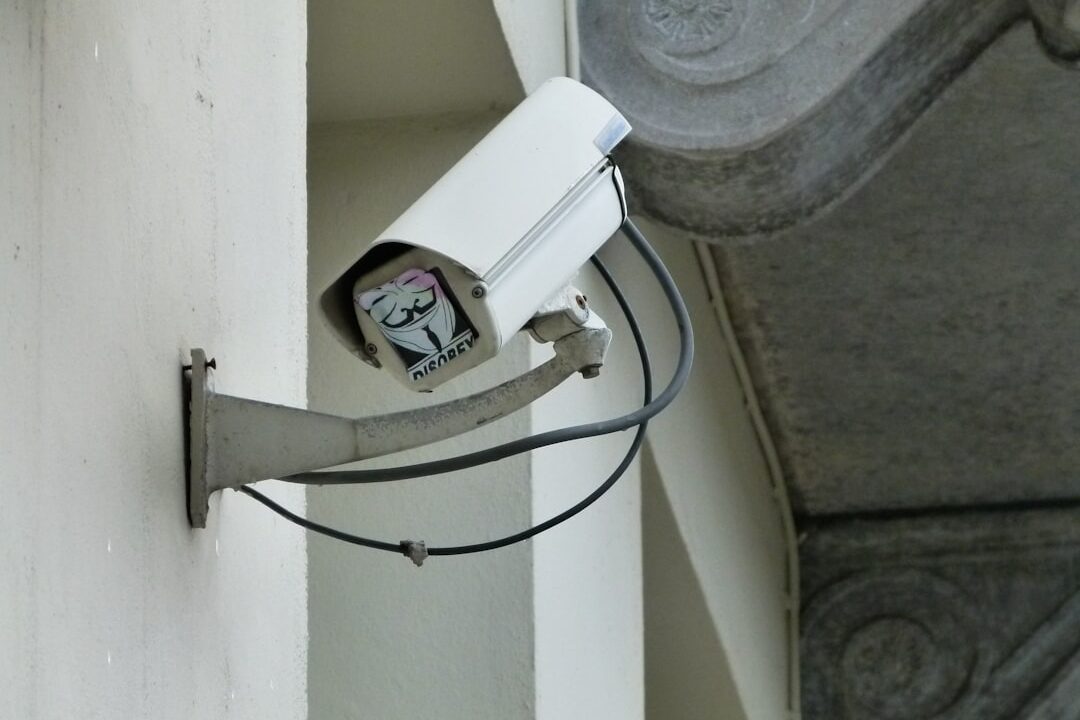
Picture this: You’re sitting on your couch, binge-watching your favorite show, when you hear a strange noise outside your window. You freeze, heart racing, as your mind races through every horror movie you’ve ever seen. Now, imagine if you had a smart home security system that not only alerted you about unusual activity but also let you check what’s happening in real-time from your phone. Sounds comforting, right? Setting up a smart home security system can give you that peace of mind. Here’s how to do it effectively.
Understanding the Basics of Home Security Setup
Before diving into the setup process, it’s crucial to understand what a smart home security system entails. Unlike traditional security systems, smart systems utilize internet-connected devices that allow you to monitor your home remotely. Most people think security cameras and alarms are the only components, but there’s much more to it, including doorbell cameras, motion sensors, and smart locks.
Choosing Your Smart Home Security Devices
Choosing the right devices is key to an effective home security setup. So, what do you need to consider?
- Camera Quality: Look for high-definition cameras with night vision capabilities.
- Smart Locks: Keyless entry systems add an extra layer of security.
- Motion Sensors: Invest in sensors that send alerts to your phone when movement is detected.
- Smoke and Carbon Monoxide Detectors: Incorporate smart detectors that notify you of these dangers in real-time.
- Central Hub: A good hub that connects all devices will simplify your home security setup.
Making the Right Choices
In my experience, most people get wrong is treating the purchase of devices as the final step. It’s not just about picking up the latest gadgets. You need to match your specific needs with what these devices offer. For instance, if you’re frequently away from home, it might be worth investing in a smart camera that has remote viewing capabilities, along with cloud storage for footage. Alternatively, if you have pets, look for motion sensors that can differentiate between pets and intruders.
Installing Your Smart Security System
Once you’ve gathered your devices, it’s time to set up your smart home security system. Whether you’re a DIY enthusiast or not, most systems are designed for easy installation. Here’s a step-by-step guide:
- Read the Manuals: Start by carefully reading the instructions that come with each device.
- Download the App: Most smart security devices come with their own apps. Download them and create an account.
- Set Up Your Central Hub: If your system uses a hub, set it up according to the manufacturer’s instructions.
- Install Cameras and Sensors: Place cameras in strategic locations—entry points, the garage, and hallways are ideal. For motion sensors, consider placing them where unauthorized access is most likely.
- Connect Devices: Follow the app’s instructions to connect each device to the hub or Wi-Fi. Make sure they’re communicating properly.
- Adjust Settings: Customize alerts, notification types, and emergency contacts within the app.
Smart Home Security Tips for Better Protection
Setting up your smart home security system is just the beginning. Here are some smart home security tips to enhance your protection:
- Regularly Update Software: Keep the firmware of your devices and app updated to ensure you have the latest security patches.
- Use Strong Passwords: Make sure to use unique, complex passwords for your devices, and change them periodically.
- Monitor Activity: Regularly check your security camera footage and logs to stay informed about the activity around your home.
- Educate Family Members: Make sure everyone in your household knows how to use the system effectively and understands its importance.
Integrating Smart Security with Your Daily Routine
Once your smart home security system is set up, integrating it into your daily life can make it even more effective. Consider scheduling routine tests, setting automated alerts, and integrating your security system with other smart home devices. For example, you could link your motion sensors to your smart lights to turn on automatically when movement is detected at night, creating the illusion that you’re home even when you’re not.
Common Pitfalls to Avoid
Here are a few common pitfalls that you should steer clear of when setting up a smart home security system:
- Ignoring Privacy Settings: Make sure to adjust privacy settings for your cameras, especially if they’re placed in sensitive areas.
- Overlooking Backup Power: Invest in battery backups to keep your system running even during power outages.
- Neglecting Maintenance: Regularly clean your cameras and check for any physical obstructions.
In Conclusion: Peace of Mind at Your Fingertips
Setting up a smart home security system doesn’t have to be overwhelming. By choosing the right devices, installing them properly, and integrating them into your daily routine, you can significantly enhance the safety of your home. Remember, the goal is to create a system that fits your lifestyle, not one that adds more complexity. With the right approach, you’ll have peace of mind knowing your home is protected, even when you’re not there.
With this guide, you’re now equipped to tackle your home security setup like a pro. Stay safe, and don’t forget to regularly evaluate your system and adapt as needed. After all, security is not a one-time thing; it’s an ongoing commitment.