
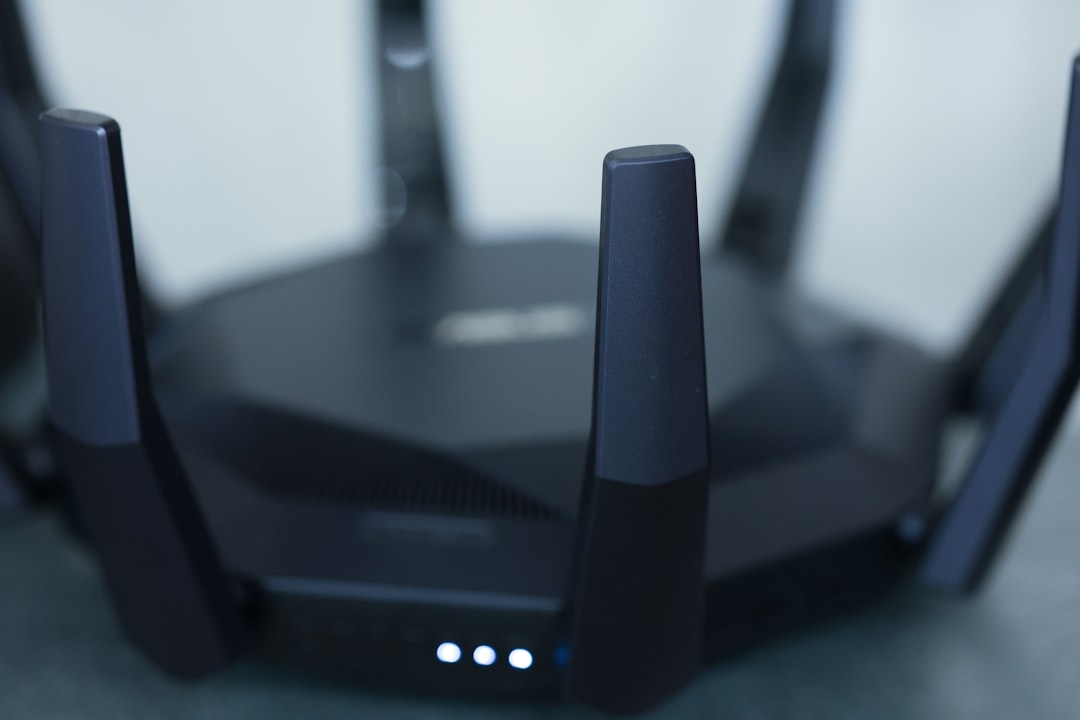
Ever found yourself getting frustrated while trying to stream your favorite show, only to be met with a loading screen? Or maybe you’re trying to work from home, but the Wi-Fi signal in your home office is as weak as a flickering candle? If you’re nodding yes, you’re not alone. Many people face the challenge of inadequate Wi-Fi coverage. Fortunately, there are practical steps you can take to improve Wi-Fi range in your home without breaking the bank. Let’s explore some techniques that might just solve your connectivity woes.
Understanding Wi-Fi Basics
Before jumping into solutions, it’s crucial to understand what factors affect your Wi-Fi signal. Wi-Fi works through radio waves, so walls, furniture, and other obstacles can interfere with the signal strength. Plus, the further you are from the router, the weaker the signal gets. Many folks neglect these basics, but understanding them helps in applying the right strategies for better connectivity.
Optimal Router Placement
The location of your router can make a world of difference in terms of coverage. Here are some tips for optimal placement:
- Central Location: Place your router in a central location to maximize coverage throughout your home. If it’s in a corner room or the basement, you might miss out on great signal strength in other areas.
- Elevate It: Position the router on a shelf or high surface. This can help reduce interference from furniture and other obstructions.
- Avoid Behind Walls: Don’t tuck your router behind thick walls or cabinets. The more obstacles the signal has to pass through, the weaker it gets.
In my experience, the simple act of relocating your router can lead to noticeable improvements in range.
Upgrading Your Router
If your router is several years old, it may be time for an upgrade. Newer routers often come with improved technology that can significantly enhance your Wi-Fi experience. Here’s why upgrading might be advantageous:
- Dual-Band Technology: Modern routers typically feature dual-band capabilities, allowing you to use both 2.4 GHz and 5 GHz bands. The 5 GHz band often offers faster speeds but covers less distance, while 2.4 GHz provides more extended coverage at slightly slower speeds.
- MIMO Technology: Multi-User Multiple Input Multiple Output (MIMO) technology allows multiple devices to use the router simultaneously without significant slowdowns.
Don’t overlook the advantages of investing in a new router. It can be one of the easiest methods to improve Wi-Fi range in your home.
Boost Wi-Fi Signal with Extenders
Wi-Fi extenders can be a friendly answer for those stuck in dead zones. These devices work by picking up your router’s signal and extending it into areas of your home that normally struggle with connectivity. Here are a few tips for using Wi-Fi extenders effectively:
- Optimal Placement: Place the extender mid-way between your router and the area with weak signal. This way, it can catch a strong signal and relay it effectively.
- Set the Same SSID: Use the same network name (SSID) for both the router and the extender. This will help your devices connect seamlessly as you move around your home.
Many people think extenders are a one-size-fits-all solution, but optimal placement and settings can make a significant difference in performance.
Wi-Fi Mesh Systems
For those with larger homes, Wi-Fi mesh systems are worth considering. These systems use multiple nodes placed throughout your home to create a unified network, providing consistent coverage in every corner. Here are a few reasons to consider a mesh system:
- Consistent Coverage: Unlike traditional routers, mesh systems work together to blanket your entire home in Wi-Fi.
- Easy Management: Many mesh systems come with user-friendly apps that let you manage your network easily, check device connections, and track performance.
Here’s what most people get wrong about mesh systems: they think they’re only necessary for large homes. However, even smaller spaces can benefit from the consistent coverage a mesh system provides.
Reduce Interference
Another key issue that can hinder your efforts to improve Wi-Fi range in your home is interference from other devices. Microwaves, cordless phones, and even neighbors’ Wi-Fi networks can disrupt your signal. Here are a few solutions to consider:
- Change Your Channel: Wi-Fi routers broadcast on specific channels. If you’re in a crowded area with lots of networks nearby, changing the channel might reduce interference.
- Limit Other Devices: Move devices like cordless phones away from your router, as they can cause disruptions to your signal.
If you’re looking to boost your Wi-Fi signal, paying attention to potential interference can make a big difference.
Optimize Device Settings
Your devices can influence your Wi-Fi performance, too. Often, the device settings may not be ideally configured. Here are some tweaks you might consider:
- Update Firmware: Keeping your router’s firmware up to date can enhance performance and security. Most modern routers have an easy interface for checking and applying updates.
- Quality of Service (QoS): Enable QoS on your router to prioritize bandwidth for specific apps and devices, particularly things that require stable connections like gaming or video streaming.
Remember, a minor tweak in the settings can sometimes yield fantastic results in your quest to increase Wi-Fi coverage.
Scheduling Regular Reboots
It’s not uncommon for routers to become sluggish over time. Just as you might reboot your computer for better performance, your router can benefit from a reboot, too. Regularly restarting your router—once every few weeks—is a good way to maintain optimal performance. Here’s why it helps:
- Cleans Up Memory: Rebooting clears the router’s memory, potentially improving speed and performance.
- Reconnects Devices: Sometimes, devices can struggle to stay connected. A restart can help re-establish those connections.
Scheduling these reboots in off-peak hours can ensure your connectivity stays sharp when you need it most.
Conclusion
Improving Wi-Fi range in your home doesn’t have to be an overwhelming task. With the right combination of router placement, device upgrades, and smart technology, you can enjoy faster and more reliable connectivity. Whether you choose to buy extenders, switch to a mesh system, or adjust some settings, there’s always a solution available. Don’t let poor Wi-Fi signal hinder your online experience anymore. Take charge, implement these tips, and enjoy seamless streaming, gaming, and working from anywhere in your home.








