
Imagine this: it’s movie night, and you’ve settled in with popcorn in hand, ready to watch that latest release everyone’s been talking about. Just as the opening credits roll, the screen freezes, and you’re met with the dreaded spinning wheel of buffering. Frustrating, right? If you’ve ever faced this scenario, you’re not alone. Many find themselves asking how to optimize home Wi-Fi for better streaming.
With the surge in online video content, from binge-worthy series to live sports events, streaming has become integral to our daily lives. But why does it seem like some households stream effortlessly while others struggle with constant disruptions? In my experience, it often boils down to the home network setup and a few practical Wi-Fi optimization tips. Let’s break it down so you can get back to enjoying your favorite shows without interruption.
Understanding Your Streaming Needs
Before tweaking your settings, it’s essential to assess your streaming needs. Are you a casual viewer who mostly streams on a single device, or do you have a household filled with multiple devices tapping into the Wi-Fi simultaneously? Understanding your usage will help you identify what kind of improvements might be necessary.
- Device Count: More devices mean heavier demand on your Wi-Fi. If your smart TV, phone, tablet, and gaming console are all connected, you might experience slowdowns.
- Streaming Quality: Different platforms offer varying resolutions. For instance, 4K content needs significantly more bandwidth than standard HD content.
By assessing your usage, you can determine what’s necessary for an optimal setup.
Creating an Ideal Home Network Setup
Let’s talk about setting up your home network. A key step in how to optimize home Wi-Fi for better streaming is ensuring you’ve got the right hardware in place. Here’s what you need to consider:
Choosing the Right Router
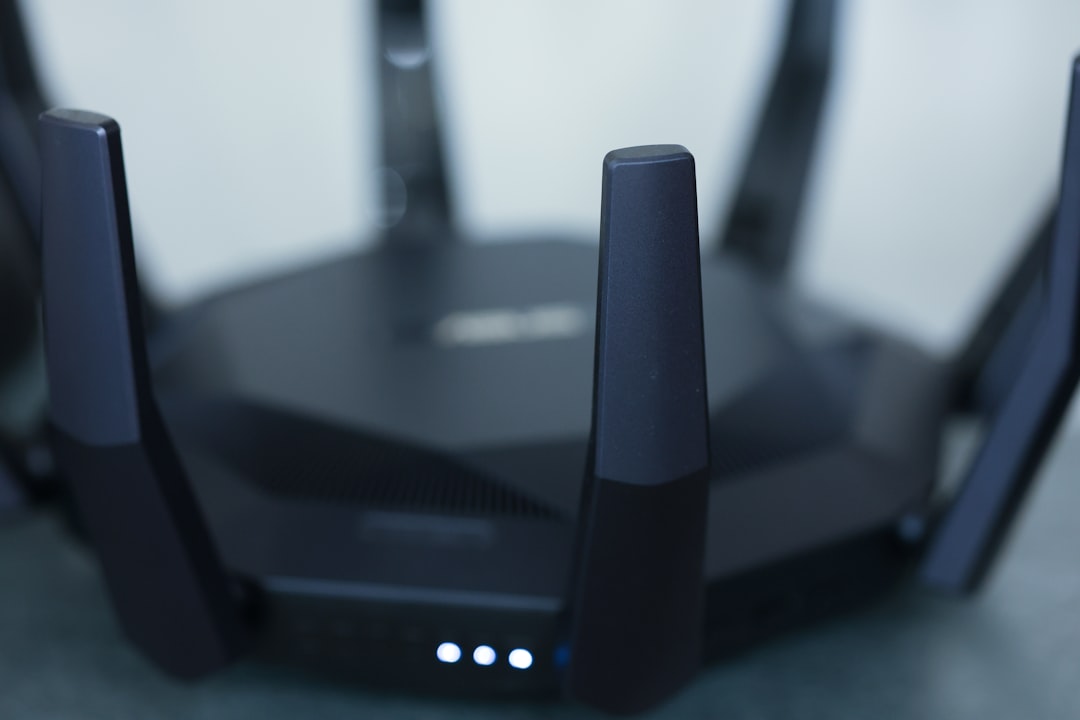
Your router is the heart of your home network. Investing in a good-quality router can make all the difference. Look for routers that support dual-band frequencies, allowing you to connect devices to either the 2.4GHz or 5GHz band. The 5GHz band typically offers faster speeds, which is ideal for streaming.
Optimal Router Placement
Router placement is often overlooked but plays a critical role in Wi-Fi performance. Ideally, place your router in a central location, free from obstructions like thick walls or large furniture. Elevating the router can also help blanket your home with signal.
Wi-Fi Optimization Tips
Now that you’ve addressed your network setup, let’s get to the good stuff—how to optimize home Wi-Fi for better streaming. Here are some tried-and-true Wi-Fi optimization tips that can lead to noticeable improvements:
Limit Bandwidth Hogging Applications
Applications that use significant bandwidth, like file downloads or cloud backups, can slow your streaming. If possible, schedule these bandwidth-heavy tasks for times when you aren’t streaming. This simple tweak can drastically improve your streaming quality.
Change Your Wi-Fi Channel
If you live in a densely populated area, interference from nearby networks might be an issue. Routers broadcast on various channels, and changing to a less crowded channel can help. Many routers have an automatic setting that selects the clearest channel, or you can manually check and change it through your router settings.
Keep Software Updated
Just like you update apps on your smartphone, your router also needs updates. Manufacturers frequently release firmware updates that enhance performance and security. Regularly checking for updates can ensure your router works at its best.
Upgrade Your Internet Plan
Sometimes, the simplest solution is to check your internet plan. If you’re frequently facing issues while streaming despite applying Wi-Fi optimization tips, it might be time to upgrade. Many internet service providers offer packages tailored for families and heavy users, providing the necessary bandwidth for smooth streaming.
Prioritize Your Devices
Many modern routers come equipped with Quality of Service (QoS) settings. This prioritization allows you to allocate bandwidth to specific devices or applications. If streaming is a priority, set your streaming device to have a higher priority. You’ll find that this can lead to noticeable improvements in streaming quality.
Invest in Extenders or Mesh Systems
If your home is large, you might face challenges in achieving a strong signal everywhere. Wi-Fi extenders can help expand your coverage, while mesh systems provide a more advanced solution to eliminate dead zones. While they may require a bit of an investment, the payoff in terms of improved streaming can be well worth it.
Monitor Your Network
Lastly, it’s helpful to regularly monitor your network performance. There are several apps available that can help you assess your Wi-Fi speed and identify weak spots. Keeping an eye on your network can assist you in recognizing when you need to make adjustments.
Conclusion
Learning how to optimize home Wi-Fi for better streaming doesn’t have to be a daunting task. By understanding your streaming needs, investing in the right hardware, and applying several Wi-Fi optimization tips, you can significantly improve your streaming experience. Remember, small changes can lead to big improvements. Before you know it, you’ll be enjoying your favorite shows with crisp quality and zero interruptions, making movie night what it’s truly meant to be: a relaxing escape.
Happy streaming!








