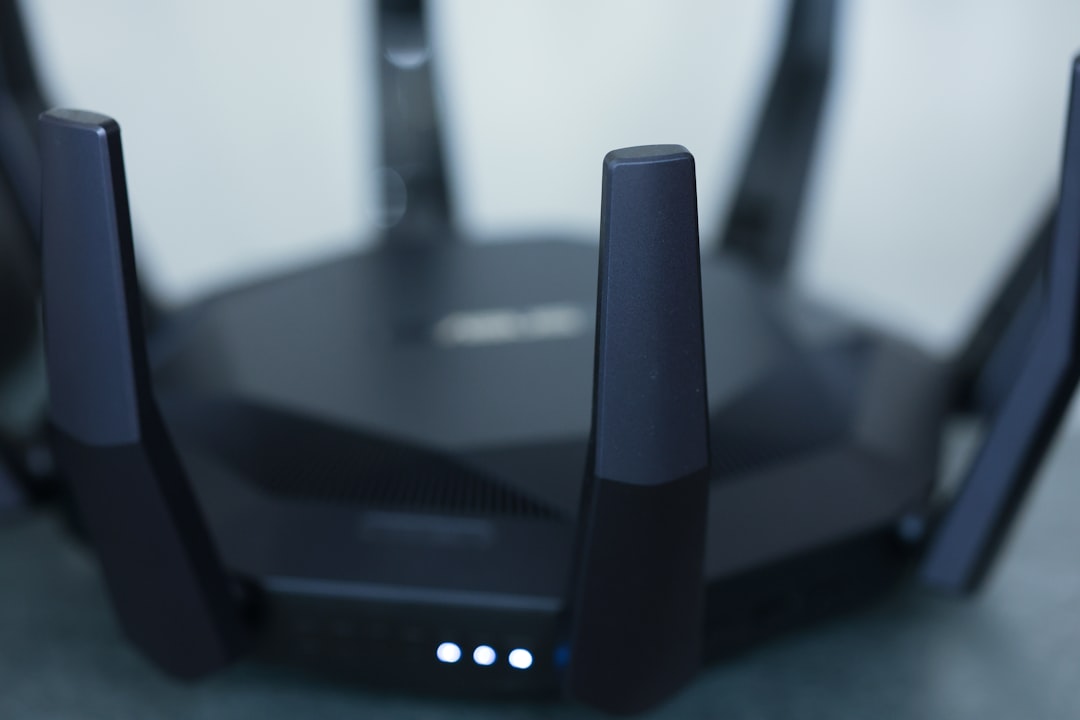
Picture this: You’re lounging on the couch, binge-watching your favorite show, when you suddenly realize your Wi-Fi is so slow it’s practically buffering in real-time. The frustration mounts because you know deep down that someone might be leeching off your network. Turning off your Wi-Fi to kick them off isn’t an option—you need that internet connection. So, how do you secure your home Wi-Fi network effectively?
This concern isn’t just about speed; it’s about security. Without the right precautions, your home network could be a tempting target for cybercriminals. If you’re serious about safeguarding your personal information, you need to focus on home network protection. Here, I’ll share some actionable Wi-Fi security tips that you can implement today. But first, let’s explore why securing your home network is more crucial than ever.
The Price of a Weak Wi-Fi Network
Whether you realize it or not, a compromised Wi-Fi network can lead to severe consequences. Imagine a hacker sneaking into your network, stealing your private information, or infecting your devices with malware. It’s not just about your internet speed; it’s about your safety and privacy. In my experience, too many people think they’re safe because their Wi-Fi network is password-protected. But that’s only the beginning of what you need to do to secure your home Wi-Fi network effectively.
Understanding the Basics of Wi-Fi Security
Before diving into specific tips, let’s break down the basics of Wi-Fi security. Most home routers support various encryption methods to protect your data. The most common encryption methods include:
- WEP (Wired Equivalent Privacy): Outdated and insecure, it provides minimal protection.
- WPA (Wi-Fi Protected Access): Offers better security compared to WEP but is still vulnerable.
- WPA2: Currently, the standard for encryption in most routers, offering strong protection.
- WPA3: The latest version, which further strengthens security, although less common in older devices.
It’s vital to secure your home Wi-Fi network by choosing the right encryption method. If you’re still using WEP or WPA, you should consider upgrading to WPA2 or WPA3 for better protection.
Change Default Settings
Router manufacturers set default usernames and passwords that hackers know all too well. If you want to secure your home Wi-Fi network, the first step should be to change these default settings. Most people don’t bother with this simple yet effective step. Here’s what I suggest:
- Change the default SSID: Aside from making it less recognizable, avoid using personal info in the name.
- Update the admin password: Use a strong, unique password separate from your Wi-Fi password to access your router settings.
By making these changes, you significantly lower your chances of becoming an easy target for hackers.
Strengthen Your Wi-Fi Password
What’s the point of having a password if it’s easy to guess? When you’re looking to secure your home Wi-Fi network, aim for strong passwords. Here are some password-creation tips that most people overlook:
- Make it long—aim for at least 12-16 characters.
- Use a mix of uppercase and lowercase letters, numbers, and special characters.
- Avoid common phrases or easily obtainable information, like birthdays or names.
Sharing your password with friends and family is fine but remember to change it if you have any doubts about your network’s security.
Enable Network Encryption
If you want to secure your home Wi-Fi network effectively, you must enable encryption. As mentioned earlier, WPA2 is the most commonly recommended encryption standard. Here’s how to check your encryption settings:
- Log into your router’s admin panel. This usually requires typing your router’s IP address into your web browser.
- Look for the Wi-Fi settings section.
- Check the security type option. Make sure it’s set to WPA2 or WPA3.
Sometimes, I see people think they’re well-protected without even checking these settings. Don’t be one of them!
Set Up a Guest Network
You might enjoy entertaining guests, but you don’t have to let them into your private network. Setting up a guest network is an excellent way to secure your home Wi-Fi network while allowing friends and family to use your internet. Here’s how a guest network can add an extra layer of protection:
- It keeps your primary network separate from any potential security risks.
- Set a different password for guests, which can be changed when the visit is over.
- You can limit the bandwidth available to the guest network.
In essence, a guest network is like your home’s foyer, an area where visitors are welcome but not allowed to roam freely in your private areas.
Monitor Connected Devices
Once you’ve put all these security measures in place, you still need to keep an eye on your network. Regularly checking which devices are connected to your Wi-Fi helps you catch unauthorized users. Most routers provide a “Connected Devices” section in their interface, where you can view active devices. If you see anything suspicious, act fast—you may need to change your Wi-Fi password immediately.
Keep Firmware Updated
Another critical step that often gets overlooked: router firmware updates. Manufacturers periodically release updates to patch vulnerabilities and add new features. If you’re serious about home network protection, make it a habit to check for updates. You can either enable automatic updates in your router settings or set a monthly reminder to check manually.
Invest in Additional Security Measures
If you’re particularly concerned about cyber threats, consider investing in additional security measures like:
- Firewall: Use either the built-in router firewall or invest in a dedicated hardware firewall.
- Antivirus Software: Make sure all devices connected to your network have updated antivirus protection.
- Network Monitoring Software: These tools can help you keep tabs on your network traffic and detect suspicious activity.
In my experience, taking these additional steps can give you peace of mind and greatly enhance your cybersecurity for homes.
Final Thoughts
As we continue to rely more on technology, securing your home Wi-Fi network effectively is more urgent than ever. By implementing these Wi-Fi security tips, you’ll not only boost your internet speed but also protect your personal information from prying eyes. Remember, security is an ongoing process, not a one-time action. Keeping your home network protection in check with regular audits and updates allows you to feel more secure, enabling you to enjoy that binge-watching experience without worry.
Don’t wait until it’s too late; take action now. Secure your home Wi-Fi network today, and keep cyber threats at bay!