Every time you browse the internet, it feels like you’re sharing bits and pieces of yourself—whether it’s through social media, online shopping, or even just Googling a simple question. With each click, data about you is collected, analyzed, and often sold to the highest bidder. This brings up an important question: how do you ensure your safety amidst all this sharing? The need for effective online privacy is more critical than ever.
Let’s dive into some practical online privacy tips that can help you take control of your information and enhance your internet safety practices.
Understanding the Risks
Before we get into the nitty-gritty of protecting your data, it’s important to understand what you’re up against. In my experience, many people underestimate how vulnerable they are online. From data breaches to targeted ads, the stakes are high. Here are some of the primary risks:
- Data Breaches: Companies often store our information, and if they’re hacked, that data can end up in the wrong hands.
- Identity Theft: Cybercriminals can use your personal information to impersonate you, leading to financial loss or fraud.
- Targeted Advertisements: While advertisers claim to offer personalized experiences, it often feels invasive when you’re bombarded with ads about things you just searched for.
- Government Surveillance: In some cases, your online activities might be tracked by government entities for various reasons, which complicates the idea of a private life.
Understanding these risks is the first step in knowing how to protect your privacy online. Awareness sets the foundation for effective data protection strategies.
Use Strong, Unique Passwords
Let’s talk about the most basic yet often overlooked aspect of online privacy: passwords. Many people still use “123456” or “password” as their go-to options, which is like leaving your front door wide open. In a digital age dominated by hacks and breaches, you need to step up your game. Here’s what most people get wrong:
- Using the same password across multiple sites.
- Choosing easily guessed passwords, like birthdays or pet names.
Instead, create strong, unique passwords for each of your accounts. Aim for at least 12 characters that combine uppercase letters, lowercase letters, numbers, and special symbols. Consider using a password manager to help generate and store these complex passwords securely.
Two-Factor Authentication (2FA) Is a Must
Even with strong passwords, you might still be at risk if someone gains access to them. Two-factor authentication (2FA) adds an extra layer of protection by requiring a second option for verification, typically a code sent to your smartphone. It’s a hassle sometimes, but it’s one of the best ways to truly bolster your online privacy.
In my opinion, no account should be without it—especially your email, banking, and social media profiles. If a thief gets your password, two-factor authentication makes sure they can’t just waltz right in.
Be Cautious with Public Wi-Fi
Accessing the internet via public Wi-Fi is convenient, but it’s also one of the easiest ways for hackers to steal your information. These networks often lack proper security measures, making it simple for someone to intercept your data.
When using public Wi-Fi, avoid accessing sensitive information, like banking sites or making online purchases. If you must use these services, consider employing a Virtual Private Network (VPN) to encrypt your internet connection. VPNs are invaluable internet safety practices that greatly reduce your chances of becoming a victim of data theft.
Regularly Review Privacy Settings
Social media platforms and various online services often default to sharing more information than you might want. This is a huge privacy risk! Many people don’t realize the extent of their publicly visible information.
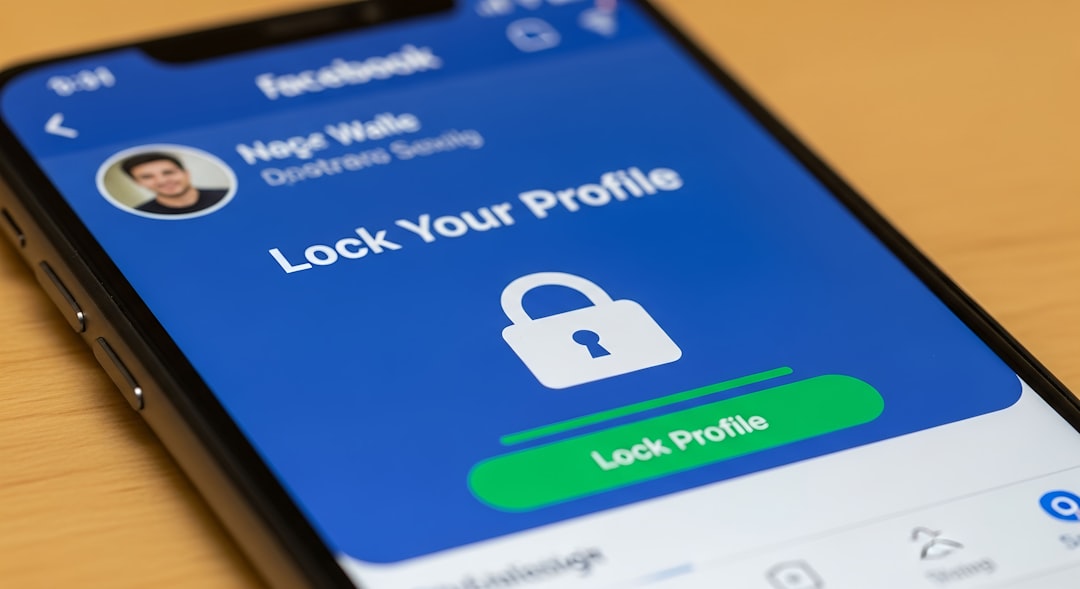
Take the time to regularly review your privacy settings on all platforms. Make sure you’re confidently controlling what gets shared and with whom. For example, Facebook has an array of privacy settings that allow you to restrict who can see your posts. Similarly, other platforms like Instagram, Twitter, and LinkedIn offer options to enhance your online privacy.
Be Wary of Phishing Scams
Phishing attacks continue to be a popular tactic for cybercriminals. These scams often come in the form of emails or messages that appear legitimate but are actually trying to trick you into revealing personal information, such as passwords or credit card numbers.
Before clicking on any link in an email or message, double-check the sender’s address and look for signs of fraud. In my experience, if an offer sounds too good to be true, it probably is. Always err on the side of caution and verify the authenticity before providing any information.
Limit Personal Information on Social Media
While social media can be fun for connecting with friends and sharing experiences, it also offers a treasure trove of personal information for anyone who wants it. Be mindful about what you’re sharing. Often, people overshare details like their location, phone number, or even pictures from their personal lives without considering the long-term implications.
Consider making your profiles private and only accepting friend requests from people you know in real life. This simple change can significantly reduce the risk of having your information misused by strangers.
Regularly Update Your Software
Software updates can seem annoying, often prompting you to delay or ignore them altogether. But these updates often contain essential security patches that help protect against new threats. If you want to know how to protect your privacy online effectively, staying updated is non-negotiable.
Make sure that your operating systems, browsers, and applications are updated regularly to address any vulnerabilities and maximize your online safety.
Consider Your Browsing Habits
The sites you visit and how you interact with them can contribute to your online privacy footprint. For instance, using search engines that don’t track your data remains a top internet safety practice. Popular choices include DuckDuckGo and Startpage, which offer tailored results without compromising your privacy.
In addition, consider using privacy-focused browsers like Firefox or Brave. These browsers include features designed to enhance your privacy while browsing, such as blocking trackers and ads by default.
Final Thoughts
Learning how to protect your privacy online isn’t a one-time task; it’s an ongoing process that requires diligence. While the risks of the internet can feel overwhelming at times, there are numerous effective strategies you can employ to safeguard your personal information. By being proactive and informed, you can enjoy your online experience without sacrificing your safety.
Remember, your privacy is your responsibility. Implement these online privacy tips, enforce data protection strategies, and you’ll be well on your way to enjoying a safer internet experience.