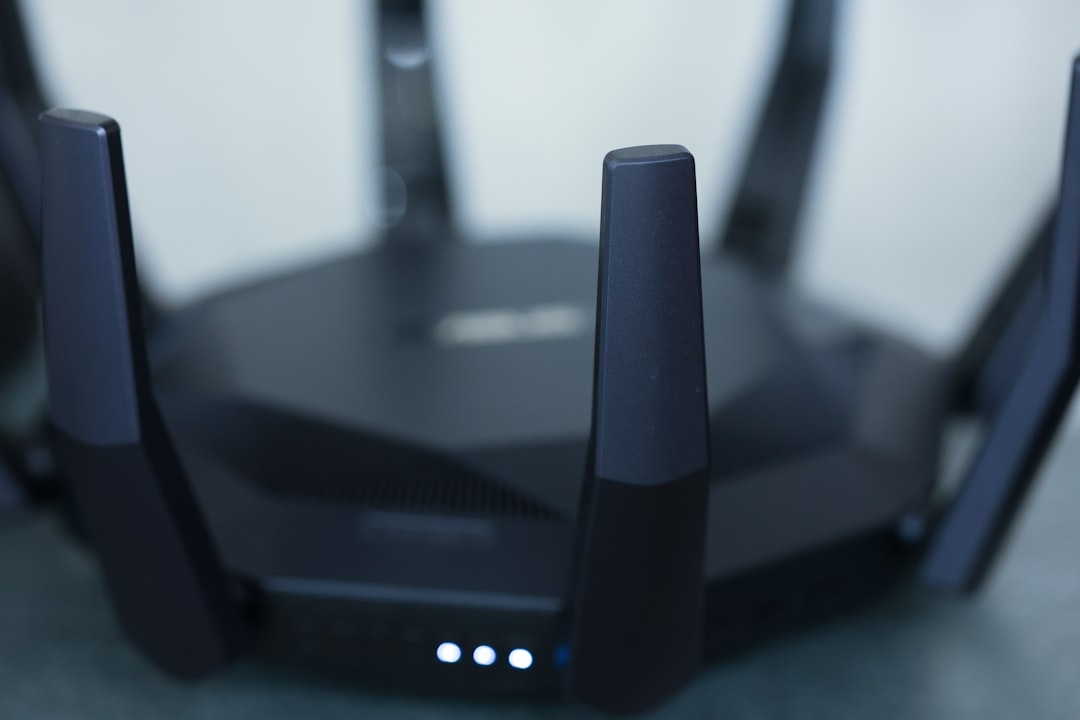
Picture this: you’re sitting at home, enjoying a cup of coffee, and suddenly realize your Wi-Fi is acting up. You check your network, and lo and behold, there’s an unfamiliar device connected. Panic sets in—who’s sneaking onto your network? It’s a common situation that can leave anyone feeling vulnerable. But don’t worry, there are effective ways to secure your home Wi-Fi network and keep those intruders at bay.
Why You Need to Secure Your Home Wi-Fi Network
First off, let’s talk about why it’s vital to secure your home Wi-Fi network. With the rise of smart devices and the Internet of Things, more and more gadgets rely on Wi-Fi to function. Every connected device is another potential entry point for unauthorized users. A secure Wi-Fi connection not only protects your information but also keeps your devices from being hijacked for malicious purposes.
Think about it: you’ve got your banking apps, photos, and even personal messages flowing through that network. If someone gains access, they could do anything from stealing your personal information to slowing down your connection with unwanted traffic. So, how to secure your home Wi-Fi network should be a top priority for every household.
Change Your Default Settings
One of the most basic—and commonly ignored—ways to secure your Wi-Fi is to change the default settings on your router. When you buy a router, it comes with a preset username and password. Unfortunately, these defaults are widely known and easily obtainable. If you don’t change them, it’s like leaving your front door wide open.
- Change the Wi-Fi Network Name (SSID): Avoid using easily identifiable names, such as your last name or “John’s Wi-Fi.” A less recognizable name makes it difficult for intruders to guess.
- Create a Strong Password: Use a mix of letters, numbers, and symbols for your Wi-Fi password. The more complex, the better!
In my experience, people often underestimate the power of a strong password. If it’s something easily memorable, chances are, it’s easily guessed. Aim for at least 12 characters and consider using a password manager for generating and storing complex passwords.
Enable WPA3 Encryption
Every router comes with a variety of encryption options, but not all of them are created equal. If your router supports it, enabling WPA3 encryption is one of the best ways to secure your home Wi-Fi network. WPA3 offers enhanced security features compared to its predecessor, WPA2, significantly improving your protection against brute-force attacks.
If, for some reason, your router doesn’t support WPA3, make sure it’s at least set to WPA2. While it isn’t as secure, it still provides a decent level of protection compared to older protocols like WEP, which is outdated and easily cracked.
Keep Your Router’s Firmware Updated
Router manufacturers regularly release firmware updates to fix bugs and improve security. If you don’t regularly check for updates, you might be running outdated software that could leave vulnerabilities open to exploitation. You can usually find this option in the router’s settings interface.
Most people mistakenly think that once they set up their router, their job is done. But just like your computer or smartphone, your router needs maintenance too. Set a reminder to check your router’s firmware every couple of months to make sure it’s up-to-date.
Disable Remote Management
Many modern routers come with a feature called remote management, allowing you to control your router settings from outside your home network. While this might sound convenient, it also means you’re leaving a potential doorway open for hackers.
If you don’t specifically need remote access, it’s best to turn this feature off. It’s an extra layer of security that minimizes the chances of anyone gaining access to your network from afar.
Set Up a Guest Network
If you have frequent visitors who need Wi-Fi access, consider setting up a separate guest network. This way, you can provide access without sharing your main Wi-Fi password. A guest network ensures that any unauthorized users can’t see or interact with devices connected to your main network, thus helping keep your information more secure.
- Limit Guest Access: You can configure guest network settings to restrict bandwidth or certain websites.
- Use a Different Password: Give your guests a temporary password that you can easily change when they leave.
Here’s what most people get wrong: they think that simply providing a password is enough. It’s not! A dedicated guest network allows you to keep your main Wi-Fi secure while still offering convenience to your visitors.
Regularly Monitor Connected Devices
It’s essential to keep an eye on the devices connected to your Wi-Fi network. Most routers let you view a list of connected devices in their settings. If you notice any unfamiliar devices, you’ll want to take immediate action to remove them.
Consider setting a schedule to check your network every few weeks. Make it a habit. If you notice any unauthorized access, it might be time to change your Wi-Fi password and re-secure your network to prevent further unauthorized access.
Conclusion
When it comes to how to secure your home Wi-Fi network, there’s no one-size-fits-all solution. It requires a combination of changing defaults, utilizing encryption, updating firmware, and monitoring connected devices. By following the tips outlined in this blog post, you can significantly reduce the risk of unauthorized access and enjoy the peace of mind that comes with a secure Wi-Fi network.
Don’t give hackers a free pass into your digital life. Secure your network today and ensure your online experience remains yours alone.