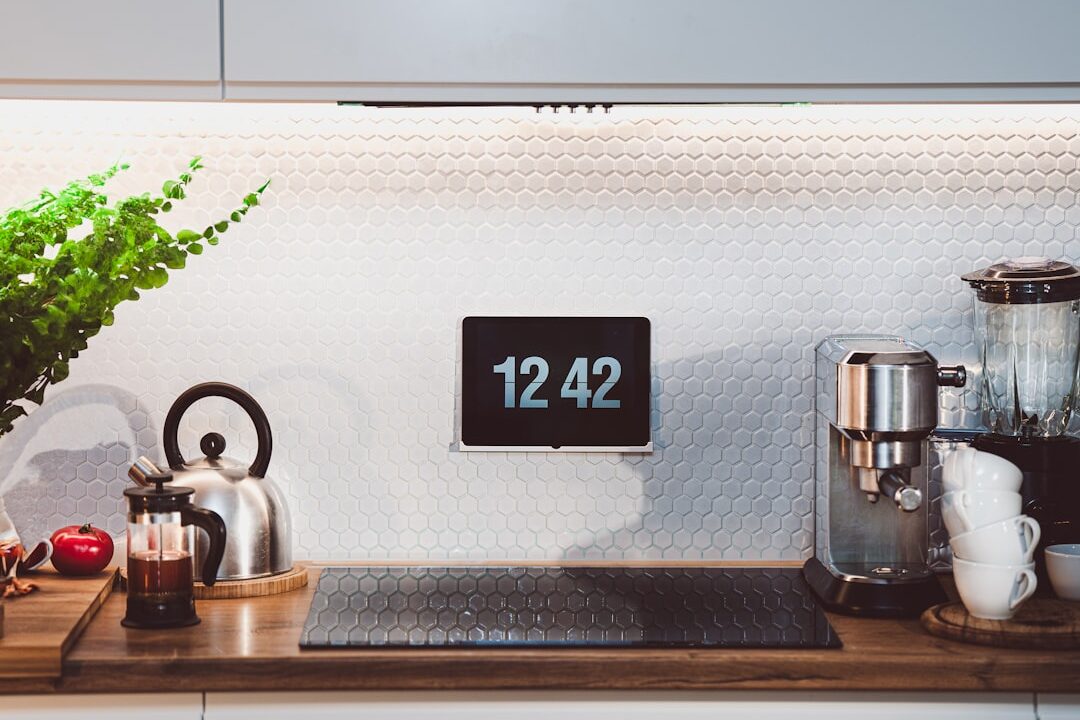
Imagine walking into your home, and the lights automatically turn on, your favorite playlist starts playing, and the thermostat adjusts to the perfect temperature—all without you lifting a finger. Sounds like something out of a sci-fi movie, right? Well, this can be your reality with a smart home setup! If you’ve ever wondered how to build a smart home, you’re in the right place. In this post, I’ll guide you through the essentials of creating a smart home that meets your needs and fits your lifestyle.
Understanding Smart Home Devices
Before diving into the nitty-gritty of how to build a smart home, it’s essential to understand what smart home devices are. These gadgets can connect to the internet and communicate with each other. They come in various forms, from smart bulbs to home security cameras. Here are a few categories to consider:
- Smart Lighting: Devices like Philips Hue or LIFX allow you to control your lights remotely and set schedules.
- Smart Thermostats: Options like Nest and Ecobee help you save energy by learning your preferences and adjusting temperatures automatically.
- Smart Security Systems: Brands such as Ring and Arlo offer video doorbells and security cameras that keep your home safe.
- Smart Appliances: Refrigerators, ovens, and washing machines can now connect to your Wi-Fi network, making cooking and chores more convenient.
In my experience, one of the biggest misconceptions people have is that smart devices are all about luxury. While it’s true that they can make life more convenient, they can also enhance safety and save money on utility bills—definitely a win-win situation.
Creating Your Smart Home Plan
Now that you have a basic understanding of smart devices, it’s time to think about what you want from your home automation setup. Ask yourself the following questions:
- What areas of your home need smart features?
- Do you prioritize security, convenience, energy efficiency, or a mix of all three?
- What’s your budget for smart home devices?
Your answers will guide you in selecting the right devices and technologies. For example, if energy savings are important to you, investing in smart thermostats and energy-efficient lighting would make sense. If security tops your list, a robust set of cameras and alarms should be your focus.
Choosing the Right Ecosystem
When figuring out how to build a smart home, selecting an ecosystem for all your devices is crucial. Popular options include Amazon Alexa, Google Assistant, and Apple HomeKit. Each system has its pros and cons. Here’s a quick overview:
- Amazon Alexa: Known for its compatibility with a wide range of smart home devices, Alexa makes adding and controlling devices easy.
- Google Assistant: If you’re already embedded in the Google ecosystem (think Google Photos, Google Calendar), this is a great choice for you.
- Apple HomeKit: Best for those who already use Apple devices, it offers top-notch security but can be more limiting in device selection.
Many beginners get confused about which ecosystem to choose, but I suggest looking at what devices you’re already using. It’s easier to stick with a system that integrates well with your existing tech.
Smart Home Setup: Step-by-Step
Once you’ve decided on your goals and the ecosystem you’ll use, it’s time for the fun part: the actual setup! Here’s a step-by-step approach to help you configure your smart home:
Step 1: Start with One Device
Don’t overwhelm yourself with a bunch of new gadgets. Start with one smart device, like a smart bulb or a smart speaker. This lets you familiarize yourself with the app and how everything works without feeling lost.
Step 2: Connect to Your Home Network
Most smart devices require a Wi-Fi connection. Follow the manufacturer’s instructions to connect the device to your home network. Make sure to keep your Wi-Fi secure to prevent unwanted access.
Step 3: Install the Companion App
Most smart devices have an accompanying app that allows you to control them from your smartphone. Download the app and create an account if needed. In my experience, this is where you’ll find customization options that enhance your smart home benefits.
Step 4: Explore Settings and Features
Once your device is connected, take some time to explore its settings. You may find features that you didn’t expect. For example, smart bulbs often allow you to change color and set schedules, enhancing your home’s ambience.
Step 5: Integrate with Other Devices
If you plan on expanding your setup, now’s the time to start integrating other devices. You might link your smart speaker with your smart lighting for voice control—this can be incredibly fun!
Common Mistakes to Avoid
As you embark on your mission to create a smart home, it’s essential to sidestep some common pitfalls. Here are a few things most beginners overlook:
- Forgetting Security: Always change the default passwords on your devices. Leaving them unchanged is like leaving your front door unlocked.
- Overcomplicating Things: Start with a few essential devices. It’s okay to upgrade later as you become more comfortable with technology.
- Ignoring Compatibility: Not all devices work with every ecosystem. Make sure to check compatibility before buying.
Here’s what most people get wrong: they think they need to have the newest or most expensive devices. That’s not true! Focus on what’s necessary for your lifestyle rather than what’s trendy.
The Benefits of Smart Home Devices
There are numerous smart home benefits, ranging from convenience to enhanced security. Here are some key advantages:
- Convenience: You can control your entire home from your smartphone or through voice commands.
- Energy Efficiency: Smart devices can help reduce your utility bills. For instance, a smart thermostat adjusts temperatures based on your habits, ultimately saving you money.
- Enhanced Security: Smart security systems provide 24/7 monitoring, giving you peace of mind when you’re away.
- Increased Home Value: A well-equipped smart home can be a significant selling point when it comes time to move.
Expanding Your Smart Home Over Time
Once you’ve set up your initial devices, you might find yourself addicted to the convenience and security of smart home technology. As you get more comfortable, you can start adding additional gadgets. Think about your daily routine and what devices might simplify your life.
- Consider smart blinds that open and close automatically.
- Explore smart locks for keyless entry.
- Add smart speakers in various rooms for an interconnected audio system.
Each addition can further enhance your smart home experience. Just make sure to take it one step at a time to avoid feeling overwhelmed.
Conclusion
Building a smart home doesn’t have to be an intimidating task. By understanding what devices are available, creating a solid plan, and taking a step-by-step approach, anyone can transform their living space. Remember to start small, focus on what you truly need, and expand over time. The benefits of home automation are numerous, and soon enough, you’ll wonder how you ever lived without smart technology. So, are you ready to start building your smart home?